



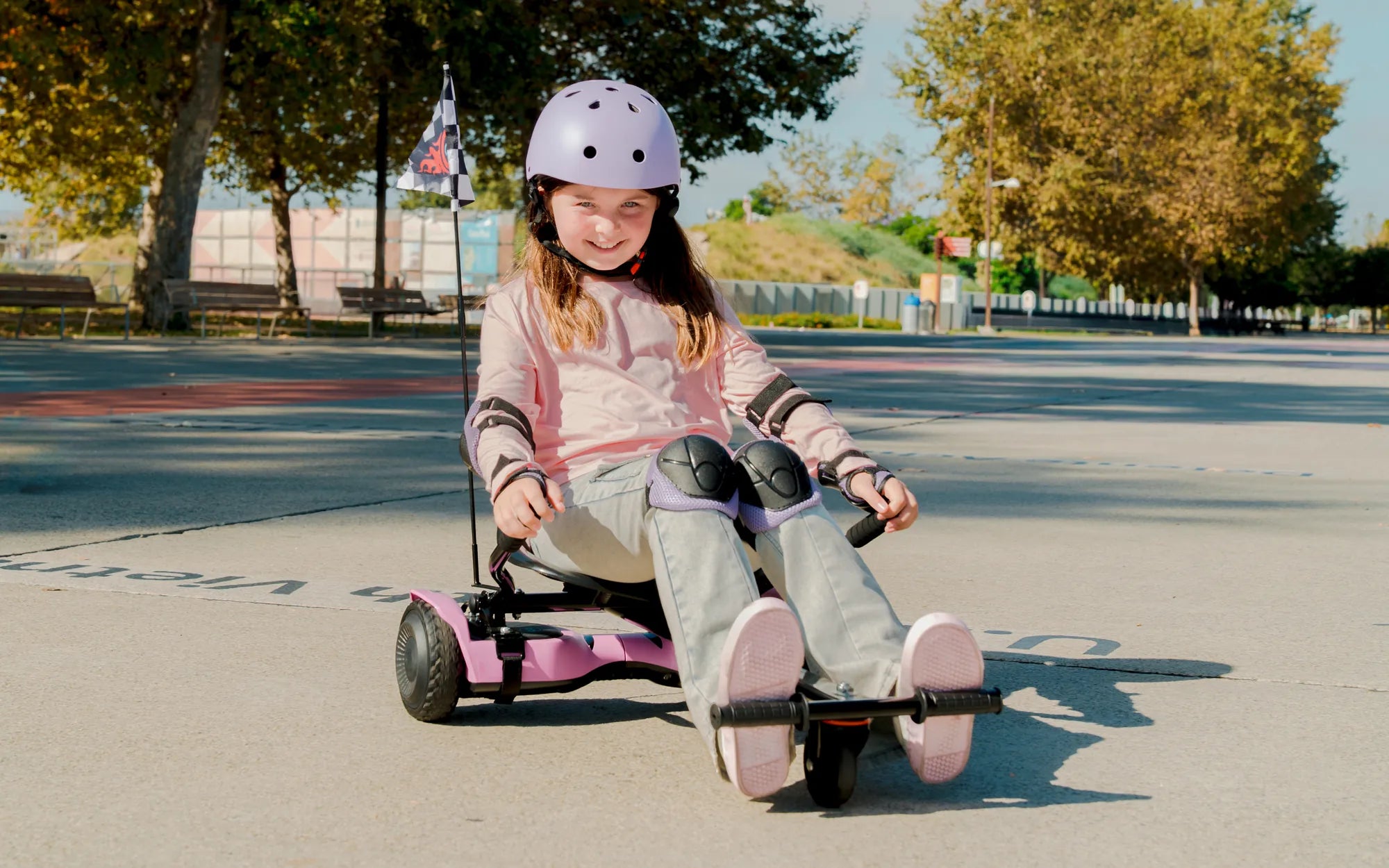
Few things are as frustrating as stepping onto your hoverboard only to find it wobbling uncontrollably or refusing to stay level. Whether you're a seasoned rider or a beginner, an unbalanced hoverboard can quickly turn a fun ride into a safety hazard. But don't worry—this guide will help you diagnose the problem and get your hoverboard back on track.
Why Your Hoverboard Won't Stay Level
An unbalanced hoverboard can stem from several issues, ranging from minor calibration problems to more serious mechanical failures. Below are the most common causes:
1. Calibration Issues
Hoverboards rely on internal gyroscopes and sensors to maintain balance. If these components aren't properly calibrated, the board may tilt or drift to one side. Calibration errors often occur after a firmware update or if the hoverboard has been inactive for a long time.
2. Uneven Tire Pressure
Just like a bicycle, a hoverboard's tires need consistent air pressure to function correctly. If one tire is underinflated or overinflated, the board may lean to one side, making it difficult to control.
3. Worn or Damaged Wheels
Over time, hoverboard wheels can wear unevenly or sustain damage from rough terrain. If one wheel is significantly more worn than the other, the board will struggle to stay level.
4. Faulty Gyroscope or Sensors
The gyroscope and tilt sensors are critical for maintaining balance. If these components malfunction due to water damage, impact, or manufacturing defects, the hoverboard may tilt unpredictably.
5. Battery or Motor Problems
If one motor is weaker than the other or the battery isn't distributing power evenly, the hoverboard may pull to one side. This issue is more common in older models or boards that have been heavily used.
How to Fix an Unbalanced Hoverboard
Now that you know the potential causes, let's explore solutions to get your hoverboard back in working order.
1. Recalibrate the Hoverboard
Most hoverboards have a calibration mode that resets the gyroscope and sensors. Refer to your user manual for specific instructions, but the general process involves:
- Turning off the hoverboard.
- Pressing and holding the power button until you hear a beep or see a flashing light.
- Placing the hoverboard on a flat, level surface.
- Waiting for the calibration to complete before turning it back on.
2. Check and Adjust Tire Pressure
Use a tire pressure gauge to ensure both wheels are inflated to the manufacturer's recommended PSI. If one tire is low, inflate it evenly with the other.
3. Inspect the Wheels for Damage
Examine both wheels for signs of wear, cracks, or punctures. If one wheel is damaged, replacing it may be necessary to restore balance.
4. Test the Gyroscope and Sensors
If recalibration doesn't work, the gyroscope or sensors may be faulty. In this case, professional repair or replacement may be required.
5. Evaluate the Battery and Motors
If the hoverboard tilts only when the battery is low, the issue may be power-related. Charge it fully and test again. If the problem persists, one of the motors might need servicing.
Safety Tips for Riding an Unbalanced Hoverboard
While troubleshooting, keep these safety precautions in mind:
- Avoid riding the hoverboard until the issue is resolved to prevent accidents.
- Wear protective gear, including a helmet, knee pads, and wrist guards.
- Ride on smooth, flat surfaces to minimize instability.
- Regularly inspect your hoverboard for signs of wear or damage.
When to Seek Professional Help
If you've tried all the fixes above and your hoverboard still won't stay level, it may be time to consult a professional. Persistent balance issues could indicate deeper electrical or mechanical problems that require expert attention.
Don't let an unbalanced hoverboard ruin your ride—follow these steps to diagnose and fix the issue, and you'll be gliding smoothly again in no time. Whether it's a quick recalibration or a wheel replacement, taking action now ensures safer, more enjoyable rides in the future.
Hoverboard unter 100 €: The Ultimate Guide to Affordable Self-Balancing Scooters
Hoverboard Up to 300 lbs: The Ultimate Guide for Heavy Riders