



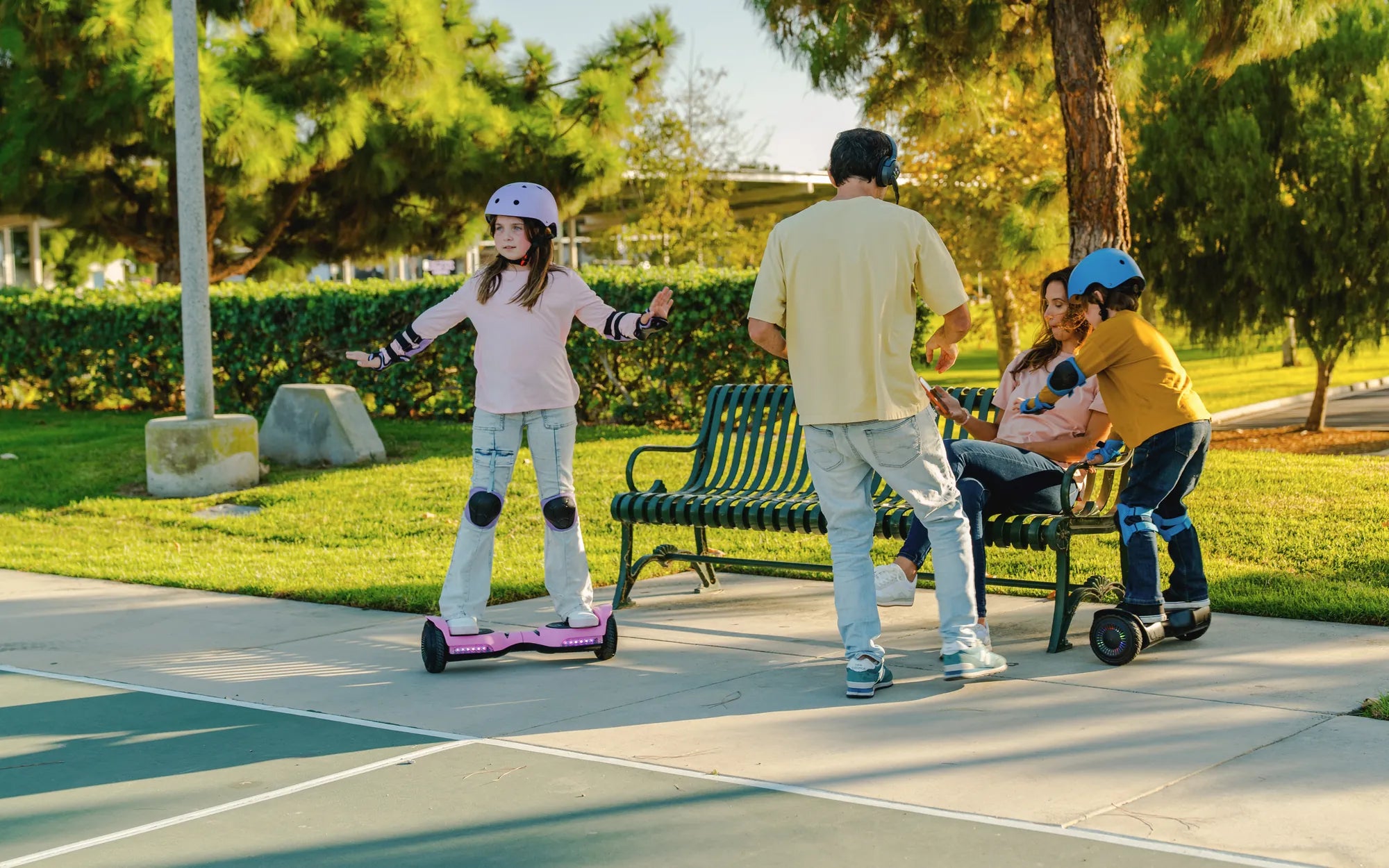
Few things are more frustrating than a hoverboard that refuses to turn off. Whether it's stuck in an endless loop of beeping or simply ignoring your power button presses, an unresponsive hoverboard can quickly turn from fun to frightening. But before you consider tossing your gliding gadget, try these proven troubleshooting steps to get your hoverboard back under control.
Why Won't My Hoverboard Turn Off?
Understanding the root cause of your hoverboard's stubborn behavior is the first step toward fixing it. Common reasons include:
- Stuck or malfunctioning power button
- Software glitches in the control board
- Battery management system issues
- Water damage affecting electronics
- Overheating components
Emergency Shutdown Procedures
When your hoverboard won't respond to normal shutdown commands, try these emergency methods:
- Force restart: Hold the power button for 15-30 seconds until all lights turn off
- Battery disconnect: Locate the battery compartment and unplug the main connector (only if comfortable with basic electronics)
- Deplete the battery: Let the hoverboard run until the battery drains completely (not recommended for frequent use)
Long-Term Fixes for Persistent Issues
For recurring power-off problems, consider these more permanent solutions:
Power Button Repair
A stuck power button is one of the most common culprits. Carefully clean around the button with compressed air or isopropyl alcohol. If the button feels loose or unresponsive, it may need replacement.
Firmware Reset
Many hoverboards have a hidden reset button or combination of button presses that can restore factory settings. Consult your manual or manufacturer's website for specific instructions.
Battery Replacement
If your hoverboard frequently acts erratically or won't shut down properly, the battery may be failing. Look for swelling, leaks, or unusual odors as signs of a bad battery.
Preventative Maintenance Tips
Keep your hoverboard functioning properly with these care practices:
- Store in a dry, temperature-controlled environment
- Avoid overcharging the battery
- Clean the hoverboard regularly with a dry cloth
- Check for loose connections during routine maintenance
When to Seek Professional Help
If you've tried all troubleshooting steps without success, or if you notice any of these warning signs, contact a certified repair technician:
- Smoke or burning smells
- Sparkling or electrical arcing
- Severely swollen battery
- Complete unresponsiveness to all inputs
Don't let a malfunctioning hoverboard ruin your ride! With these troubleshooting techniques and maintenance tips, you'll be back to smooth gliding in no time. Remember that proper care and timely repairs can extend your hoverboard's lifespan and prevent future power issues from developing.
Build My Own Hoverboard: A Step-by-Step Guide to Creating Your Personal Levitating Ride
Build My Own Hoverboard: A Step-by-Step Guide to Creating Your Personal Levitating Ride