


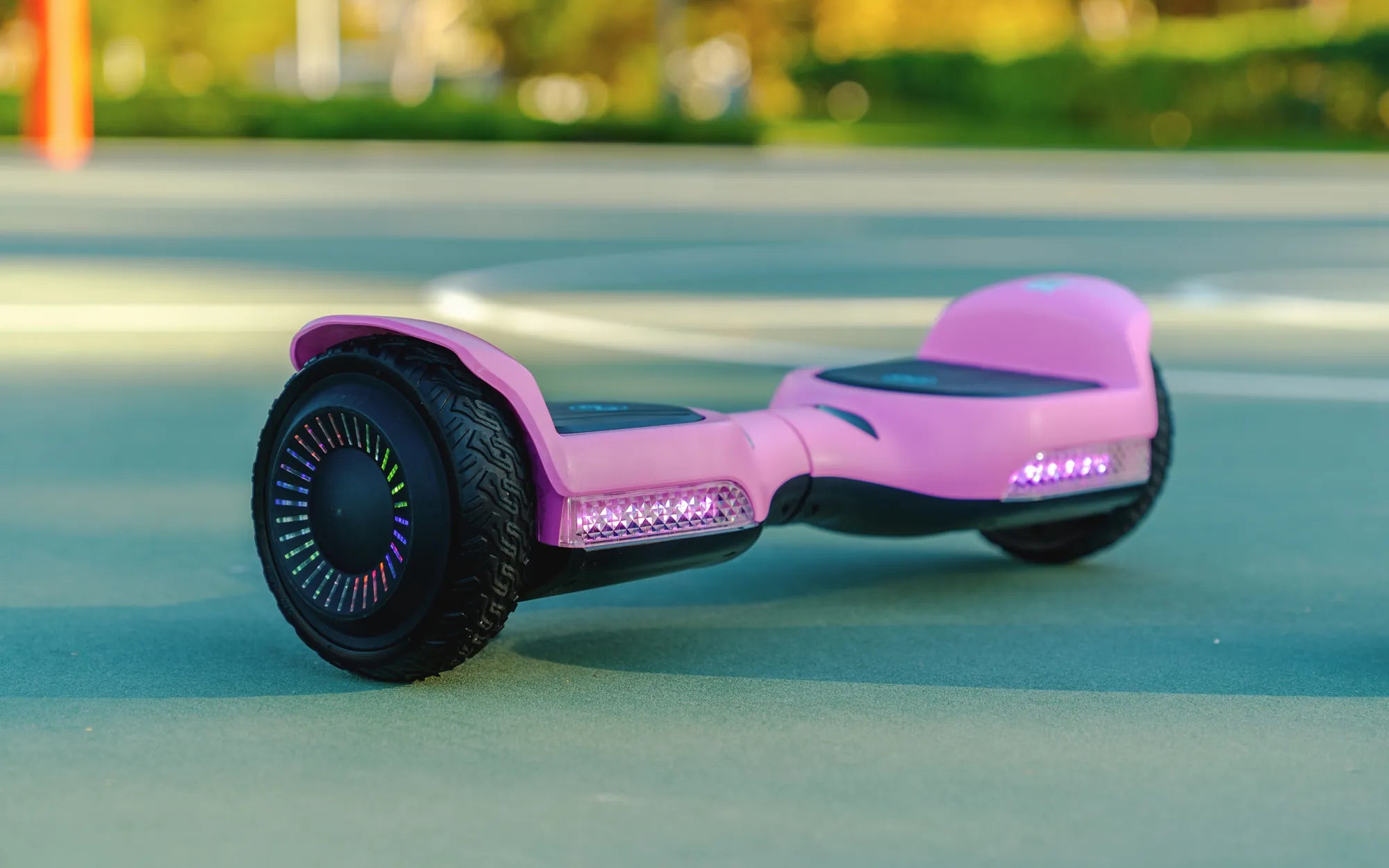
Hoverboards have become a popular mode of transportation and entertainment, but many users struggle with the basics—like charging them correctly. If you've ever wondered, "How do I charge my hoverboard?", you're not alone. This guide will walk you through the entire process, ensuring your device stays powered up and ready to ride.
Understanding Your Hoverboard's Battery
Before diving into the charging process, it's essential to understand the battery that powers your hoverboard. Most hoverboards use lithium-ion batteries, known for their efficiency and longevity. These batteries require proper care to maintain performance and safety.
Locating the Charging Port
The first step in charging your hoverboard is finding the charging port. Typically, it's located on the side or rear of the device, often covered by a rubber flap to protect it from dust and moisture. Check your user manual if you're unsure where to look.
Gathering the Right Charger
Using the correct charger is crucial for your hoverboard's health. Always use the charger that came with your device or a manufacturer-approved replacement. Using an incompatible charger can damage the battery or even pose a fire hazard.
Step-by-Step Charging Process
- Turn off your hoverboard before plugging it in.
- Connect the charger to the charging port securely.
- Plug the charger into a wall outlet.
- Wait for the indicator light to turn green, signaling a full charge.
- Unplug the charger and store it safely.
How Long Does It Take to Charge?
Charging times vary depending on the battery capacity and charger specifications. On average, a hoverboard takes 2 to 3 hours to charge fully. Avoid overcharging, as it can shorten the battery's lifespan.
Safety Tips for Charging
- Never leave your hoverboard charging unattended.
- Avoid charging near flammable materials.
- Keep the charging area well-ventilated.
- Inspect the charger and cables for damage before use.
Troubleshooting Common Charging Issues
If your hoverboard isn't charging, try these steps:
- Check the power outlet and charger for functionality.
- Ensure the charging port is clean and free of debris.
- Restart the hoverboard and try charging again.
- Consult the user manual or contact customer support if issues persist.
Extending Battery Life
To maximize your hoverboard's battery life, follow these best practices:
- Avoid draining the battery completely before recharging.
- Store the hoverboard in a cool, dry place.
- Charge the device at least once every three months if not in use.
Now that you know how to charge your hoverboard correctly, you can enjoy uninterrupted rides and prolong your device's lifespan. Keep these tips in mind, and you'll never be left stranded with a dead battery again!
Why Is My Hoverboard Only Turning On When Plugged In? Troubleshooting Guide
Hoverboard Auto Balance: The Future of Personal Transportation