



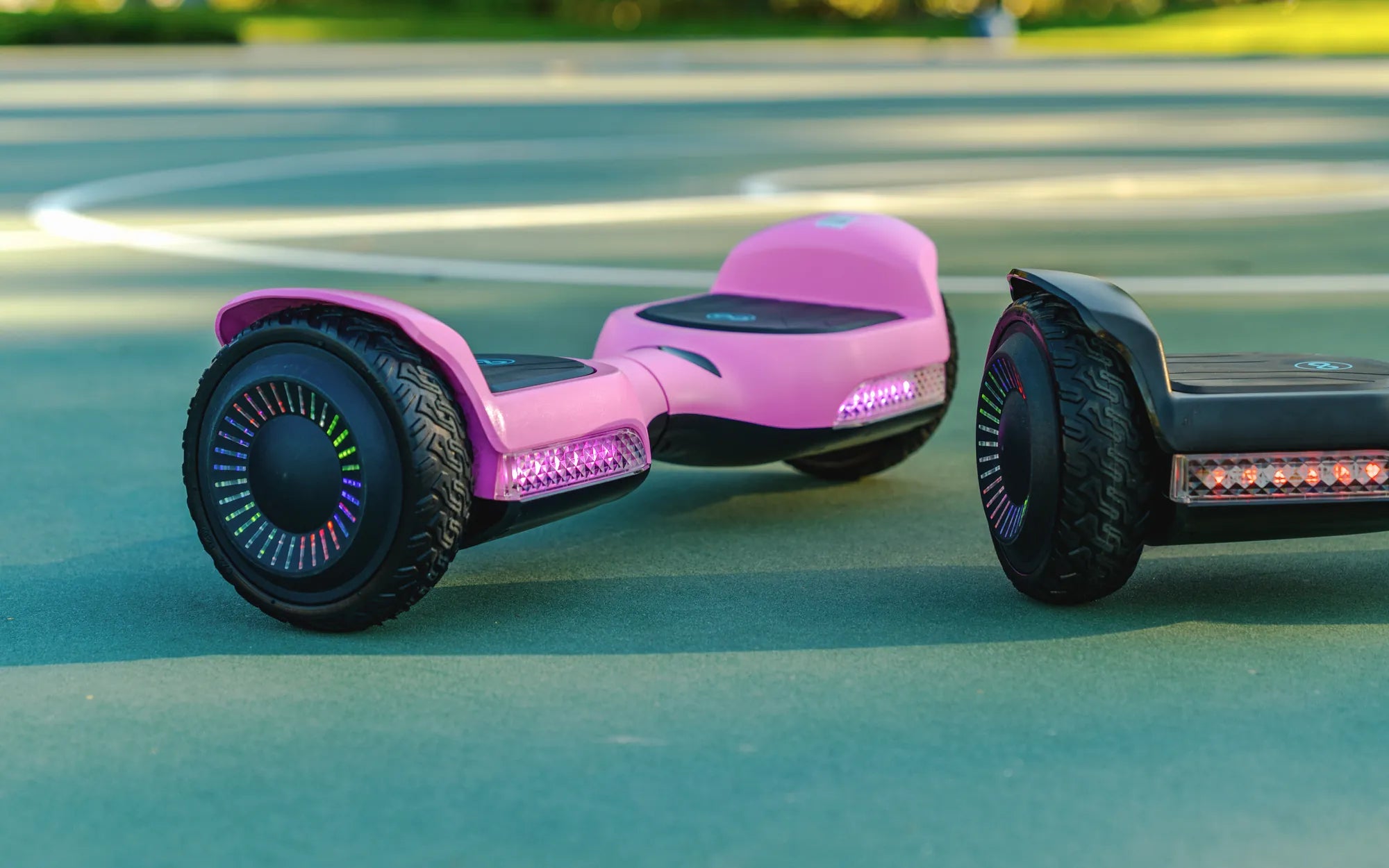
Ever wondered how long you should charge your hoverboard to keep it running smoothly without damaging the battery? Whether you're a first-time owner or a seasoned rider, understanding the right charging habits can make all the difference in your hoverboard's lifespan and performance. Let's dive into the details to ensure you get the most out of your device.
Understanding Hoverboard Battery Basics
Hoverboards typically use lithium-ion batteries, which are known for their efficiency and durability. These batteries have a specific charging cycle that, when followed correctly, can extend their lifespan significantly. Most hoverboards come with a battery capacity ranging from 4,000mAh to 10,000mAh, which directly impacts how long they take to charge.
How Long Should You Charge Your Hoverboard?
On average, a hoverboard takes between 2 to 3 hours to charge fully. However, this can vary depending on the battery size and the charger's output. Smaller batteries (4,000mAh to 6,000mAh) may charge in as little as 1.5 to 2 hours, while larger batteries (8,000mAh to 10,000mAh) can take up to 3 to 4 hours. Always refer to your hoverboard's manual for precise charging times.
Factors Affecting Charging Time
Several factors can influence how long it takes to charge your hoverboard:
- Battery Capacity: Larger batteries take longer to charge.
- Charger Output: A higher-output charger can reduce charging time.
- Battery Health: Older or degraded batteries may charge slower.
- Temperature: Extreme cold or heat can affect charging efficiency.
Best Practices for Charging Your Hoverboard
To ensure your hoverboard's battery remains in top condition, follow these best practices:
- Always use the charger provided by the manufacturer.
- Avoid overcharging by unplugging the hoverboard once it's fully charged.
- Charge the hoverboard in a cool, dry place away from direct sunlight.
- Don't let the battery drain completely before recharging.
Common Charging Mistakes to Avoid
Many hoverboard owners unknowingly make mistakes that can shorten their battery's lifespan. Here are a few to watch out for:
- Leaving the Hoverboard Plugged In Overnight: This can lead to overcharging and battery damage.
- Using a Non-Compatible Charger: This can cause overheating or even a fire hazard.
- Charging Immediately After Use: Let the battery cool down for at least 15 minutes before plugging it in.
Signs Your Hoverboard Battery Needs Replacement
Even with proper care, hoverboard batteries don't last forever. Here are some signs it might be time for a replacement:
- The hoverboard doesn't hold a charge as long as it used to.
- It takes significantly longer to charge.
- The battery overheats during charging or use.
- The hoverboard shuts off unexpectedly, even with a full charge.
Safety Tips for Charging Your Hoverboard
Safety should always be a priority when charging your hoverboard. Follow these tips to minimize risks:
- Never leave your hoverboard charging unattended.
- Avoid charging near flammable materials.
- Inspect the charger and battery regularly for signs of damage.
- If the battery or charger feels excessively hot, unplug it immediately.
Mastering the art of charging your hoverboard not only ensures a longer battery life but also enhances your riding experience. By following these guidelines, you'll keep your hoverboard powered up and ready for adventure whenever you are. Happy riding!
Normal Hoverboard Price: What You Need to Know Before Buying
Hoverboard Spinning in Circles on Its Own: Causes and Fixes