



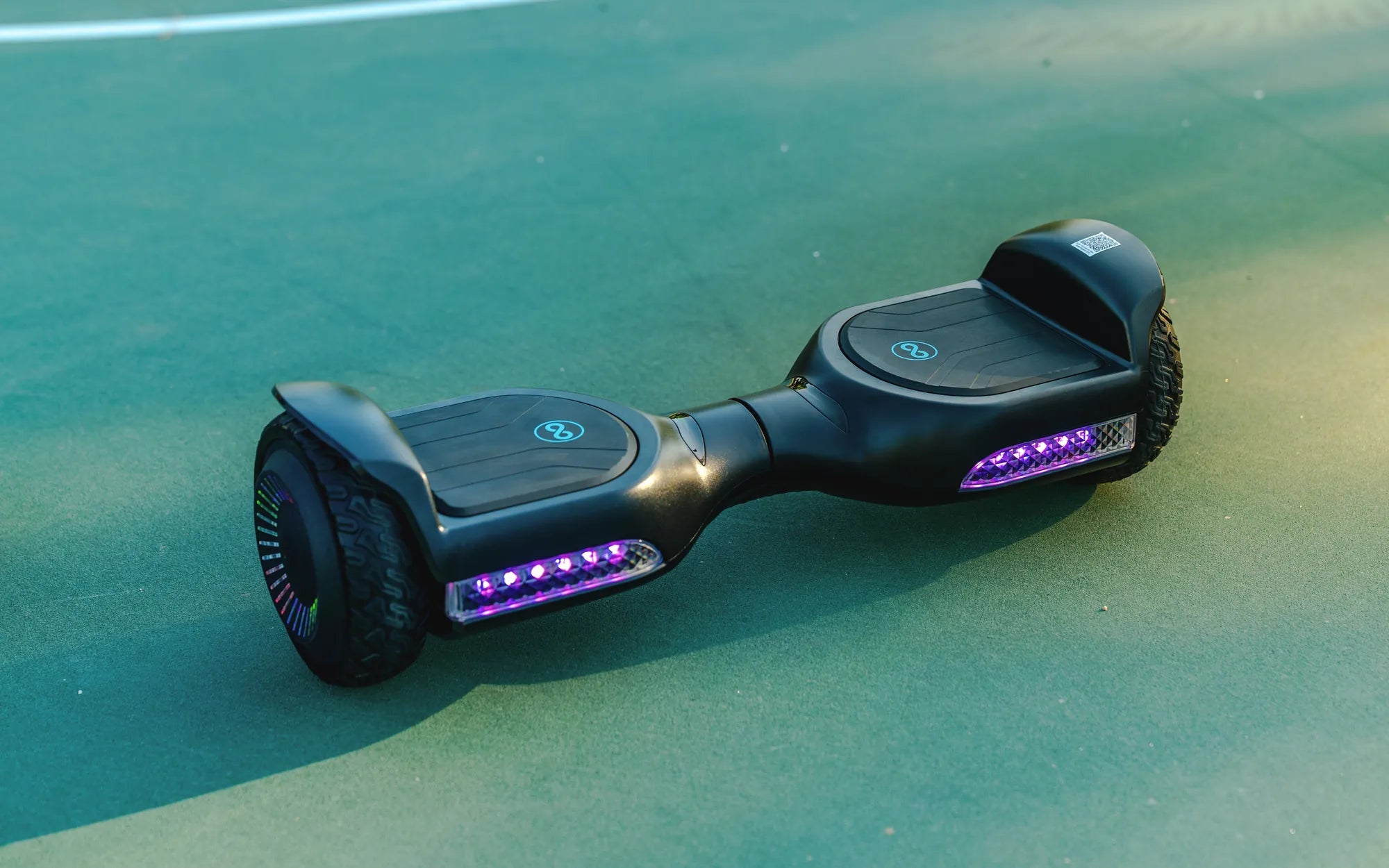
Ever wondered how long it takes for a hoverboard to charge up? Whether you're a new owner or a seasoned rider, understanding charging times is crucial to keeping your device running smoothly. In this guide, we'll break down everything you need to know about hoverboard charging, from average durations to tips for extending battery life.
Factors Affecting Hoverboard Charging Time
Several factors influence how long it takes for a hoverboard to charge up. Let's explore the most common ones:
Battery Capacity
The size of the battery, measured in watt-hours (Wh), plays a significant role in charging time. Larger batteries naturally take longer to charge than smaller ones.
Charger Output
The power output of your charger, measured in volts and amps, directly impacts charging speed. A higher-output charger can reduce charging time significantly.
Battery Health
As batteries age, they may take longer to charge and hold less power. Proper maintenance can help preserve battery health over time.
Temperature Conditions
Extreme temperatures, both hot and cold, can affect charging efficiency. Always charge your hoverboard in moderate temperature environments.
Average Charging Times for Hoverboards
While charging times vary, most hoverboards follow these general guidelines:
- Standard models: 2-3 hours for a full charge
- High-capacity models: 3-4 hours for a full charge
- Quick-charge models: 1-2 hours for a full charge
Optimizing Your Hoverboard's Charging Process
Follow these tips to ensure efficient charging and prolong battery life:
Use the Right Charger
Always use the manufacturer-recommended charger to avoid damage and ensure proper charging.
Charge in a Safe Location
Choose a flat, stable surface away from flammable materials when charging your hoverboard.
Avoid Overcharging
While most modern hoverboards have overcharge protection, it's best to unplug once fully charged.
Maintain Proper Charge Levels
For long-term storage, keep the battery at about 50% charge to prevent degradation.
Troubleshooting Slow Charging Issues
If your hoverboard is taking longer than usual to charge, consider these potential solutions:
- Check for loose connections between the charger and hoverboard
- Inspect the charging port for debris or damage
- Test with a different outlet to rule out power source issues
- Monitor battery temperature during charging
Extending Your Hoverboard's Battery Life
Proper charging habits can significantly extend your hoverboard's battery lifespan:
- Avoid letting the battery completely drain before recharging
- Don't leave the hoverboard charging unattended for extended periods
- Store the device in a cool, dry place when not in use
- Perform regular maintenance checks on the battery and charging system
Now that you know how long it takes for a hoverboard to charge up and how to optimize the process, you're ready to enjoy longer rides with fewer interruptions. Remember, proper charging habits not only save time but also protect your investment in the long run. Happy riding!
Hoverboard Battery Won't Charge: Troubleshooting and Fixes
Mini Hoverboard for 4 Year Old: The Ultimate Guide to Safe and Fun Riding