

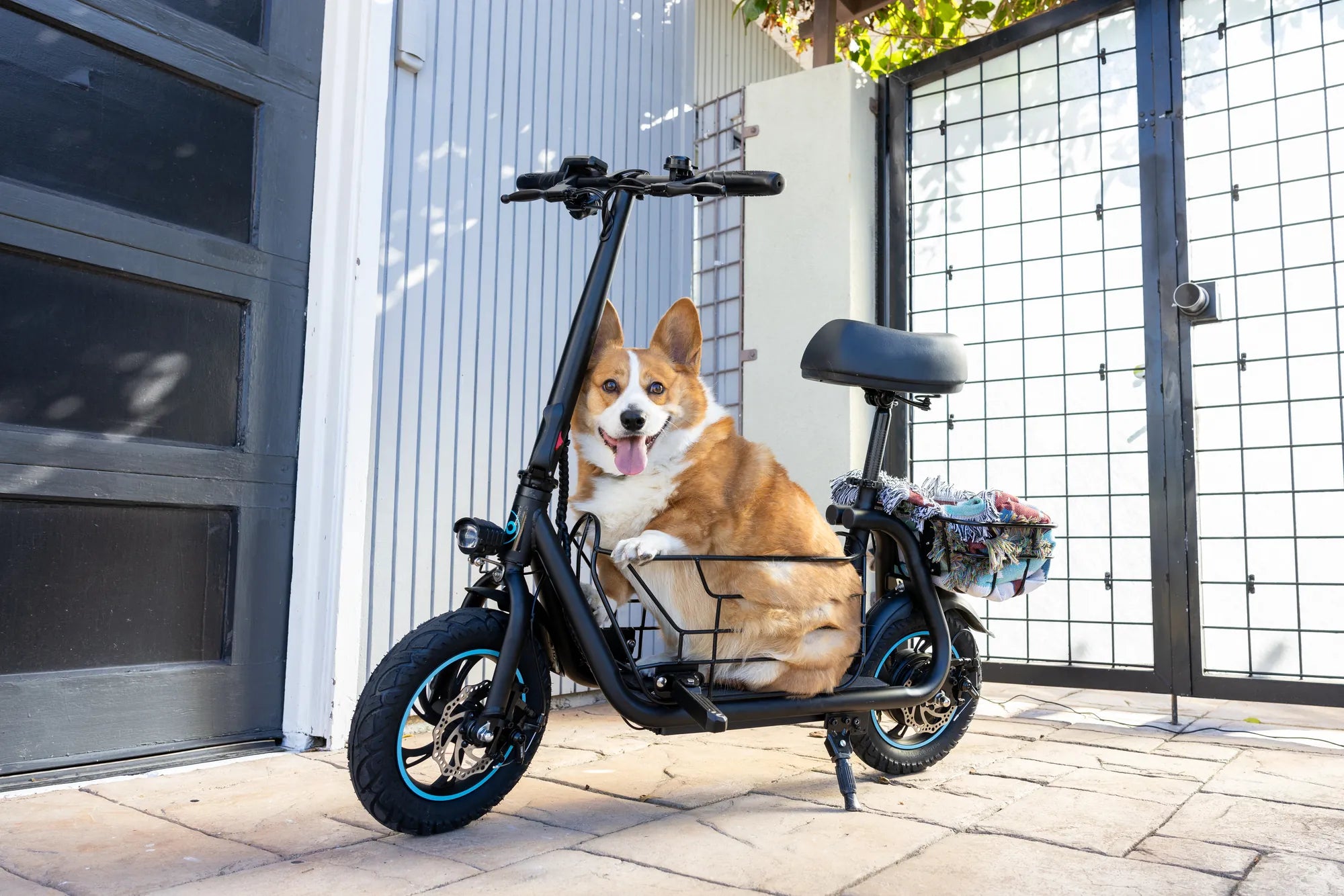
Electric scooters have become a popular mode of transportation, offering convenience and eco-friendly travel. One of the most useful features is Bluetooth connectivity, allowing you to pair your smartphone for navigation, speed tracking, or even firmware updates. But how do you activate Bluetooth on your electric scooter? Follow this guide to unlock the full potential of your ride.
Why Bluetooth Matters for Your Electric Scooter
Bluetooth technology enhances your scooter experience by enabling wireless communication with your smartphone. Whether you want to track your speed, monitor battery life, or receive firmware updates, Bluetooth makes it all possible. Without it, you might miss out on key features that improve safety and performance.
Step-by-Step Guide to Activating Bluetooth
Step 1: Check Your Scooter’s Compatibility
Not all electric scooters come with Bluetooth functionality. Refer to your user manual or manufacturer’s website to confirm whether your model supports Bluetooth. If it does, proceed to the next steps.
Step 2: Power On Your Scooter
Ensure your scooter is turned on and in pairing mode. Some models require you to hold a specific button combination to enable Bluetooth discovery. Check your manual for exact instructions.
Step 3: Enable Bluetooth on Your Smartphone
Open your smartphone’s settings and turn on Bluetooth. Make sure your device is discoverable. Scan for nearby devices, and your scooter’s name should appear in the list.
Step 4: Pair Your Devices
Select your scooter from the list of available devices. If prompted, enter a pairing code (often "0000" or "1234"). Once connected, you should see a confirmation message on both your phone and scooter display.
Step 5: Test the Connection
Open the companion app for your scooter (if available) and verify that data is being transmitted. Test features like speed tracking or battery monitoring to ensure everything works correctly.
Troubleshooting Common Bluetooth Issues
Problem: Scooter Not Appearing in Bluetooth List
If your scooter doesn’t show up, ensure it’s in pairing mode. Restart both your scooter and smartphone, then try again. If the issue persists, consult your manual for reset instructions.
Problem: Connection Drops Frequently
Bluetooth interference from other devices can cause unstable connections. Move away from crowded Wi-Fi or Bluetooth areas. Also, ensure your scooter’s firmware is up to date.
Problem: App Not Recognizing the Scooter
Uninstall and reinstall the companion app, then reconnect. Check for app updates or compatibility issues with your phone’s operating system.
Best Practices for Bluetooth Connectivity
- Keep your scooter and smartphone within 30 feet for optimal signal strength.
- Regularly update your scooter’s firmware to avoid connectivity bugs.
- Disconnect Bluetooth when not in use to save battery life.
Mastering Bluetooth activation on your electric scooter opens up a world of smart features and convenience. Follow these steps, troubleshoot with confidence, and enjoy a seamless ride every time.
38 mph Electric Scooter: The Ultimate Guide to Speed and Performance
38 mph Electric Scooter: The Ultimate Guide to Speed and Performance