

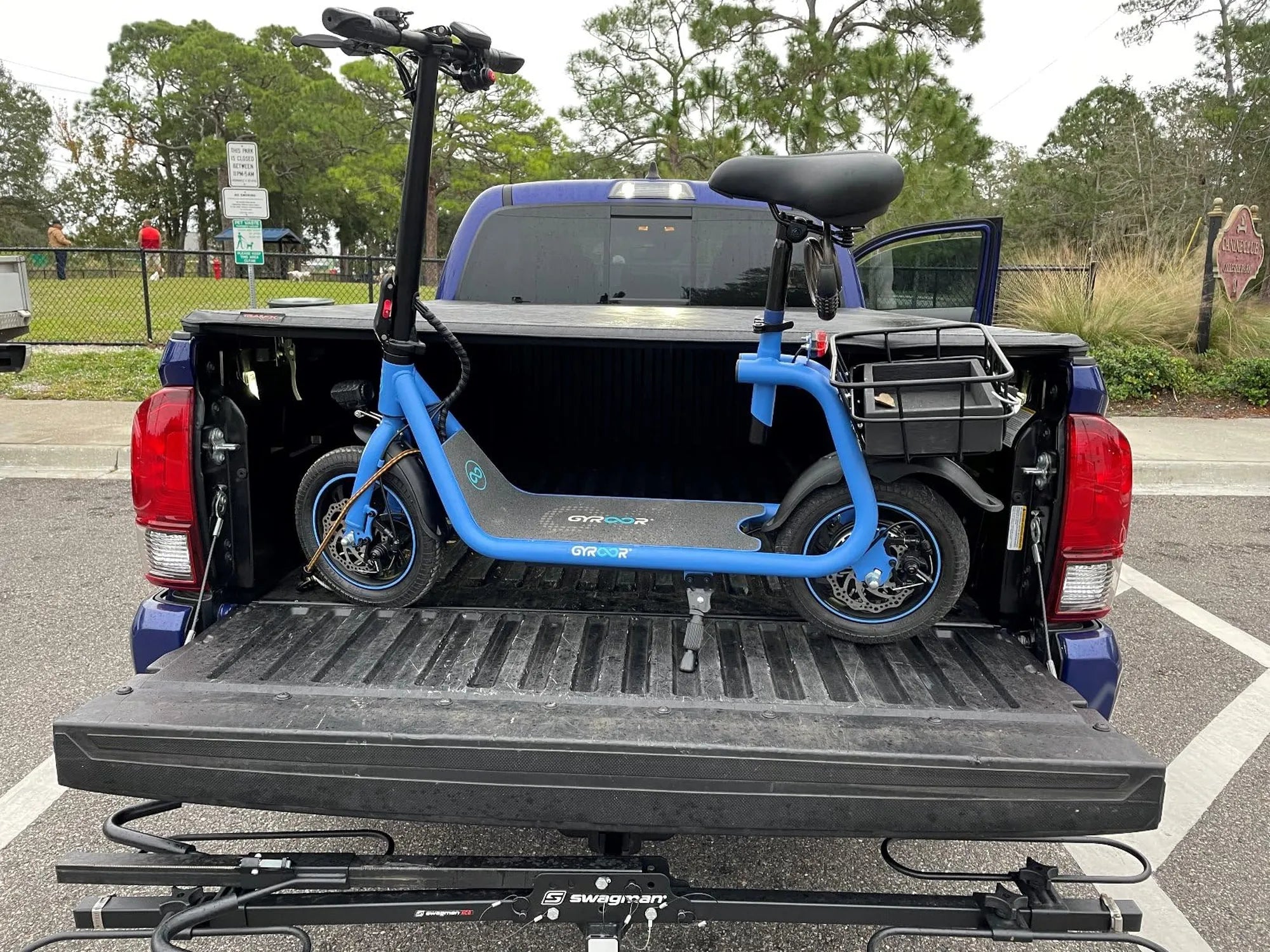
Electric scooters have revolutionized urban mobility, offering a convenient and eco-friendly way to navigate busy streets. Whether you're a first-time rider or a seasoned pro, knowing how to book an electric scooter is essential for a smooth experience. This guide will walk you through every step, from finding available scooters to unlocking your ride and hitting the road.
Why Choose an Electric Scooter?
Electric scooters are a fantastic alternative to traditional transportation. They're cost-effective, reduce carbon footprints, and help you avoid traffic jams. With the rise of shared mobility services, booking an electric scooter has never been easier. Here's how you can get started.
Step 1: Download the Right App
Most electric scooter rentals operate through mobile apps. Start by downloading a reputable scooter-sharing app from your device's app store. Ensure the app is compatible with your location, as services vary by city.
Step 2: Create an Account
Once the app is installed, you'll need to sign up. This usually involves providing your email, phone number, and payment details. Some apps may require a driver's license or age verification to comply with local regulations.
Step 3: Locate Available Scooters
Open the app and use the built-in map to find nearby electric scooters. The map will display available scooters, their battery levels, and estimated costs. Choose one that's conveniently located and has enough charge for your trip.
Step 4: Reserve Your Scooter
Some apps allow you to reserve a scooter in advance, while others operate on a first-come, first-served basis. If reservation is an option, select your preferred scooter and hold it for a short period to ensure it's ready when you arrive.
Step 5: Unlock the Scooter
Approach the scooter and scan the QR code or enter the unlock code provided in the app. Once unlocked, the scooter is ready to ride. Always check for any visible damage or issues before starting your journey.
Step 6: Ride Safely
Wear a helmet, follow traffic rules, and stay aware of your surroundings. Most apps provide safety tips and guidelines for first-time riders. Stick to designated bike lanes or roads where scooters are permitted.
Step 7: End Your Ride
When you reach your destination, park the scooter in a designated area or a spot that doesn't obstruct pedestrians or traffic. Open the app and tap the "End Ride" button to lock the scooter and complete your trip.
Tips for a Smooth Booking Experience
- Check for promotions or discounts in the app to save on rides.
- Ensure your phone has enough battery to complete the booking process.
- Read the app's terms and conditions to understand pricing and rules.
- Report any issues with the scooter through the app to help other riders.
Common Mistakes to Avoid
Many riders overlook simple steps that can lead to frustration. Avoid booking a scooter without checking its battery level, ignoring local laws, or parking in unauthorized areas. These mistakes can result in extra fees or even account suspension.
The Future of Electric Scooter Rentals
As cities continue to embrace sustainable transportation, electric scooter rentals are expected to grow. Innovations like longer battery life and improved safety features will make booking and riding even more accessible.
Ready to zip through the city with ease? Now that you know how to book an electric scooter, you're all set for a hassle-free ride. Download an app today and experience the freedom of electric mobility!
Electric Scooter Price Malaysia 2025: Trends, Predictions, and Buying Guide
Electric Scooter Price Malaysia 2025: Trends, Predictions, and Buying Guide