



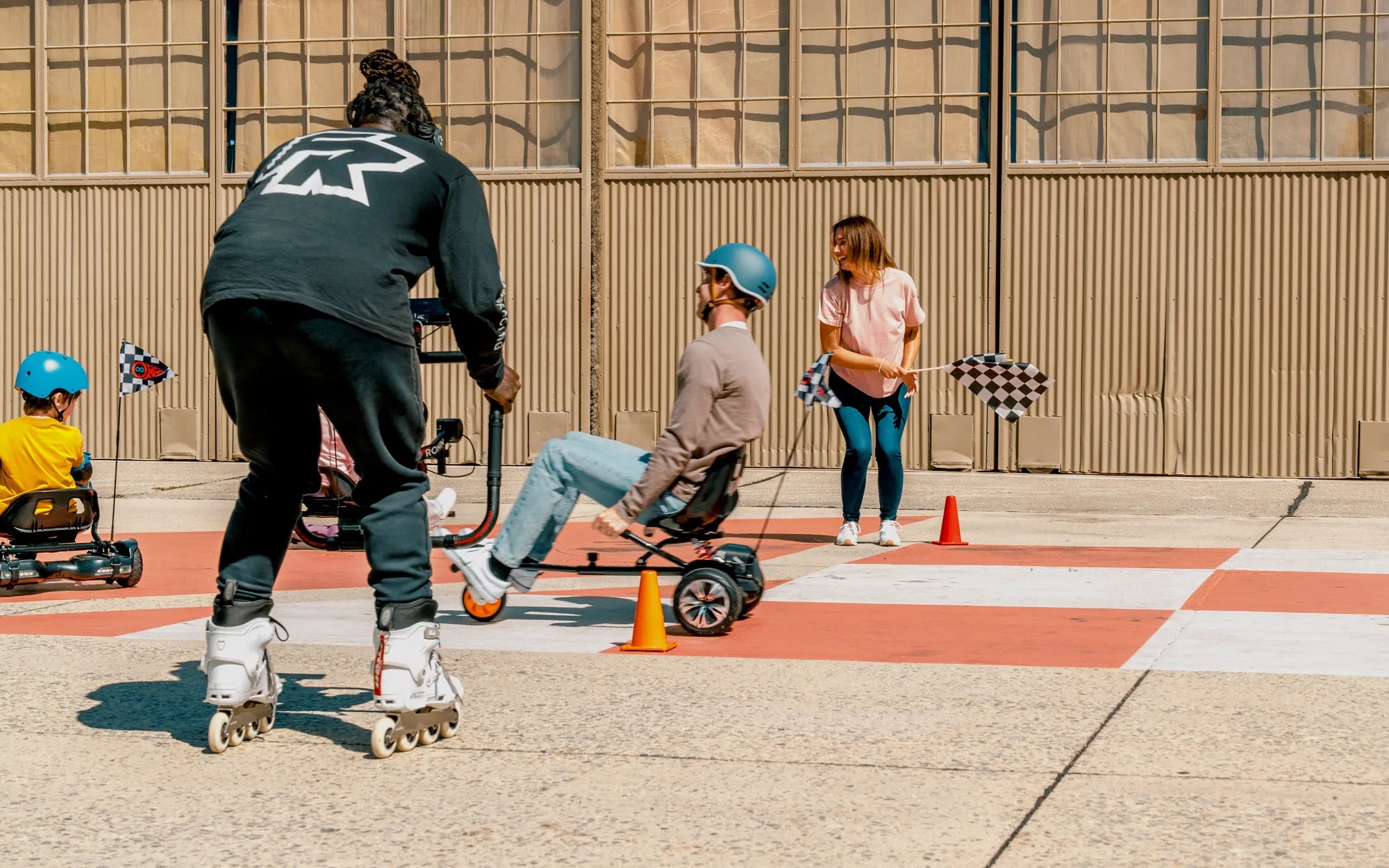
Ever dreamed of cruising on your hoverboard with the comfort of a seat? Building a hoverboard seat is easier than you think, and this guide will walk you through every step. Whether you're a DIY novice or a seasoned builder, you'll find everything you need to create a sturdy, stylish seat for your hoverboard.
Why Build a Hoverboard Seat?
Hoverboards are fun, but standing for long periods can be tiring. A custom seat adds comfort, stability, and a unique touch to your ride. Plus, it's a great way to personalize your hoverboard and stand out from the crowd.
Materials You'll Need
- Lightweight, durable material (e.g., plywood or plastic)
- Foam padding or cushioning
- Waterproof fabric or upholstery
- Strong adhesive or screws
- Measuring tape and marker
- Saw or cutting tool
- Sandpaper
- Stapler or sewing kit (for fabric)
Step 1: Measure and Cut the Base
Start by measuring the width of your hoverboard. Cut a piece of plywood or plastic to match this width, ensuring it's long enough to support your body comfortably. Sand the edges to prevent splinters or sharp corners.
Step 2: Attach the Seat to the Hoverboard
Secure the base to your hoverboard using strong adhesive or screws. If using screws, ensure they don't interfere with the hoverboard's internal components. Test the stability before proceeding.
Step 3: Add Cushioning
Cut foam padding to fit the base and glue it down. For extra comfort, layer multiple pieces of foam. Cover the padding with waterproof fabric, stapling or sewing it tightly to the base.
Step 4: Customize Your Seat
Paint the base, add decorative elements, or choose a bold fabric pattern. This is your chance to make the seat uniquely yours.
Safety Tips
- Always wear a helmet when riding.
- Test the seat at low speeds before full use.
- Ensure the seat doesn't block the hoverboard's sensors or buttons.
Now that you know how to build a hoverboard seat, it's time to hit the streets in style and comfort. Your custom seat will turn heads and make every ride more enjoyable. Happy hovering!
Glow Up Hoverboards: The Ultimate Guide to Futuristic Personal Transport
Hoverboard Tire Repair: Essential Tips to Keep Your Ride Smooth and Safe