



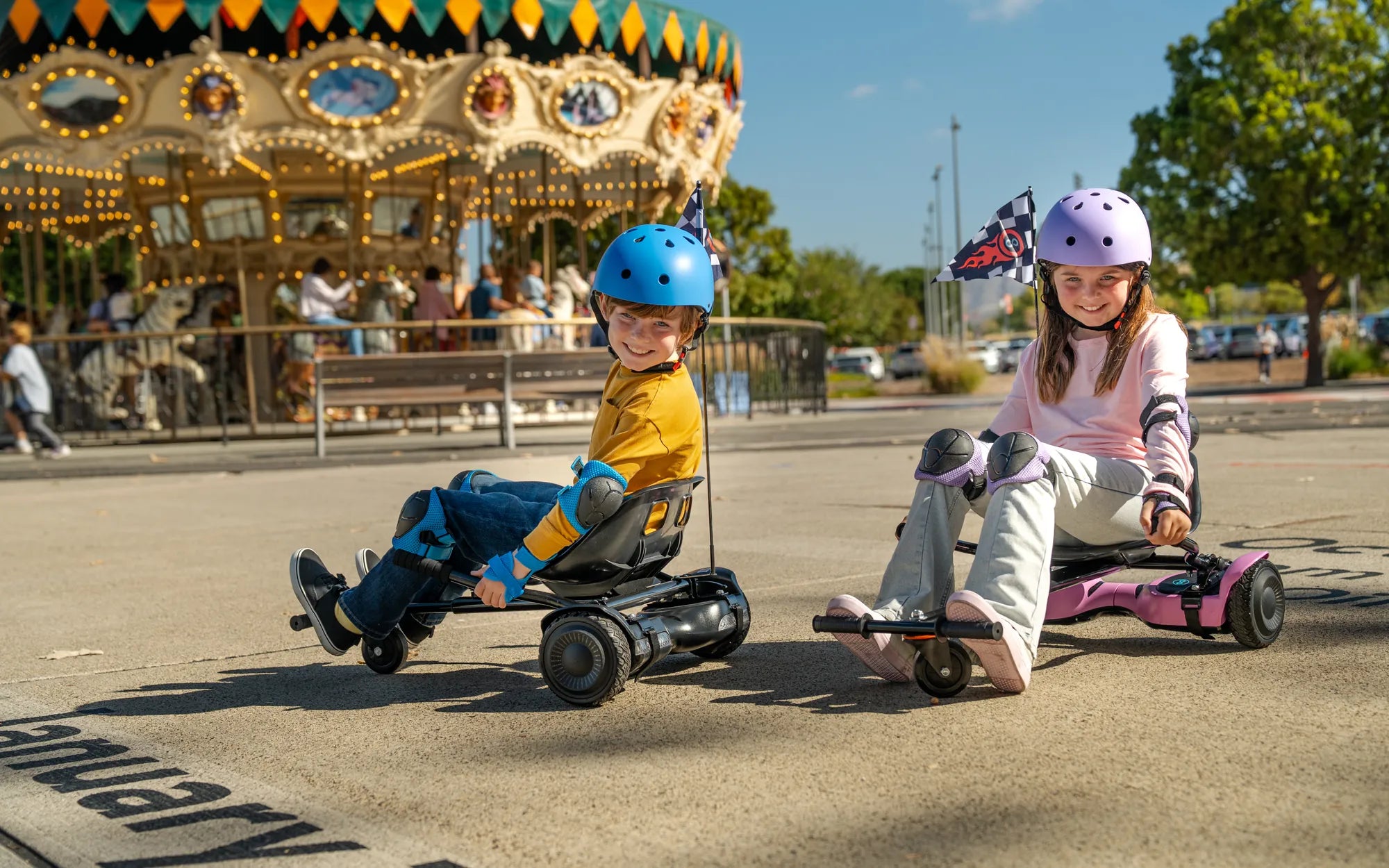
Imagine cruising down the street on your hoverboard, your favorite beats pumping through built-in speakers—sounds like a dream, right? Well, it’s easier than you think! Connecting music to your hoverboard can elevate your riding experience, making every journey more fun and energetic. Whether you're a beginner or a seasoned rider, this guide will walk you through the process seamlessly.
Why Connect Music to Your Hoverboard?
Adding music to your hoverboard isn’t just about entertainment; it enhances the overall riding experience. Music can keep you motivated during long rides, help you maintain rhythm, and even make your hoverboard stand out in a crowd. Many modern hoverboards come with built-in Bluetooth speakers, making it simple to sync your device and play your favorite tracks.
Step 1: Check Your Hoverboard’s Compatibility
Before attempting to connect music, ensure your hoverboard supports audio playback. Look for built-in speakers or Bluetooth functionality in the user manual. If your hoverboard lacks these features, you may need an external Bluetooth speaker to achieve the same effect.
Step 2: Enable Bluetooth on Your Device
Turn on Bluetooth on your smartphone, tablet, or other audio devices. Navigate to the settings menu and toggle the Bluetooth option to "On." Ensure your device is discoverable so your hoverboard can detect it.
Step 3: Pair Your Device with the Hoverboard
Power on your hoverboard and activate its Bluetooth mode, usually by pressing a dedicated button or following the manufacturer’s instructions. Once in pairing mode, your hoverboard should appear in the list of available devices on your phone or tablet. Select it to establish a connection.
Step 4: Test the Connection
Play a song or audio clip to confirm the connection is successful. If the sound plays through your hoverboard’s speakers, you’re good to go! Adjust the volume to a comfortable level before riding.
Step 5: Optimize Audio Quality and Safety
For the best experience, keep your audio device close to the hoverboard to avoid signal drops. Additionally, ensure the volume isn’t too loud, as it may distract you from your surroundings. Safety should always come first.
Troubleshooting Common Issues
If you encounter problems like poor sound quality or connection drops, try these fixes:
- Restart both your hoverboard and audio device.
- Move closer to the hoverboard to strengthen the Bluetooth signal.
- Check for interference from other electronic devices.
- Update your hoverboard’s firmware if applicable.
Alternative Methods to Play Music
If your hoverboard doesn’t support Bluetooth, consider using an auxiliary cable (if it has an AUX port) or a portable speaker attached to your board. These alternatives can still deliver great sound without built-in features.
Safety Tips for Riding with Music
While music enhances the fun, it’s crucial to stay aware of your surroundings. Keep the volume at a level where you can still hear traffic, pedestrians, and other potential hazards. Avoid using headphones while riding, as they can block important ambient sounds.
Now that you know how to connect music to your hoverboard, it’s time to hit the streets in style! Whether you’re grooving to upbeat tracks or relaxing with smooth melodies, your rides will never be the same. So, power up your board, sync your playlist, and let the music take your hoverboarding adventures to the next level.
How to Make a One Wheel Hoverboard: A Step-by-Step DIY Guide
Best Place to Buy a Hoverboard Online: A Complete Guide