

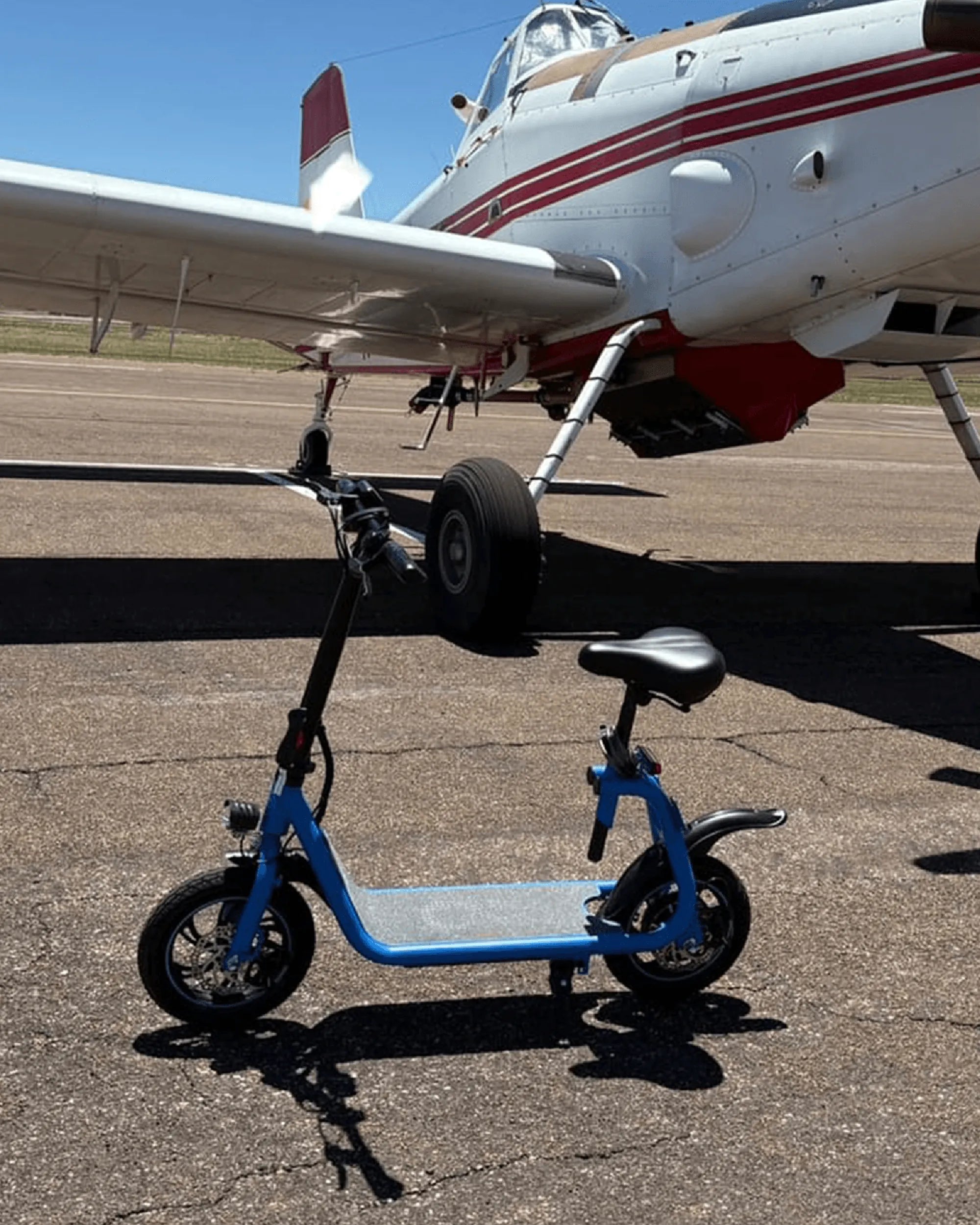
Nothing ruins your day like hopping on your electric scooter, pressing the power button, and... nothing happens. Before you start imagining expensive repair bills or shopping for a replacement, take a deep breath. Many electric scooter power issues can be fixed with some basic troubleshooting. Let's roll up our sleeves and bring your silent scooter back to life!
Check the Basics First
Before diving into complex diagnostics, always start with the simplest solutions:
- Confirm the power button is working - Press it firmly and hold for 3-5 seconds as some models require this
- Verify the battery has charge - Connect the charger and look for charging indicator lights
- Inspect the power switch (if separate from the button) - Ensure it's in the "on" position
- Check for loose connections - Gently wiggle wires while trying to power on
Battery Troubleshooting
The battery is the heart of your electric scooter's power system. When it fails, your scooter won't turn on. Here's how to diagnose battery issues:
Charging Problems
If your scooter shows no signs of life, the charging system might be at fault:
- Try a different power outlet
- Inspect the charging port for debris or damage
- Check the charger cable for fraying or breaks
- Leave it charging for several hours (some deeply drained batteries need time)
Battery Health Check
Even if the battery charges, it might not hold enough power:
- Note how long the battery lasts between charges
- Check for physical swelling or leaks
- Test voltage with a multimeter if possible
- Consider battery age (most last 1-3 years with regular use)
Electrical System Diagnostics
If the battery checks out, the problem might lie in the scooter's electrical system:
Fuse Inspection
Many scooters have protective fuses that can blow:
- Locate the fuse (usually near the battery)
- Remove and inspect for a broken filament
- Replace with an identical fuse if needed
Wiring Issues
Damaged wiring can interrupt power flow:
- Look for pinched, frayed, or disconnected wires
- Check connections at the battery, controller, and dashboard
- Inspect for water damage or corrosion
Controller and Dashboard Problems
The electronic control systems are the brains of your scooter:
Controller Failure Signs
- No response from any electrical components
- Burning smell from the controller area
- Visible damage to the controller unit
Dashboard Malfunctions
Even if the scooter has power, a dead display might make it seem off:
- Check for loose display connections
- Look for moisture under the display screen
- Test if the scooter moves despite the blank display
When to Seek Professional Help
Some issues require expert attention:
- You've tried all basic troubleshooting with no success
- There's visible damage to major components
- The problem involves complex wiring or electronics
- You smell burning or see smoke
- The battery shows signs of swelling or leaking
Preventative Maintenance Tips
Keep your electric scooter running smoothly with these practices:
- Store in a dry, temperature-controlled environment
- Avoid complete battery discharges
- Regularly inspect wires and connections
- Keep the charging port clean and dry
- Follow manufacturer-recommended maintenance schedules
Your electric scooter's silence doesn't have to be permanent! By methodically working through these troubleshooting steps, you've got an excellent chance of reviving your ride without costly repairs. Remember that patience and safety come first - and soon you'll be back to enjoying that effortless electric glide.
Subway Electric Scooter: The Future of Urban Commuting
Electric Scooter 60 kmh: The Ultimate Guide to High-Speed Urban Mobility