



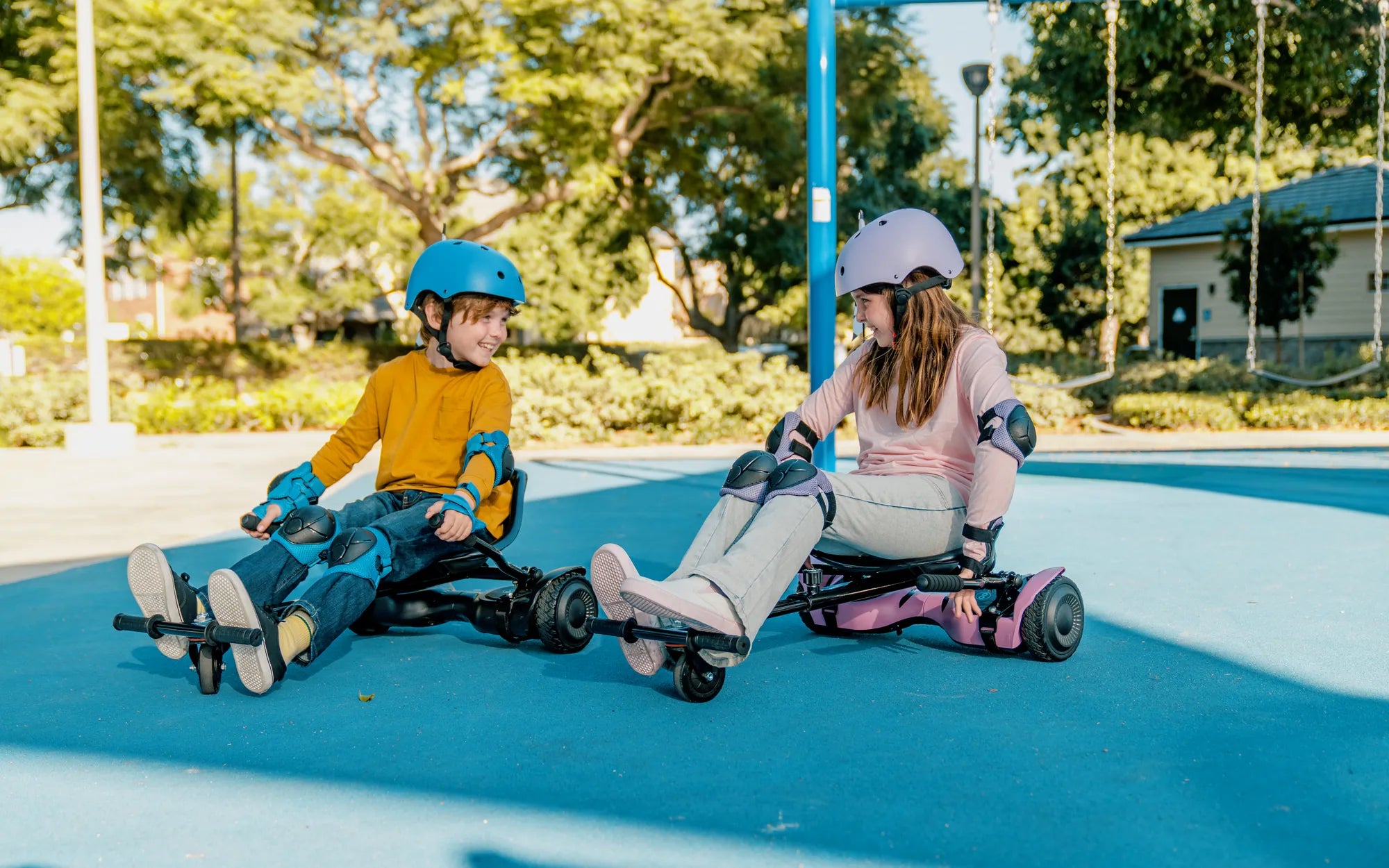
Hoverboards are thrilling gadgets, but when they break down, the excitement can quickly turn to frustration. Whether your hoverboard has stopped balancing, won't charge, or simply refuses to power on, rebuilding it might be the solution. Follow this step-by-step guide to bring your hoverboard back to life and enjoy the ride once more.
Diagnosing the Problem
Before diving into repairs, identify what's wrong with your hoverboard. Common issues include:
- Battery Failure: If the hoverboard doesn't turn on or holds a charge poorly, the battery may be dead.
- Motor Issues: Uneven movement or one side not working could indicate motor problems.
- Faulty Gyroscope: If the board struggles to balance, the gyroscope might need replacement.
- Worn-Out Tires: Cracked or deflated tires can affect performance and safety.
Gathering the Right Tools
To rebuild your hoverboard, you'll need:
- Screwdrivers (Phillips and flathead)
- Multimeter for testing electrical components
- Replacement parts (battery, motors, gyroscope, tires, etc.)
- Soldering iron (if wiring repairs are needed)
- Lubricant for moving parts
Step 1: Disassembling the Hoverboard
Start by removing the outer casing. Most hoverboards have screws hidden under rubber pads or stickers. Carefully pry open the casing to avoid damaging internal components. Take pictures as you go to remember how everything fits together.
Step 2: Inspecting and Replacing the Battery
If the battery is the culprit, disconnect it and test its voltage with a multimeter. A healthy battery should read close to its rated voltage. If it's significantly lower, replace it with a compatible one. Ensure all connections are secure and free of corrosion.
Step 3: Checking the Motors
Test each motor by connecting it directly to a power source. If one doesn't spin, it may need replacement. Clean the motor gears and apply lubricant to reduce friction and extend their lifespan.
Step 4: Replacing the Gyroscope
A faulty gyroscope can cause balance issues. Locate the gyroscope module (usually near the center of the board) and replace it if diagnostics confirm it's defective. Recalibrate the hoverboard after installation.
Step 5: Upgrading the Tires
Worn-out tires can make riding uncomfortable or unsafe. Remove the old tires and replace them with new ones, ensuring they're properly inflated and securely attached.
Step 6: Reassembling the Hoverboard
Once all repairs are complete, carefully reassemble the hoverboard. Double-check all connections and screws to avoid loose parts. Power it on and test its functionality in a safe area.
Safety Tips
- Always work in a well-ventilated area when handling batteries.
- Wear protective gloves and eyewear to prevent injuries.
- Disconnect the battery before working on electrical components.
- Follow manufacturer guidelines for part replacements.
With patience and attention to detail, rebuilding your hoverboard can be a rewarding project. Not only will you save money on repairs, but you'll also gain a deeper understanding of how your device works. Get ready to hit the pavement with a hoverboard that feels brand new!
Cleaning with a Hoverboard: The Future of Effortless Home Maintenance
Hoverboard LED Light Strips: The Ultimate Guide to Customization and Safety