

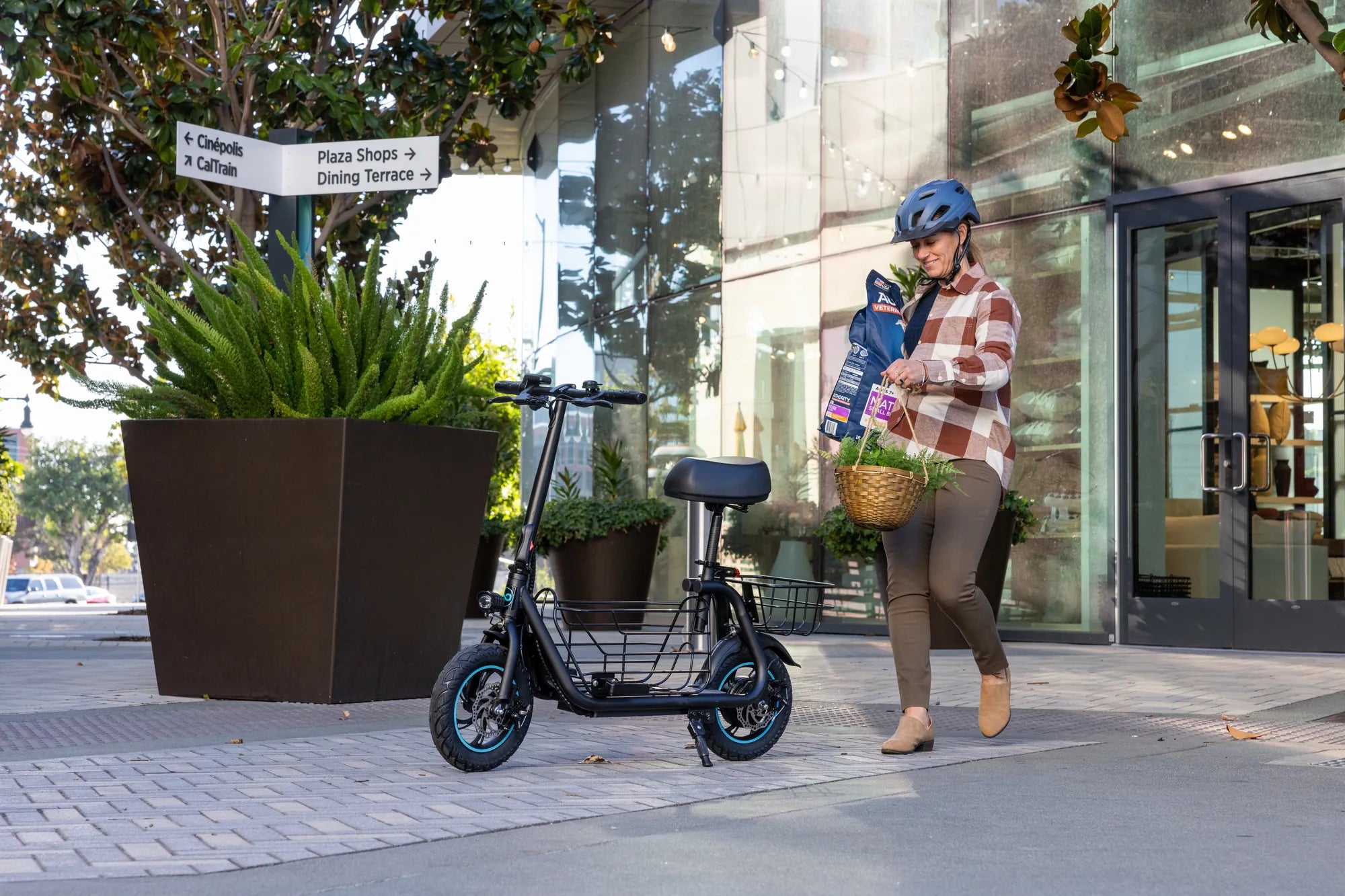
Electric bikes are revolutionizing urban transportation, offering an eco-friendly and efficient way to commute. However, like any electronic device, they can occasionally encounter issues that require a reset. If your e-bike isn't performing as it should, resetting the controller might be the solution. This guide will walk you through the process step by step, ensuring you can get back on the road quickly and safely.
Understanding the Electric Bike Controller
The controller is the brain of your electric bike, managing power distribution between the battery, motor, and other components. When it malfunctions, your bike may experience erratic behavior, loss of power, or complete failure to operate. Resetting the controller can often resolve these issues by restoring default settings and clearing any temporary errors.
When Should You Reset Your E-Bike Controller?
Before proceeding with a reset, it's important to identify whether your issue warrants this step. Common signs that a reset may help include:
- Unresponsive throttle or pedal assist
- Inconsistent power delivery
- Error codes displayed on your bike's console
- Unexpected shutdowns or power cuts
Step-by-Step Guide to Resetting Your Electric Bike Controller
Step 1: Power Down Your E-Bike Completely
Begin by turning off your electric bike using the power button. If your model doesn't have a power button, remove the battery to ensure all systems are completely powered down. Wait at least 30 seconds before proceeding to the next step.
Step 2: Locate the Reset Button (If Available)
Some electric bike controllers feature a dedicated reset button. Consult your owner's manual to determine if your model has one and where it's located. The reset button is typically small and may require a paperclip or similar tool to press.
Step 3: Perform the Reset Procedure
If your controller has a reset button:
- Press and hold the reset button for 5-10 seconds
- Release the button
- Wait another 30 seconds before restoring power
For controllers without a reset button:
- Disconnect the battery completely
- Wait at least 5 minutes to allow capacitors to discharge
- Reconnect the battery
Step 4: Power On and Test
After completing the reset procedure, power your bike back on. Test all functions including throttle, pedal assist, and display to ensure everything is working properly. If issues persist, you may need to consult a professional technician.
Advanced Reset Methods
For more stubborn issues, you might need to perform a factory reset. This typically involves:
- Specific button combinations on the display unit
- Using manufacturer-specific software tools
- Accessing hidden service menus
Always refer to your bike's documentation for these advanced procedures, as they vary significantly between models.
Preventive Maintenance Tips
To minimize the need for controller resets in the future:
- Keep your e-bike clean and dry
- Avoid exposing the controller to extreme temperatures
- Regularly check all electrical connections
- Follow the manufacturer's recommended maintenance schedule
Troubleshooting Persistent Issues
If resetting doesn't solve your problem, consider these potential causes:
- Faulty wiring or loose connections
- Battery issues
- Motor problems
- Water damage to the controller
In these cases, professional diagnosis and repair may be necessary.
Mastering how to reset your electric bike controller puts you back in control of your ride. With these simple steps, you can troubleshoot common issues and get back to enjoying the freedom and efficiency of your e-bike. Remember that regular maintenance and proper care will reduce the need for resets and keep your bike running smoothly for years to come.
26 Inch Electric Bike Conversion Kit: The Ultimate Guide to Upgrading Your Ride
What's the Best Electric Mountain Bike? A Complete Buyer's Guide