


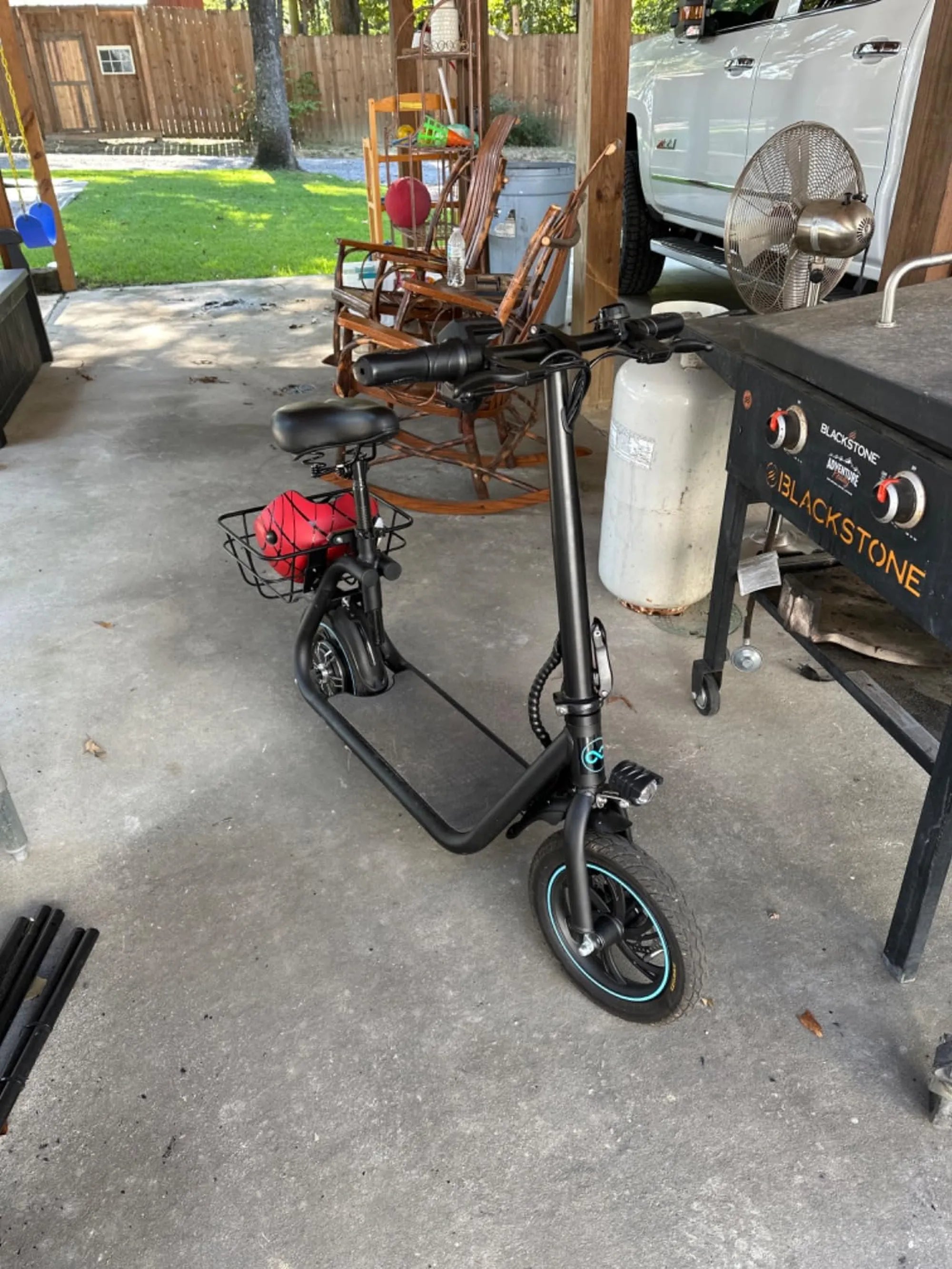
Is your electric scooter acting up, freezing, or not responding as it should? A simple reset might be all it needs to get back to peak performance. Whether you're dealing with a glitchy display, unresponsive controls, or just want to restore factory settings, this guide will walk you through the process step by step. No technical expertise required—just follow these instructions, and your scooter will be good as new in no time.
Why Resetting Your Electric Scooter Might Be Necessary
Electric scooters, like any electronic device, can experience software hiccups or performance issues over time. A reset can resolve problems such as:
- Unresponsive throttle or brakes
- Error messages on the display
- Battery or charging issues
- Connectivity problems with companion apps
- General sluggishness or unexpected shutdowns
Before diving into a reset, try basic troubleshooting like checking the battery connections, ensuring proper charging, and inspecting for physical damage. If those steps don't work, a reset is the next logical step.
Step-by-Step Guide to Resetting Your Electric Scooter
1. Soft Reset (Quick Restart)
A soft reset is the simplest way to reboot your scooter without losing any settings. Here's how:
- Turn off the scooter completely using the power button.
- Wait at least 30 seconds to ensure all systems shut down.
- Press and hold the power button for 5-10 seconds until the display lights up.
- Release the button and check if the issue persists.
This method often resolves minor glitches and is the first step you should try.
2. Factory Reset (Full Restoration)
If a soft reset doesn't work, a factory reset may be necessary. This will erase all custom settings and return the scooter to its original state. Follow these steps carefully:
- Ensure the scooter is powered off.
- Locate the reset button (often found near the charging port or under the deck).
- Use a paperclip or small tool to press and hold the reset button for 10-15 seconds.
- Wait for the scooter to reboot—this may take a minute or two.
- Reconfigure any personalized settings (speed modes, lighting, etc.) as needed.
Note: Some models require a specific button combination (e.g., holding the power and mode buttons simultaneously). Refer to your scooter's manual if unsure.
3. Battery Reset (For Power Issues)
If your scooter isn't holding a charge or frequently shuts off, a battery reset might help:
- Turn off the scooter and disconnect the battery if possible.
- Leave it unplugged for at least 30 minutes to discharge residual power.
- Reconnect the battery and charge it fully before use.
What to Do If Resetting Doesn't Work
If your scooter still malfunctions after a reset, consider these additional steps:
- Check for firmware updates via the manufacturer's app or website.
- Inspect wiring and connectors for damage.
- Test with a different charger to rule out power supply issues.
- Contact customer support for advanced troubleshooting.
Preventive Maintenance Tips
To avoid frequent resets, maintain your scooter properly:
- Store it in a dry, temperature-controlled environment.
- Avoid overcharging the battery.
- Clean the scooter regularly to prevent dust buildup in electronic components.
- Update software when new versions are released.
Resetting your electric scooter is a quick fix for many common issues, but knowing when and how to do it properly can save you time and frustration. Follow these steps, and you'll be cruising smoothly again in no time. If problems persist, don't hesitate to seek professional help—your safety on the road is worth it!
Sport Electric Scooter with Seat: The Ultimate Urban Commuting Solution
Electric Scooter Front Wheel Motor: The Future of Urban Mobility