

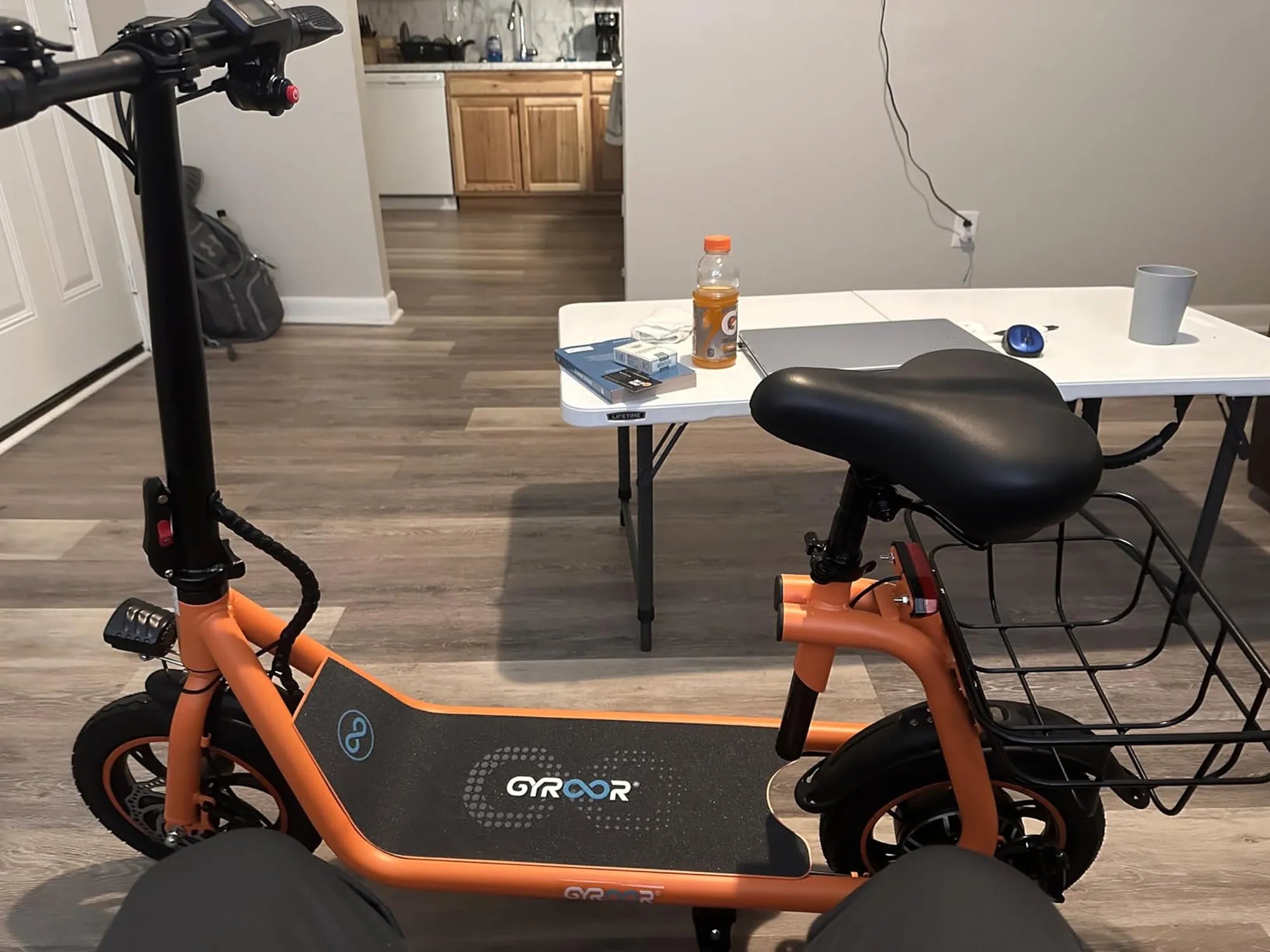
Are you ready to regain your independence with a mobility scooter? Whether you're a first-time user or upgrading to a new model, setting up your scooter correctly is the key to a smooth and safe ride. This guide will walk you through every step, from unboxing to your first journey.
Unboxing and Initial Inspection
When your mobility scooter arrives, carefully inspect the packaging for any visible damage before opening. Use scissors or a box cutter to carefully remove the outer packaging, being mindful not to scratch any components. Most scooters come partially assembled, with the main components securely packed in foam or protective wrapping.
Remove all components and lay them out on a clean, flat surface. Check against the included parts list to ensure nothing is missing. Typical components include:
- The main chassis with seat post
- Front and rear sections (if foldable)
- Battery pack and charger
- Seat with mounting hardware
- Mirrors (if included)
- Tool kit and instruction manual
Basic Assembly Steps
Begin by attaching the front section to the main chassis if your model requires this step. Most scooters have a simple locking mechanism - align the parts and push until you hear a click. Secure any additional bolts using the provided tools.
Next, install the seat. Position it over the seat post and lower it into place. Tighten any clamps or screws according to the manufacturer's specifications. Ensure the seat is secure by gently trying to move it from side to side.
If your scooter includes accessories like baskets or mirrors, attach these now. Position mirrors at a height where you can easily see behind you without straining.
Battery Installation and Charging
Locate the battery compartment, typically under the seat or in a rear panel. Insert the battery according to the polarity markings, ensuring proper alignment of the connectors. Secure any retaining straps or brackets.
Before first use, charge the battery fully. Connect the charger to the scooter's charging port first, then plug it into a standard wall outlet. Initial charging may take 8-12 hours. Avoid using the scooter while charging.
Pre-Ride Adjustments
Adjust the seat height so your feet rest comfortably on the footrests with knees slightly bent. The armrests should allow your arms to rest naturally with elbows at about 90 degrees. If your model has adjustable tiller (steering column) angle, set it for comfortable reach.
Check all controls:
- Ensure the throttle responds smoothly
- Test the brakes at low speed
- Verify that all lights and indicators work
- Check the horn or alert system
Safety Checks and First Ride
Before your first ride, perform these essential safety checks:
- Tire pressure (if applicable) - inflate to recommended PSI
- Battery charge level - should show full after initial charge
- All fasteners and connections - tighten if necessary
- Brake function - test at slow speed in a safe area
Start in a flat, open area with minimal obstacles. Set the speed to the lowest setting initially. Practice starting, stopping, and turning until you feel comfortable with the controls. Gradually increase speed as you gain confidence.
Customization and Accessories
Once you're comfortable with basic operation, consider these customization options:
- Add reflective tape or lights for better visibility
- Install a cup holder or phone mount for convenience
- Consider a weather cover if you'll be storing outdoors
- Add a storage pouch or basket for personal items
Maintenance and Storage
To keep your scooter in top condition:
- Charge the battery after each use
- Wipe down surfaces regularly with a damp cloth
- Check tire pressure monthly
- Store in a dry place away from extreme temperatures
Now that you've mastered the setup process, your mobility scooter is ready to become your trusted companion for daily adventures. Remember, practice makes perfect - the more you ride, the more natural it will feel. Before you know it, you'll be navigating your neighborhood with confidence and ease!
Ebike vs Motorcycle: Which Two-Wheeled Ride is Right for You?
Ebike vs Motorcycle: Which Two-Wheeled Ride is Right for You?