



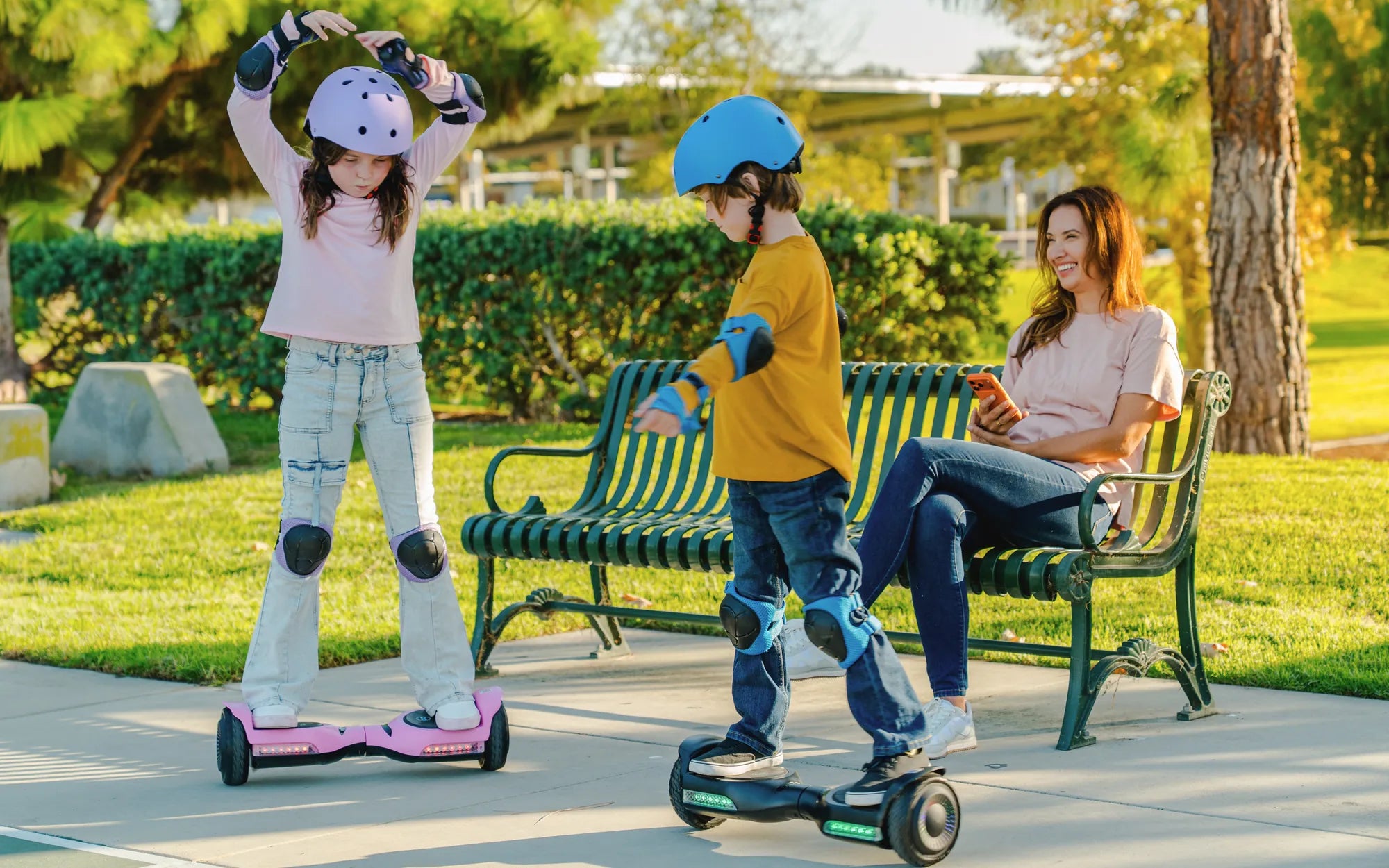
Few things are more annoying than a hoverboard that won't stop beeping. Whether you're trying to enjoy a peaceful ride or avoid disturbing others, that incessant noise can ruin the experience. But don't worry—there are several ways to fix it. From simple troubleshooting to advanced solutions, this guide will help you silence your hoverboard for good.
Why Is Your Hoverboard Beeping?
Before diving into solutions, it's important to understand why your hoverboard is beeping in the first place. Common reasons include:
- Low Battery: Many hoverboards beep to alert you when the battery is running low.
- Overheating: Excessive use can cause the motor or battery to overheat, triggering a warning beep.
- Uneven Surface: If the hoverboard is on an unstable surface, it may beep to indicate an imbalance.
- Faulty Sensors: Malfunctioning tilt or speed sensors can cause false alarms.
- Software Glitches: Outdated firmware or bugs may lead to unnecessary beeping.
How to Stop Your Hoverboard from Beeping
Now that you know the possible causes, let's explore the best ways to silence your hoverboard.
1. Charge the Battery
If your hoverboard beeps due to a low battery, the simplest fix is to plug it in. Most models stop beeping once they're charging. Ensure you use the correct charger and let it charge fully before riding again.
2. Let It Cool Down
Overheating is a common issue, especially after long rides. Turn off the hoverboard and let it rest in a cool, dry place for at least 30 minutes. Avoid using it in extreme heat to prevent future overheating.
3. Check for Uneven Surfaces
Place your hoverboard on a flat, stable surface before turning it on. If it continues beeping, try recalibrating it (see the next step).
4. Recalibrate the Hoverboard
Recalibration resets the internal sensors and can stop false beeping. Here's how to do it:
- Turn off the hoverboard.
- Press and hold the power button for 10-15 seconds until you hear a beep.
- Place the hoverboard on a flat surface and turn it on again.
5. Update the Firmware
If your hoverboard has a companion app, check for firmware updates. Manufacturers often release patches to fix bugs, including unnecessary beeping.
6. Inspect the Sensors
Dust or debris can interfere with the sensors. Gently clean the hoverboard's underside with a soft cloth. If the problem persists, consult a professional for sensor repairs.
7. Reset the Hoverboard
A factory reset can resolve deeper software issues. Refer to your user manual for reset instructions, as the process varies by model.
Preventive Measures to Avoid Future Beeping
To keep your hoverboard quiet and functioning smoothly, follow these tips:
- Avoid overcharging the battery.
- Store the hoverboard in a cool, dry place.
- Clean the wheels and sensors regularly.
- Use the hoverboard on smooth, even surfaces.
- Update the firmware periodically.
When to Seek Professional Help
If none of the above solutions work, your hoverboard may have a hardware issue. Persistent beeping could indicate a failing battery, damaged motor, or faulty circuit board. In such cases, contact a certified technician for repairs.
A beeping hoverboard doesn't have to ruin your ride. With these troubleshooting steps, you can quickly identify and fix the problem. Whether it's a simple battery recharge or a sensor recalibration, you'll be back to gliding silently in no time. Say goodbye to the annoying beeps and enjoy a smoother, quieter hoverboarding experience!
Hoverboard with Pneumatic Tires: The Ultimate Ride for Comfort and Durability
Hoverboard Fun: The Ultimate Guide to Enjoying Your Ride