



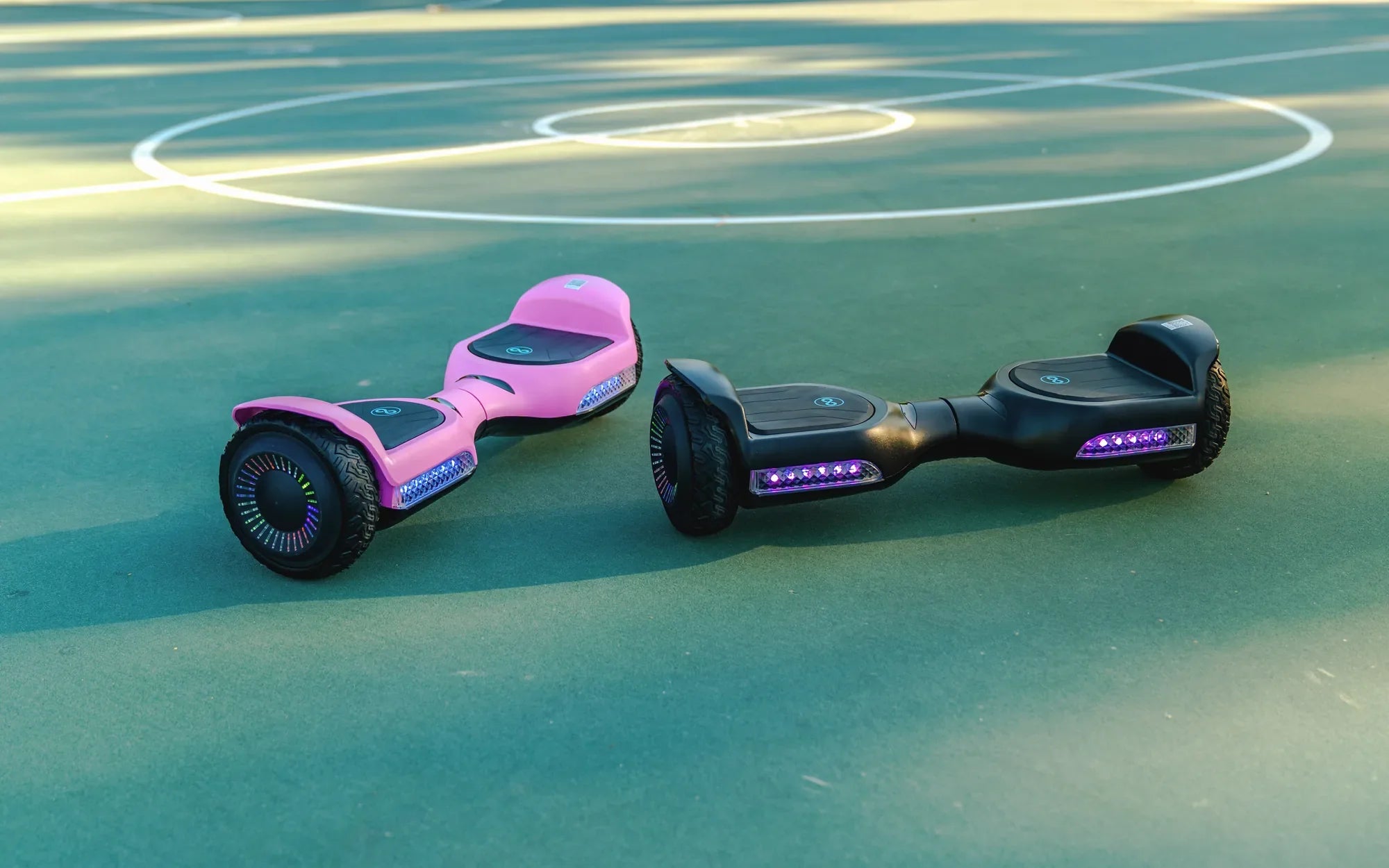
Are you tired of your hoverboard moving at a snail's pace? Beginner mode is great for getting started, but once you've mastered the basics, it's time to unleash the full power of your device. Here's how to take your hoverboard off beginner mode and start riding like a pro.
Why Beginner Mode Exists
Beginner mode is designed to help new riders get comfortable with balancing and controlling their hoverboard. It limits speed and responsiveness to prevent accidents while you're still learning. However, once you've built confidence, staying in this mode can feel restrictive.
Step 1: Check Your Hoverboard's Manual
Before attempting to disable beginner mode, consult your device's manual. Different models may have unique methods for switching modes. Look for a section labeled "Beginner Mode," "Speed Settings," or "Riding Modes" to find specific instructions.
Step 2: Power On Your Hoverboard
Make sure your hoverboard is fully charged and turned on. Most models require the device to be powered before you can adjust settings. Stand near your hoverboard in case it moves unexpectedly during the process.
Step 3: Locate the Mode Button
Many hoverboards have a dedicated button for switching between beginner and advanced modes. This is often found near the power button or on the underside of the board. If you can't find a physical button, check if your model uses a mobile app for controls.
Step 4: Enter Advanced Mode
For models with a physical button, press and hold it for 3-5 seconds until you hear a beep or see the LED lights change color. If using an app, navigate to the settings menu and select "Advanced" or "Pro" mode. Some hoverboards may require you to power cycle the device after changing modes.
Step 5: Test Your New Settings
Once you've switched modes, carefully step onto your hoverboard and test the new responsiveness. Start with slow movements to get accustomed to the increased sensitivity. Remember that higher speeds mean you'll need quicker reflexes to maintain balance.
Safety Considerations
Advanced mode removes the safety restrictions of beginner mode, so always wear protective gear. Consider practicing in an open area free of obstacles until you're completely comfortable with the increased speed and responsiveness.
Troubleshooting Common Issues
If your hoverboard won't switch modes, ensure it's fully charged and try resetting it by turning it off and on again. Some models require specific button combinations or sequences to change modes - refer to your manual if the standard method doesn't work.
Now that you've unlocked your hoverboard's true potential, get ready to experience the thrill of faster speeds and sharper turns. Just remember - with great power comes great responsibility, so always ride safely and within your skill level.
How to Attach Seat to Hoverboard: A Step-by-Step Guide for Safe Riding
How Many Hours Does a Hoverboard Last? The Ultimate Guide to Battery Life