



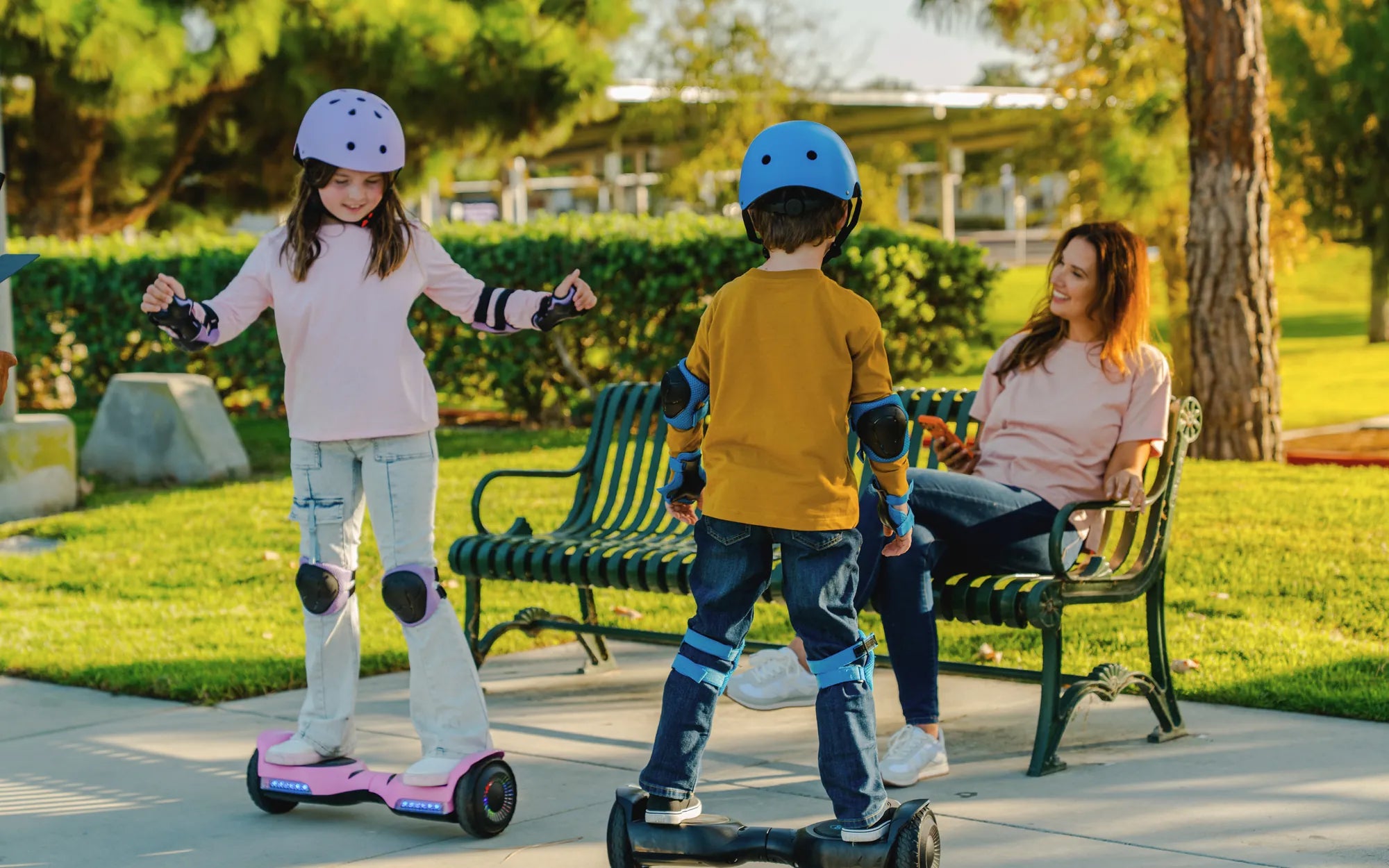
Few things are as frustrating as hopping on your hoverboard, only to realize one side has completely stopped working. Whether you rely on it for fun or commuting, a malfunctioning hoverboard can ruin your plans. But don’t toss it out just yet—many common issues can be fixed with a little know-how. Let’s dive into the possible causes and solutions to get you back on track.
Common Reasons One Side of Your Hoverboard Stopped Working
When one side of your hoverboard fails, the problem usually stems from a few key areas. Identifying the root cause is the first step toward a solution.
1. Battery Issues
If one side of your hoverboard isn’t working, the battery might be the culprit. Hoverboards typically have two separate batteries—one for each motor. If one battery is drained or damaged, the corresponding side won’t function.
- Check the charge: Ensure both batteries are fully charged.
- Inspect for damage: Swollen or leaking batteries need immediate replacement.
- Test voltage: Use a multimeter to verify each battery’s output.
2. Motor Malfunction
The motor on the non-working side may have failed due to wear and tear, water damage, or electrical issues. Listen for unusual sounds or grinding noises when attempting to power it on.
- Spin the wheel manually: If it’s stiff or jerky, the motor may be damaged.
- Check connections: Loose or corroded wires can disrupt power flow.
3. Faulty Gyroscope or Sensor
Hoverboards rely on gyroscopes and sensors to maintain balance. If one side’s sensor fails, the board may not recognize input from that side.
- Reboot the hoverboard: Turn it off and on to reset the sensors.
- Calibrate the board: Follow the manufacturer’s calibration steps.
4. Wiring Problems
Loose, frayed, or disconnected wires can interrupt power to one side. Open the hoverboard (if possible) and inspect the internal wiring.
- Look for visible damage: Burnt or exposed wires need replacement.
- Secure connections: Ensure all plugs are firmly seated.
Step-by-Step Troubleshooting Guide
Now that you know the potential causes, here’s a systematic approach to diagnosing and fixing the issue.
Step 1: Charge the Hoverboard Fully
Before assuming the worst, make sure both batteries are fully charged. Leave it plugged in for the recommended time, even if the indicator light says it’s done.
Step 2: Check for Error Codes
Many hoverboards display error codes via LED lights or beeps. Refer to your manual to decode these signals.
Step 3: Test the Motors
Power on the hoverboard and gently press the non-working side’s pedal. If the wheel doesn’t spin, the motor or its connections may be faulty.
Step 4: Inspect the Wiring
Carefully open the hoverboard (if user-serviceable) and examine the wiring. Look for loose plugs, frayed wires, or burnt components.
Step 5: Calibrate the Hoverboard
If sensors are misaligned, recalibration might help. Place the hoverboard on a flat surface, power it on, and follow the calibration steps in the manual.
Preventive Measures to Avoid Future Issues
To keep your hoverboard running smoothly, follow these maintenance tips:
- Avoid water exposure: Moisture can damage motors and electronics.
- Store properly: Keep it in a dry, temperature-controlled environment.
- Regularly inspect components: Check batteries, wires, and tires for wear.
- Use the right charger: Always stick with the manufacturer-recommended charger.
When to Seek Professional Help
If you’ve tried all the above steps and one side still isn’t working, it’s time to consult a professional. Electrical issues or complex motor repairs may require expert attention.
Don’t let a malfunctioning hoverboard slow you down—most problems are fixable with patience and the right approach. Whether it’s a simple calibration or a battery replacement, you’ll likely be back on your feet (or wheels) in no time!
Hoverboard Speed Setting: How to Adjust and Optimize Your Ride
Hoverboard Blue Light Stays On: Causes, Fixes, and Safety Tips