


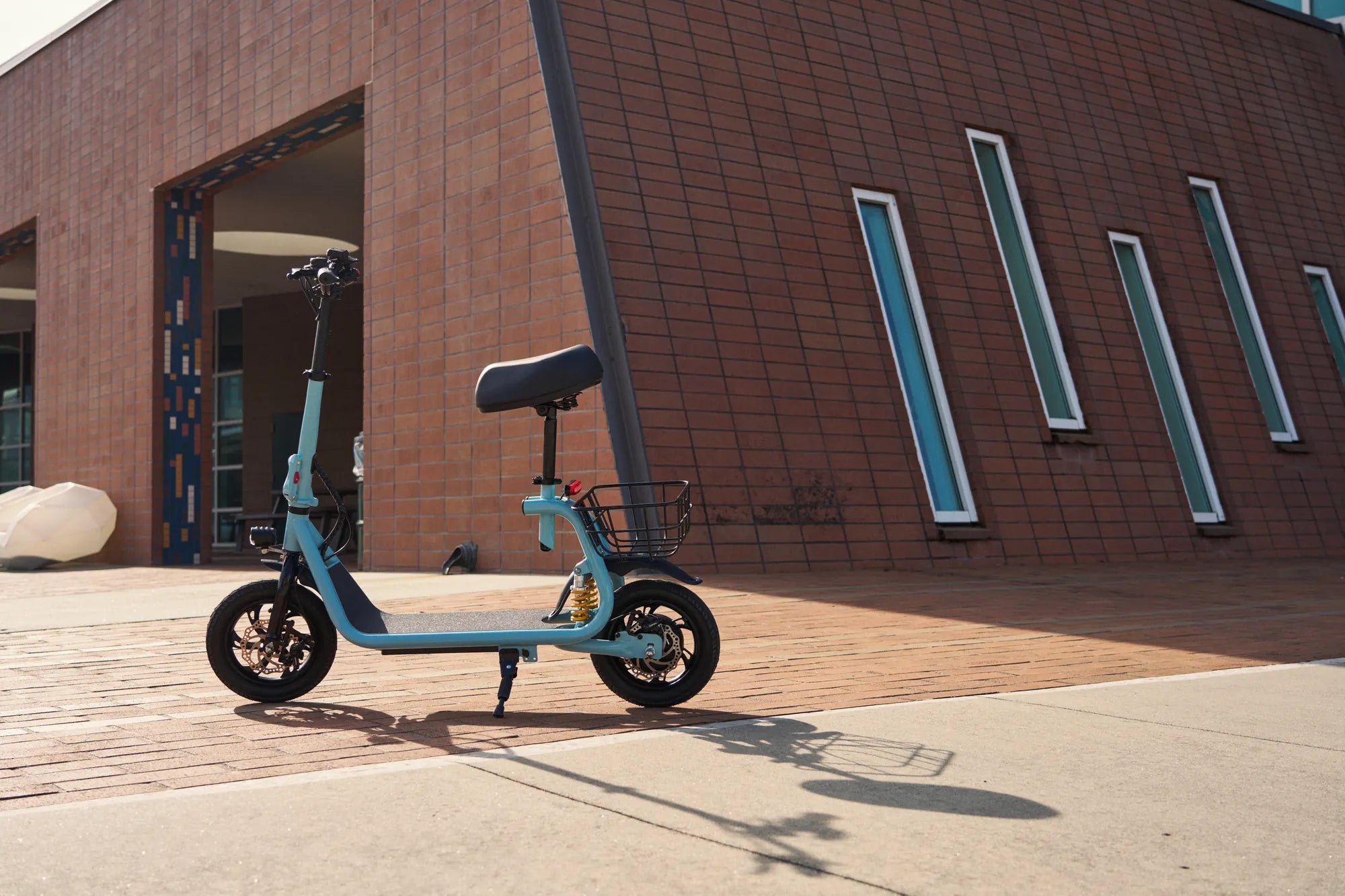
Electric scooters have become a popular mode of transportation, offering convenience and eco-friendly travel. However, like any electronic device, they can encounter issues that require a reset. Whether your scooter is malfunctioning, unresponsive, or simply not performing as it should, a reset can often resolve the problem. This guide will walk you through the steps to reset your electric scooter, explain why it’s necessary, and provide tips to maintain optimal performance.
Why Reset Your Electric Scooter?
Resetting an electric scooter can solve a variety of issues, from minor glitches to more serious performance problems. Common reasons to reset include:
- Unresponsive controls: If the scooter doesn’t respond to commands, a reset can restore functionality.
- Battery issues: A reset can recalibrate the battery management system, improving charge cycles.
- Software glitches: Firmware errors or bugs may cause erratic behavior, which a reset can often fix.
- Speed or power fluctuations: Resetting can stabilize performance if the scooter is accelerating inconsistently.
How to Reset Your Electric Scooter
The exact reset process may vary depending on the model, but the following steps are generally applicable to most electric scooters:
- Turn off the scooter: Ensure the power is completely off before proceeding.
- Disconnect the battery: If possible, unplug the battery for at least 30 seconds to clear any residual charge.
- Press and hold the power button: Some models require holding the power button for 10-30 seconds to initiate a reset.
- Reconnect the battery: Plug the battery back in and power on the scooter.
- Test the scooter: Check if the issue has been resolved by taking a short ride.
Advanced Reset Methods
If a basic reset doesn’t work, you may need to try more advanced troubleshooting techniques:
- Factory reset: Some scooters have a dedicated reset button or a combination of buttons to restore default settings.
- Firmware update: Check for available updates that might fix underlying software issues.
- Diagnostic mode: Certain models allow access to a diagnostic menu for deeper troubleshooting.
Maintaining Your Electric Scooter After a Reset
To prevent future issues and extend the life of your scooter, follow these maintenance tips:
- Regularly check the battery: Avoid overcharging and store the scooter in a cool, dry place.
- Keep firmware updated: Manufacturers often release updates to improve performance and fix bugs.
- Inspect tires and brakes: Proper tire pressure and brake function are crucial for safety.
- Clean the scooter: Dirt and debris can affect sensors and moving parts.
Resetting your electric scooter is a simple yet effective way to troubleshoot common problems and keep it running smoothly. By following these steps and maintaining your scooter properly, you can enjoy a reliable and efficient ride for years to come. Don’t let minor issues slow you down—take control of your scooter’s performance today!
Best 2 Seat Electric Scooter for Adults: Ultimate Guide to Comfort and Performance
Most Powerful Fastest Electric Scooter: The Ultimate Ride for Speed Enthusiasts