



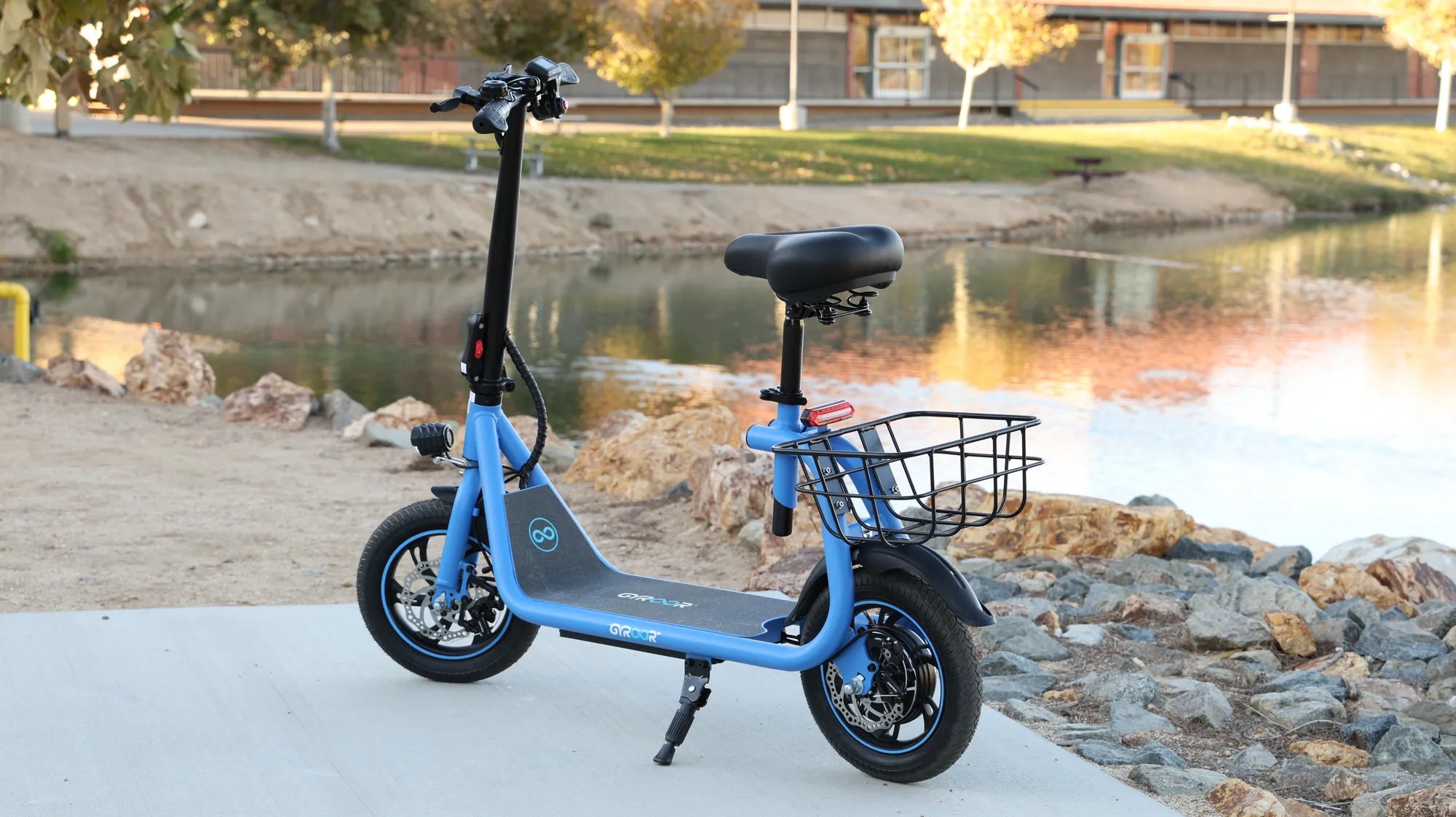
If you own a smart balance wheel scooter, you may have encountered the puzzling sight of a blinking green light. This seemingly minor issue can leave riders confused and concerned about the scooter's functionality. But fear not—this guide will break down the causes, implications, and solutions for a smart balance wheel scooter blinking green light, ensuring you get back to smooth rides in no time.
Understanding the Blinking Green Light
A blinking green light on a smart balance wheel scooter is not just a random occurrence—it’s a communication tool. The scooter uses lights to signal different statuses, and green typically indicates a ready or operational state. However, when it blinks, it often points to specific conditions that require attention.
Common Causes of a Blinking Green Light
- Low Battery: A blinking green light may signal that the battery is running low and needs recharging.
- Calibration Issues: The scooter might need recalibration to ensure proper balance and functionality.
- Connection Problems: Loose or faulty wiring between components can trigger the blinking light.
- Overheating: Prolonged use or exposure to high temperatures may cause the scooter to overheat, leading to a blinking light.
- Software Glitches: Firmware issues or outdated software can sometimes cause erratic light behavior.
How to Troubleshoot the Issue
Before panicking, try these troubleshooting steps to resolve the blinking green light on your smart balance wheel scooter.
Step 1: Check the Battery
Plug the scooter into a charger and let it charge fully. If the blinking stops after charging, the issue was likely a low battery. If the problem persists, move to the next step.
Step 2: Recalibrate the Scooter
Recalibration can often fix balance-related issues. To recalibrate, place the scooter on a flat surface, turn it off, and hold the power button for a few seconds until you hear a beep. Release the button and wait for the scooter to reset.
Step 3: Inspect Wiring and Connections
Carefully examine the scooter’s wiring for any loose or damaged connections. If you spot any issues, consider consulting a professional for repairs.
Step 4: Allow the Scooter to Cool Down
If overheating is suspected, turn off the scooter and let it rest in a cool place for at least 30 minutes before using it again.
Step 5: Update Firmware
Check the manufacturer’s website or app for firmware updates. Installing the latest software can resolve glitches causing the blinking light.
Preventing Future Issues
To avoid encountering a blinking green light again, follow these maintenance tips:
- Charge the battery regularly and avoid letting it drain completely.
- Store the scooter in a cool, dry place away from direct sunlight.
- Perform routine checks on wiring and connections.
- Keep the firmware updated to the latest version.
When to Seek Professional Help
If none of the troubleshooting steps work, the issue might be more complex, such as a faulty motherboard or damaged sensors. In such cases, contacting a certified technician is the best course of action.
A blinking green light on your smart balance wheel scooter doesn’t have to ruin your ride. By understanding the causes and following these steps, you can quickly diagnose and fix the issue, ensuring your scooter stays in top shape for all your adventures.
Electric Scooter 30 mph 40 Mile Range Under $500: The Ultimate Budget Commuter
Electric Balance Scooter Canada: The Ultimate Guide to Urban Mobility