


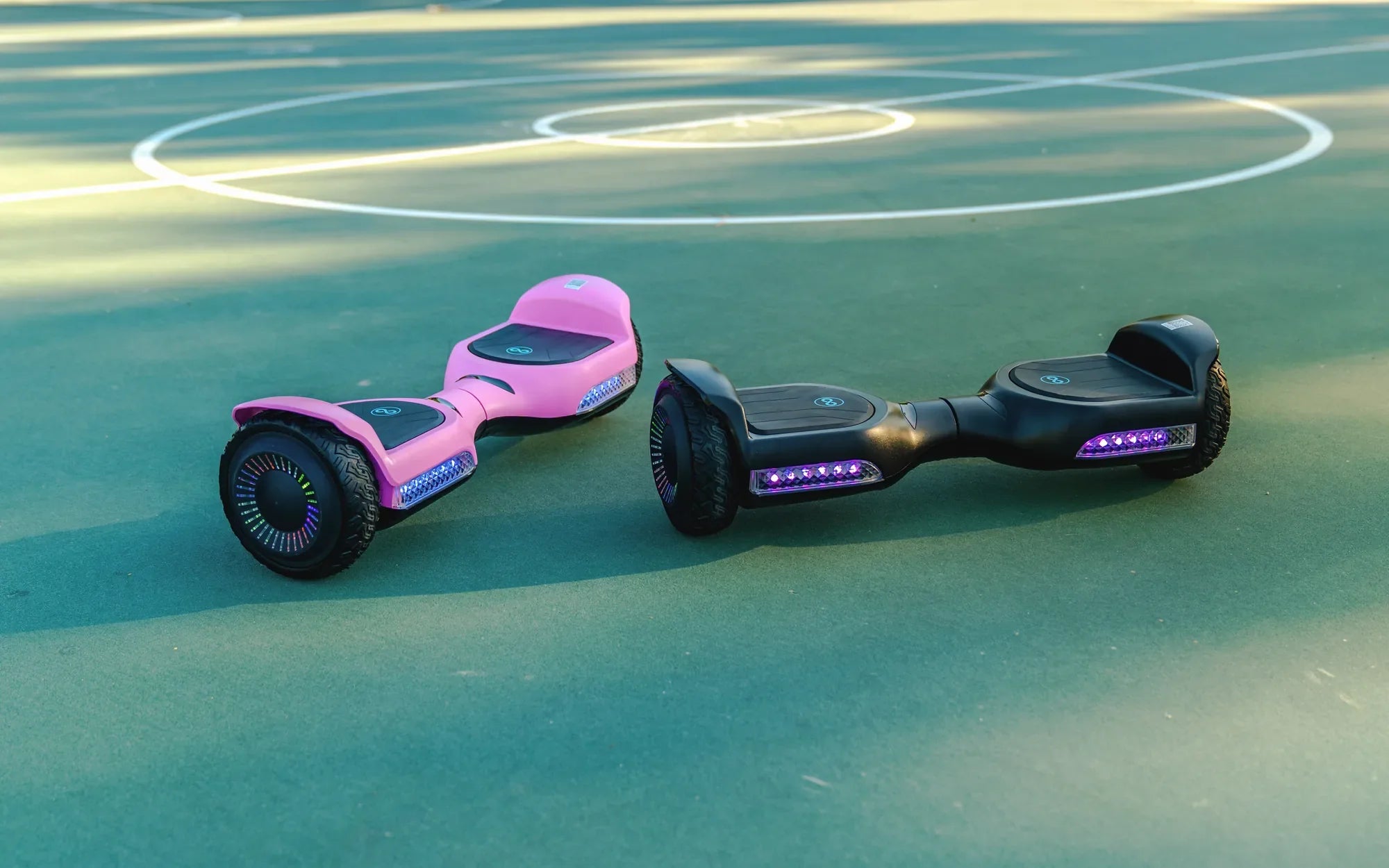
Water and electronics don't mix well, and if your hoverboard has taken an unexpected dive into a puddle or been caught in the rain, panic might set in. But don't worry—there's still hope! Acting fast can mean the difference between a minor hiccup and a costly replacement. Here's exactly what to do if your hoverboard gets wet to maximize its chances of survival.
Step 1: Power It Off Immediately
The moment your hoverboard gets wet, the first thing you should do is turn it off. If it's still on, press and hold the power button until it shuts down completely. Leaving it on increases the risk of a short circuit, which can fry the internal components beyond repair. Unplug it from any charging cables as well to prevent electrical damage.
Step 2: Remove Excess Water
Gently tilt the hoverboard to let any pooled water drain out. Avoid shaking it aggressively, as this could spread moisture deeper into the circuitry. Use a dry microfiber cloth or paper towels to blot away as much water as possible from the surface, paying special attention to seams, ports, and buttons where liquid can seep inside.
Step 3: Disassemble (If Possible)
If you're comfortable with basic tools, carefully open the hoverboard's casing to expose the internal components. Many models have screws that can be removed with a small screwdriver. This step isn't mandatory, but it helps air out the electronics more effectively. If you're unsure, skip this to avoid voiding warranties or causing accidental damage.
Step 4: Dry Thoroughly
Place the hoverboard (or its disassembled parts) in a dry, well-ventilated area. Avoid using direct heat sources like hair dryers or heaters, as excessive heat can warp plastic or damage sensitive parts. Instead, use a fan or silica gel packets to absorb moisture. Let it dry for at least 48–72 hours—patience is key!
Step 5: Check for Damage
After drying, inspect the hoverboard for visible signs of corrosion, rust, or water stains on the circuit board. If you notice any, a gentle cleaning with isopropyl alcohol and a soft brush might help. However, if components look severely damaged, professional repair may be necessary.
Step 6: Test Carefully
Once you're confident everything is dry, reassemble the hoverboard (if disassembled) and try turning it on in a safe, open area. Watch for unusual behavior like flickering lights, strange noises, or failure to balance. If it works, great! If not, avoid repeated attempts—consult a technician instead.
Preventing Future Water Damage
To avoid repeat incidents, store your hoverboard indoors and avoid riding in wet conditions. If you must use it near water, consider a waterproof cover or case designed for hoverboards. Regular maintenance checks can also help spot early signs of moisture damage.
Your hoverboard might not be submarine material, but with these steps, a little water doesn't have to spell disaster. Stay calm, act fast, and give your device the best shot at a full recovery—because nobody wants to say goodbye to their favorite ride prematurely!
Hoverboard Won't Go Forward: Troubleshooting and Fixes for a Stuck Ride
One Side of Hoverboard Doesn't Work: Causes, Fixes, and Prevention Tips