



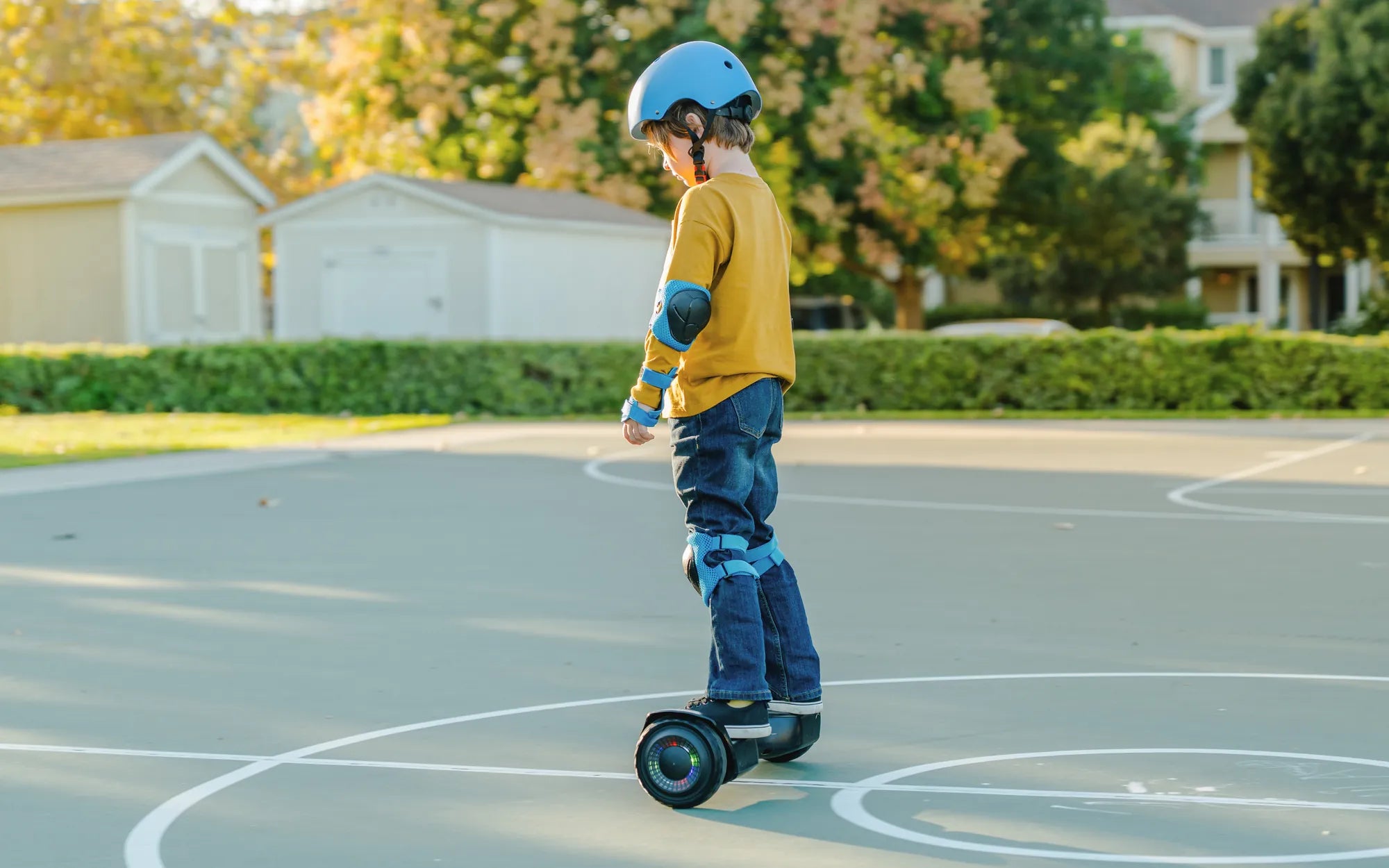
Few things are as frustrating as stepping onto your hoverboard only to find it wobbling uncontrollably or refusing to balance at all. A hoverboard that won't stay level isn't just annoying - it can be downright dangerous. Before you give up on your two-wheeled companion, let's explore the most common reasons for balance issues and how to fix them.
Common Causes of Hoverboard Balance Problems
Several factors can cause your hoverboard to lose its balance. Understanding these potential issues will help you diagnose and fix the problem.
1. Uneven or Worn Out Tires
If one tire is more worn than the other or if the tires aren't properly inflated, your hoverboard will struggle to maintain balance. Check both tires for:
- Visible wear patterns
- Proper inflation (if applicable)
- Debris stuck in the treads
- Uneven pressure between tires
2. Sensor Malfunctions
The pressure sensors under the foot pads are crucial for balance. If they're dirty, damaged, or misaligned, your hoverboard won't know how to position itself properly. Signs of sensor issues include:
- Inconsistent response to weight shifts
- One side responding differently than the other
- Delayed reaction when stepping on
3. Software or Calibration Problems
Like any smart device, hoverboards rely on software to function properly. If the calibration is off or the software needs updating, balance issues can occur. Symptoms include:
- The board tilting to one side constantly
- Erratic movements when trying to balance
- Error messages or warning lights
How to Fix a Hoverboard That Won't Balance
Now that we've identified potential causes, let's look at solutions to get your hoverboard back in working order.
Basic Troubleshooting Steps
Start with these simple fixes before moving to more complex solutions:
- Power cycle the hoverboard: Turn it off completely, wait 30 seconds, then turn it back on.
- Check the surface: Ensure you're on a flat, level surface when trying to balance.
- Clean the foot pads: Wipe down the sensors with a dry, soft cloth to remove any dirt or debris.
- Inspect the tires: Look for visible damage or uneven wear.
Calibrating Your Hoverboard
Most hoverboards have a calibration mode that resets the balance sensors. The exact method varies by model, but generally involves:
- Turning the hoverboard off
- Holding the power button for a specific time (often 5-10 seconds)
- Waiting for lights to flash or beep to indicate calibration mode
- Placing the hoverboard on a perfectly level surface
- Waiting for the calibration to complete
When to Seek Professional Help
If basic troubleshooting and calibration don't solve the balance issues, you might need professional assistance. Consider professional repair if:
- The hoverboard tilts severely even after calibration
- You hear grinding or unusual noises from the motors
- Error lights persist after troubleshooting
- The board shuts off unexpectedly when trying to balance
Preventing Future Balance Problems
Regular maintenance can help keep your hoverboard balanced and functioning properly for years to come.
Maintenance Tips
- Clean your hoverboard regularly, paying special attention to the foot pads and sensors
- Store it in a dry, temperature-controlled environment
- Avoid riding on rough or uneven surfaces whenever possible
- Check tire pressure and condition monthly
- Update the firmware when new versions become available
Proper Riding Techniques
How you ride can affect your hoverboard's balance and longevity:
- Step on and off carefully, placing equal weight on both sides
- Maintain good posture while riding
- Avoid sudden weight shifts or jerky movements
- Don't exceed the weight limit
Don't let balance issues keep you from enjoying your hoverboard. With these troubleshooting tips and maintenance practices, you can keep your board gliding smoothly and safely for countless adventures to come. Remember that proper care and attention can prevent most balance problems before they start, saving you time and frustration in the long run.
Do Hoverboards Catch on Fire? The Shocking Truth Behind the Safety Risks
How to Make Your Hoverboard Bluetooth: A Step-by-Step Guide