


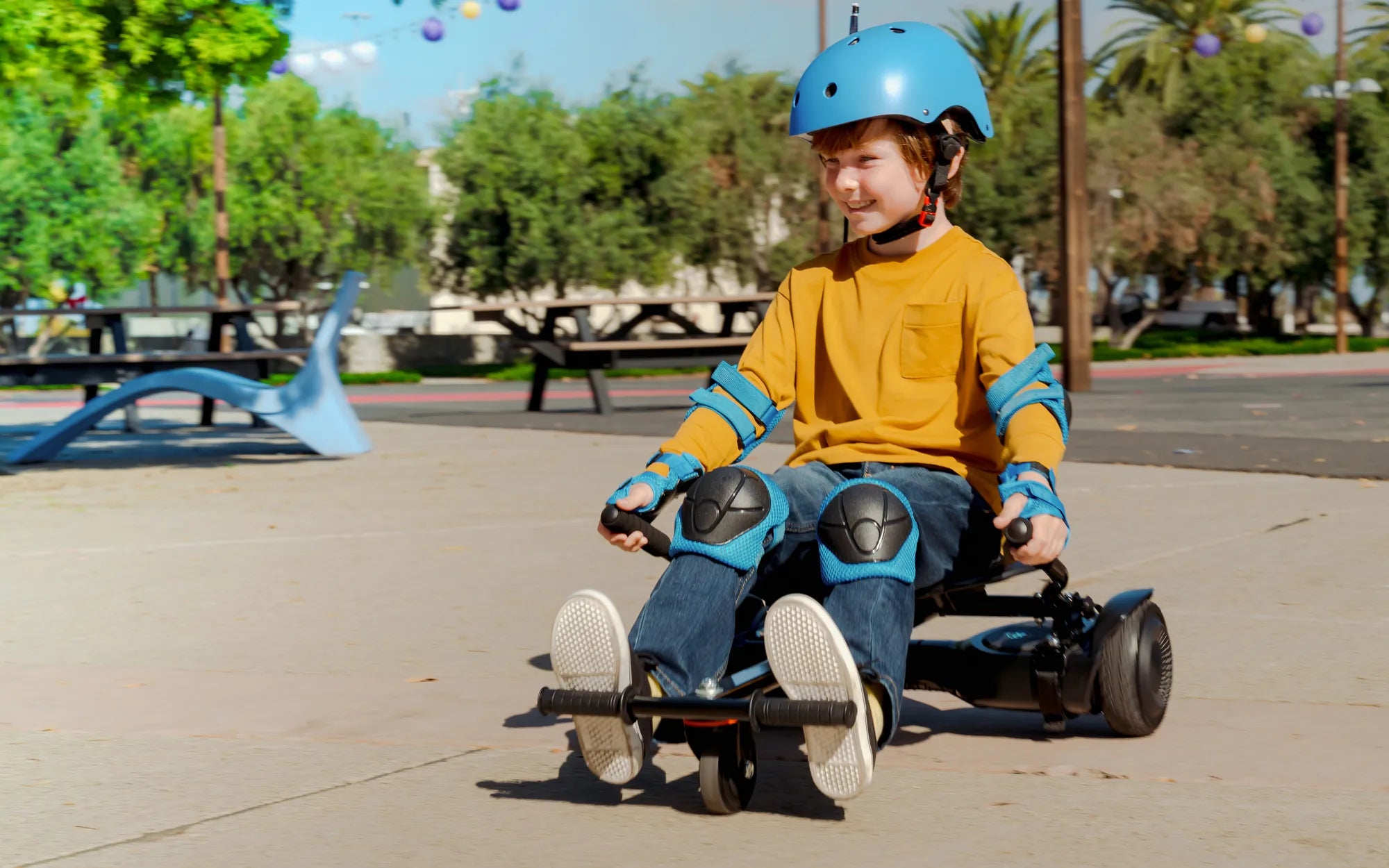
Few things are as frustrating as hopping onto your hoverboard, only to find it refusing to budge. Whether you rely on it for fun or commuting, a non-moving hoverboard can ruin your plans. But before you panic, let's explore the most common reasons why your hoverboard isn't moving and how you can get it back on track.
Battery Issues
One of the most frequent culprits behind a hoverboard that won't move is a drained or faulty battery. If your hoverboard doesn't power on at all, the battery might be completely dead. Even if it powers on but won't move, the battery could be too low to provide sufficient power to the motors.
How to Fix Battery Problems
- Charge the hoverboard for at least 2-3 hours before use
- Check the charger and charging port for damage
- Test with another charger if possible
- If the battery won't hold a charge, it may need replacement
Motor Malfunctions
Hoverboards typically have two motors - one for each wheel. If one or both motors fail, your hoverboard won't move properly. You might notice unusual noises, grinding sensations, or complete lack of movement.
Signs of Motor Problems
- One wheel moves while the other doesn't
- Grinding or clicking noises when attempting to ride
- Burning smell coming from the motors
- Visible damage to the motor housing
Connection Problems
Internal wiring issues can prevent your hoverboard from moving. Loose connections, damaged wires, or corroded contacts can interrupt power flow to critical components.
Troubleshooting Electrical Connections
- Check for loose wires inside the hoverboard (if comfortable opening it)
- Look for frayed or damaged cables
- Inspect all connection points for corrosion
- Ensure all plugs are securely seated
Sensor and Gyroscope Issues
Modern hoverboards rely on sophisticated sensors and gyroscopes to detect rider movement and maintain balance. If these components fail, your hoverboard might not respond to your commands.
Identifying Sensor Problems
- Hoverboard powers on but doesn't respond to foot pressure
- Error lights or beeping sounds indicating sensor failure
- Uneven response between left and right sides
- Board tilts or behaves erratically
Software Glitches
Like any smart device, hoverboards can experience software issues that affect performance. Firmware problems might cause the board to freeze or stop responding.
Resolving Software Issues
- Try resetting the hoverboard (consult manual for reset procedure)
- Check for firmware updates from the manufacturer
- Allow the board to fully discharge, then recharge completely
- If possible, perform a factory reset
Physical Obstructions
Sometimes the solution is simpler than you think. Physical obstructions can prevent your hoverboard from moving properly.
Checking for Physical Blockages
- Remove any debris stuck in the wheels or axles
- Check for hair or string wrapped around the axles
- Ensure nothing is lodged under the foot pads
- Verify the wheels spin freely when lifted off the ground
Safety Features Activated
Many hoverboards have built-in safety features that can prevent movement under certain conditions. These might include tilt protection, overload protection, or temperature controls.
Common Safety Lockouts
- Overheating protection (let the board cool down)
- Weight limit exceeded (check manufacturer specifications)
- Uneven surface detection (move to flat ground)
- Low battery protection (charge before use)
Don't let a stationary hoverboard ruin your day. By methodically checking these common issues, you'll likely identify and solve the problem. Remember that some repairs are best left to professionals, especially when dealing with electrical components. With proper troubleshooting, you'll be back to gliding smoothly in no time!
How to Buy a Good Hoverboard: A Complete Buyer’s Guide
How to Dry Out a Hoverboard: A Step-by-Step Guide to Saving Your Device