



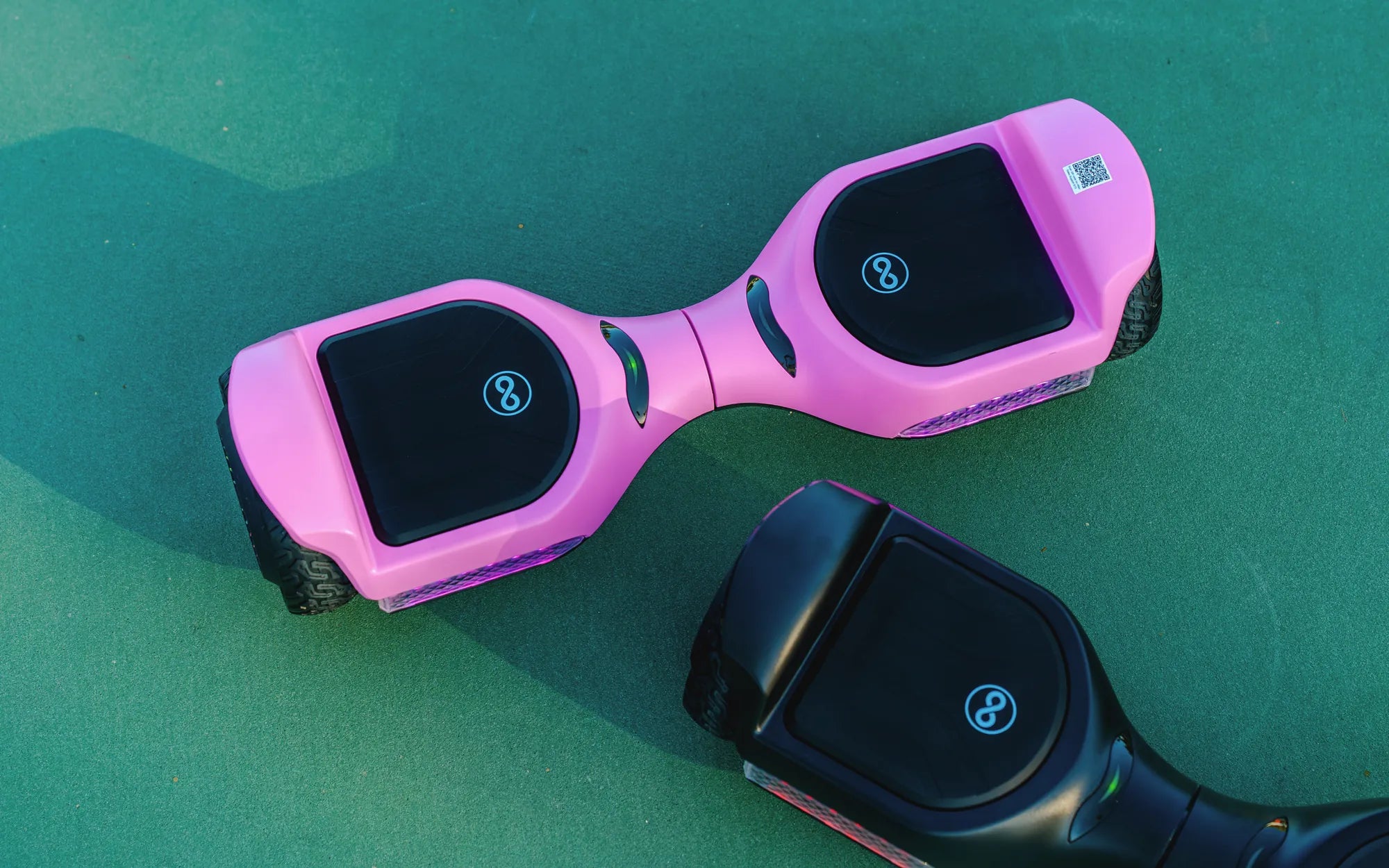
Have you ever hopped on your hoverboard, only to realize that one side isn't working? It's frustrating, but don't worry—you're not alone. Many hoverboard users encounter this issue, and the good news is that it's often fixable. In this guide, we'll explore the most common reasons why only one side of your hoverboard is working and provide step-by-step solutions to get you back on track.
Common Causes of One-Sided Hoverboard Issues
When one side of your hoverboard stops functioning, it can be due to several factors. Here are the most likely culprits:
- Battery Problems: Uneven power distribution or a failing battery can cause one side to malfunction.
- Motor Issues: A damaged or worn-out motor on one side can lead to imbalance.
- Wiring or Connection Faults: Loose or frayed wires may disrupt power to one side.
- Sensor Malfunctions: Faulty gyroscopic sensors can prevent one side from responding.
- Software Glitches: Outdated or corrupted firmware can cause operational issues.
How to Diagnose the Problem
Before attempting any fixes, it's important to diagnose the issue accurately. Follow these steps:
- Check the Battery: Ensure the hoverboard is fully charged. If one side drains faster, the battery may be faulty.
- Inspect the Motors: Listen for unusual noises or resistance when manually spinning the wheels.
- Examine the Wiring: Look for visible damage or loose connections inside the hoverboard.
- Test the Sensors: Tilt the hoverboard to see if both sides respond equally.
- Reset the Hoverboard: A factory reset can often resolve software-related issues.
Step-by-Step Fixes for One-Sided Hoverboard Problems
Once you've identified the likely cause, try these solutions:
1. Recharge or Replace the Battery
If the battery is the issue, fully recharge the hoverboard. If the problem persists, consider replacing the battery.
2. Repair or Replace the Motor
A faulty motor may need professional repair or replacement. If you're handy, you can attempt to fix it yourself.
3. Fix Loose or Damaged Wires
Carefully open the hoverboard and secure any loose connections. Replace damaged wires if necessary.
4. Calibrate the Sensors
Most hoverboards have a calibration mode. Follow the manufacturer's instructions to recalibrate the sensors.
5. Update the Firmware
Check for firmware updates and install them to resolve any software glitches.
Preventive Measures to Avoid Future Issues
To keep your hoverboard running smoothly, follow these tips:
- Charge the hoverboard regularly and avoid overcharging.
- Store it in a dry, cool place to prevent damage to internal components.
- Avoid rough terrain that could strain the motors or wheels.
- Clean the hoverboard regularly to prevent dirt buildup.
Dealing with a one-sided hoverboard can be frustrating, but with the right approach, you can often fix the issue yourself. By understanding the common causes and following the steps above, you'll be back to gliding smoothly in no time. Don't let a minor hiccup keep you from enjoying your ride—take action today!
Hoverboard Will Not Move: Troubleshooting and Fixes for Common Issues
Safest Hoverboard Battery: What You Need to Know Before Buying