



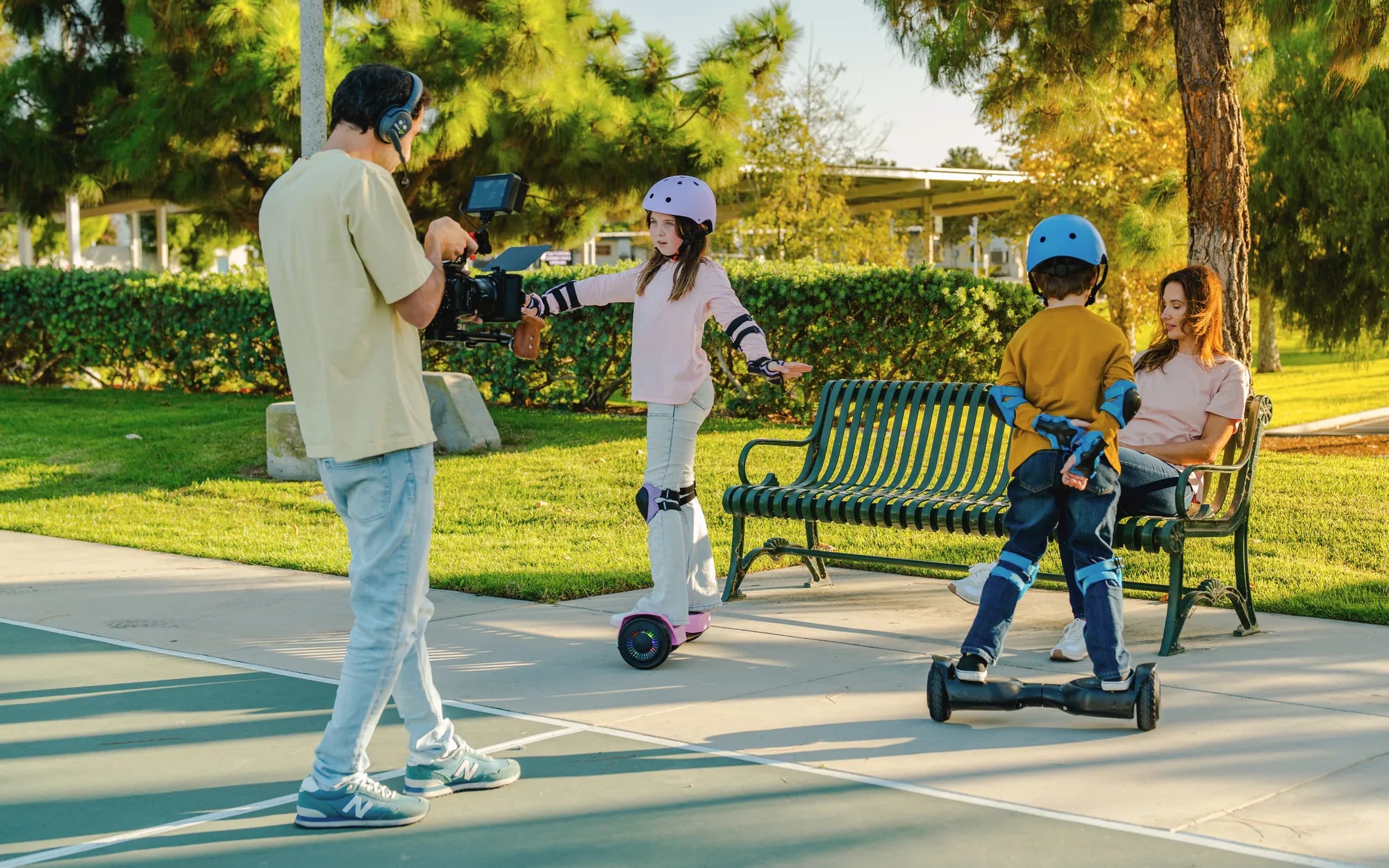
Few things are as frustrating as stepping onto your hoverboard, only to find it won't move. Whether you're a seasoned rider or a beginner, a non-responsive hoverboard can ruin your plans. But don't worry—most issues have simple solutions. Let's dive into the common reasons why your hoverboard won't move and how you can get it back in action.
1. Low or Dead Battery
One of the most common reasons a hoverboard won't move is a low or dead battery. If your hoverboard hasn't been charged in a while, it may not have enough power to operate. Check the battery indicator lights—if they're red or blinking, it's time to recharge. Always use the manufacturer-recommended charger and avoid overcharging, as this can damage the battery over time.
2. Loose or Damaged Wiring
Internal wiring issues can prevent your hoverboard from functioning properly. If the hoverboard was dropped or handled roughly, wires may have come loose or become damaged. Open the hoverboard (if you're comfortable doing so) and inspect the connections. Look for frayed wires, loose plugs, or burnt components. If you're unsure, consult a professional for repairs.
3. Faulty Gyroscope or Sensors
Hoverboards rely on gyroscopes and sensors to detect movement and balance. If these components malfunction, the hoverboard may not respond when you step on it. Try resetting the hoverboard by turning it off and on again. If that doesn't work, recalibrating the sensors might help. Refer to your user manual for calibration instructions.
4. Overheating Issues
Hoverboards can overheat, especially after prolonged use or exposure to high temperatures. Many models have built-in safety features that shut down the device to prevent damage. If your hoverboard feels unusually hot, let it cool down for at least 30 minutes before attempting to use it again. Avoid riding in extreme heat to prevent future overheating.
5. Uneven or Unstable Surface
Hoverboards require a flat, stable surface to function correctly. If you're trying to ride on uneven terrain, gravel, or thick carpet, the sensors may struggle to maintain balance. Move to a smooth, level surface and try again. If the hoverboard still won't move, the issue may lie elsewhere.
6. Software or Firmware Glitches
Like any electronic device, hoverboards can experience software or firmware issues. If your hoverboard suddenly stops working, a firmware update might be needed. Check the manufacturer's website for updates or troubleshooting guides. Some models allow you to reset the firmware by holding down the power button for an extended period.
7. Motor or Wheel Problems
If one wheel spins while the other doesn't, the issue could be a faulty motor or wheel mechanism. Listen for unusual noises when attempting to ride—grinding or clicking sounds may indicate motor trouble. Inspect the wheels for obstructions like dirt or debris. If the problem persists, professional repair may be necessary.
8. Safety Lock Mode
Some hoverboards have a safety lock feature to prevent accidental activation during transport or storage. If your hoverboard won't move, check if it's in lock mode. Refer to the user manual for instructions on unlocking it—this usually involves pressing a combination of buttons or holding the power button for a few seconds.
9. Water or Moisture Damage
Hoverboards and water don't mix. Exposure to moisture can damage internal components and cause the device to malfunction. If your hoverboard has been exposed to rain, spills, or high humidity, let it dry completely before use. Avoid riding in wet conditions to prevent future damage.
10. Age and Wear
Over time, hoverboard components can wear out, especially if used frequently. Batteries lose capacity, motors weaken, and sensors may become less responsive. If your hoverboard is several years old and frequently malfunctions, it might be time to consider a replacement.
Don't let a non-moving hoverboard keep you grounded! By identifying the issue and applying the right fix, you can often get back to gliding smoothly in no time. If all else fails, professional repair services are always an option—just make sure to choose a reputable provider. Now, grab your hoverboard, troubleshoot the problem, and get ready to ride again!
Hoverboard Battery 42V: The Ultimate Guide to Power and Performance
Hoverboard How Fast: Understanding Speed and Safety in Modern Hoverboards