



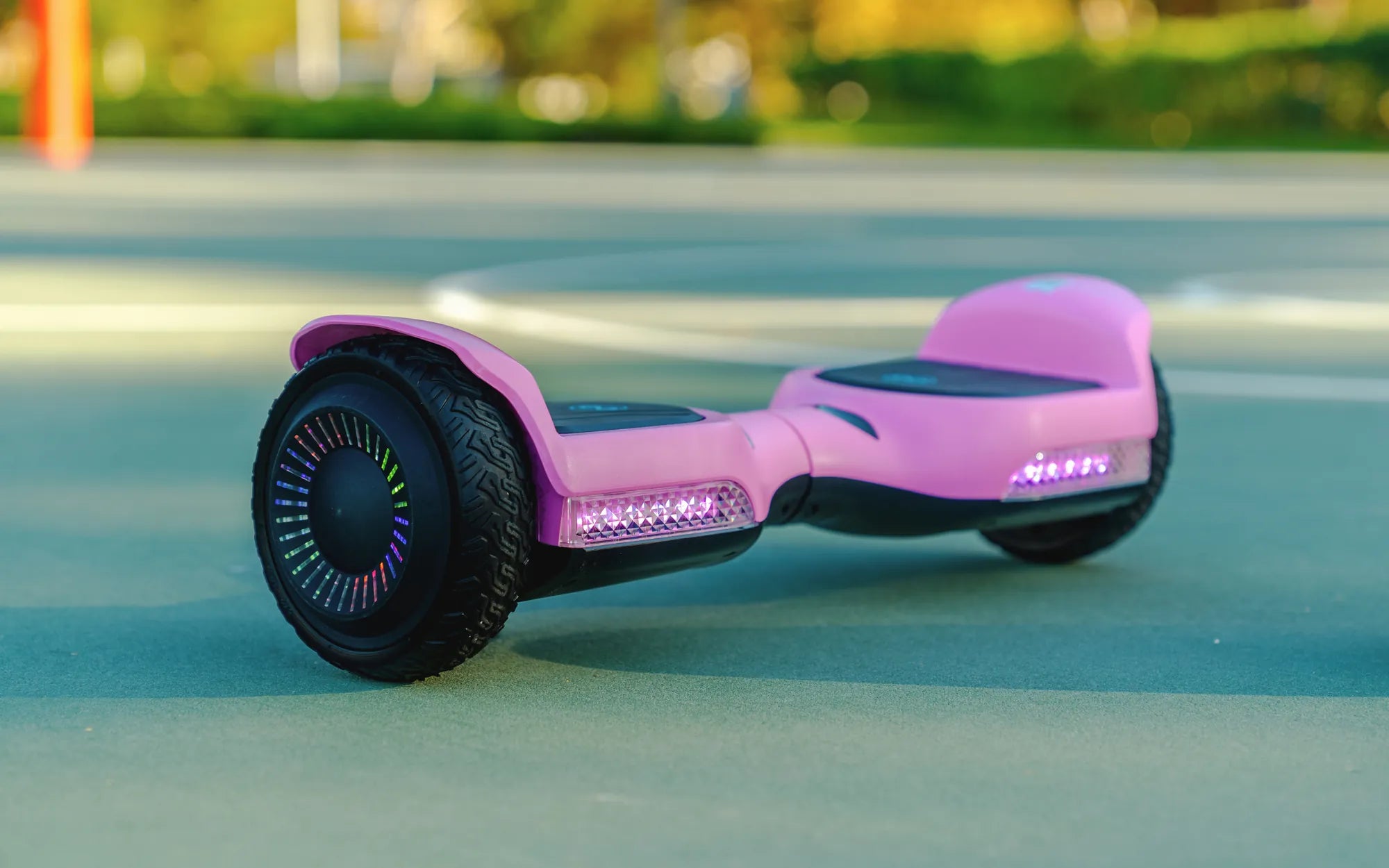
Ever wondered what makes your 10 inch hoverboard tick? Whether you're a seasoned rider or a curious beginner, understanding the inner workings of your hoverboard can save you time, money, and frustration. From the motor to the battery, each part plays a crucial role in ensuring a smooth and safe ride. Let's dive into the world of 10 inch hoverboard parts and uncover the secrets to keeping your device in top shape.
Essential 10 Inch Hoverboard Parts
Every 10 inch hoverboard is built with several key components that work together to deliver a seamless riding experience. Here are the most critical parts you should know about:
- Motors: Typically located in the wheels, these brushless motors provide the power needed for movement.
- Battery: The lifeblood of your hoverboard, usually a lithium-ion battery, stores and delivers energy to the motors.
- Gyroscope and Sensors: These components help maintain balance and respond to your movements.
- Control Board: Acts as the brain of the hoverboard, processing signals from the sensors and adjusting the motors accordingly.
- Tires: 10 inch tires offer a balance between speed and stability, making them a popular choice for riders.
- Frame and Shell: The outer casing protects the internal components and adds durability.
How to Maintain Your 10 Inch Hoverboard Parts
Regular maintenance is key to extending the lifespan of your hoverboard. Here are some tips to keep your 10 inch hoverboard parts in optimal condition:
- Check the Battery: Avoid overcharging and store your hoverboard in a cool, dry place to prevent battery degradation.
- Inspect the Tires: Look for signs of wear and tear, and ensure they are properly inflated for a smooth ride.
- Clean the Sensors: Dust and debris can interfere with the gyroscope and sensors. Wipe them down regularly with a soft cloth.
- Tighten Loose Screws: Vibrations from riding can loosen screws over time. Periodically check and tighten them to avoid accidents.
- Update Firmware: If your hoverboard has a companion app, make sure to install any available updates for improved performance.
Upgrading Your 10 Inch Hoverboard Parts
Looking to take your hoverboard to the next level? Upgrading certain parts can enhance speed, battery life, and overall performance. Consider these upgrades:
- High-Capacity Battery: Swap out the standard battery for a higher-capacity model to enjoy longer ride times.
- Premium Tires: Upgrade to all-terrain tires for better grip and stability on rough surfaces.
- Enhanced Motors: More powerful motors can provide a speed boost, but make sure your hoverboard's frame can handle the extra power.
- LED Lights: Add custom LED lights for a personalized touch and improved visibility at night.
Troubleshooting Common Issues with 10 Inch Hoverboard Parts
Even with proper maintenance, issues can arise. Here's how to troubleshoot some common problems:
- Hoverboard Won't Turn On: Check the battery connections and ensure it's fully charged. If the problem persists, the battery or control board may need replacement.
- Uneven Riding: This could indicate a problem with the gyroscope or sensors. Recalibrate the hoverboard or replace the faulty component.
- Strange Noises: Grinding or squeaking sounds often point to motor or wheel bearing issues. Inspect and lubricate or replace as needed.
- Overheating: If your hoverboard gets too hot, stop using it immediately. Overheating can be caused by a faulty battery or motor.
Where to Find Replacement 10 Inch Hoverboard Parts
When it's time to replace a part, it's important to source high-quality components. Look for reputable online retailers or specialty stores that offer genuine or compatible parts. Always check reviews and warranties before making a purchase.
Ready to unlock the full potential of your 10 inch hoverboard? Whether you're maintaining, upgrading, or troubleshooting, knowing your way around these parts will keep you riding smoothly for years to come. Don't wait—start exploring the possibilities today!
Real Flying Hoverboard Price: What You Need to Know Before Buying
One Year Old on Hoverboard: Safety, Risks, and Parental Guidance