



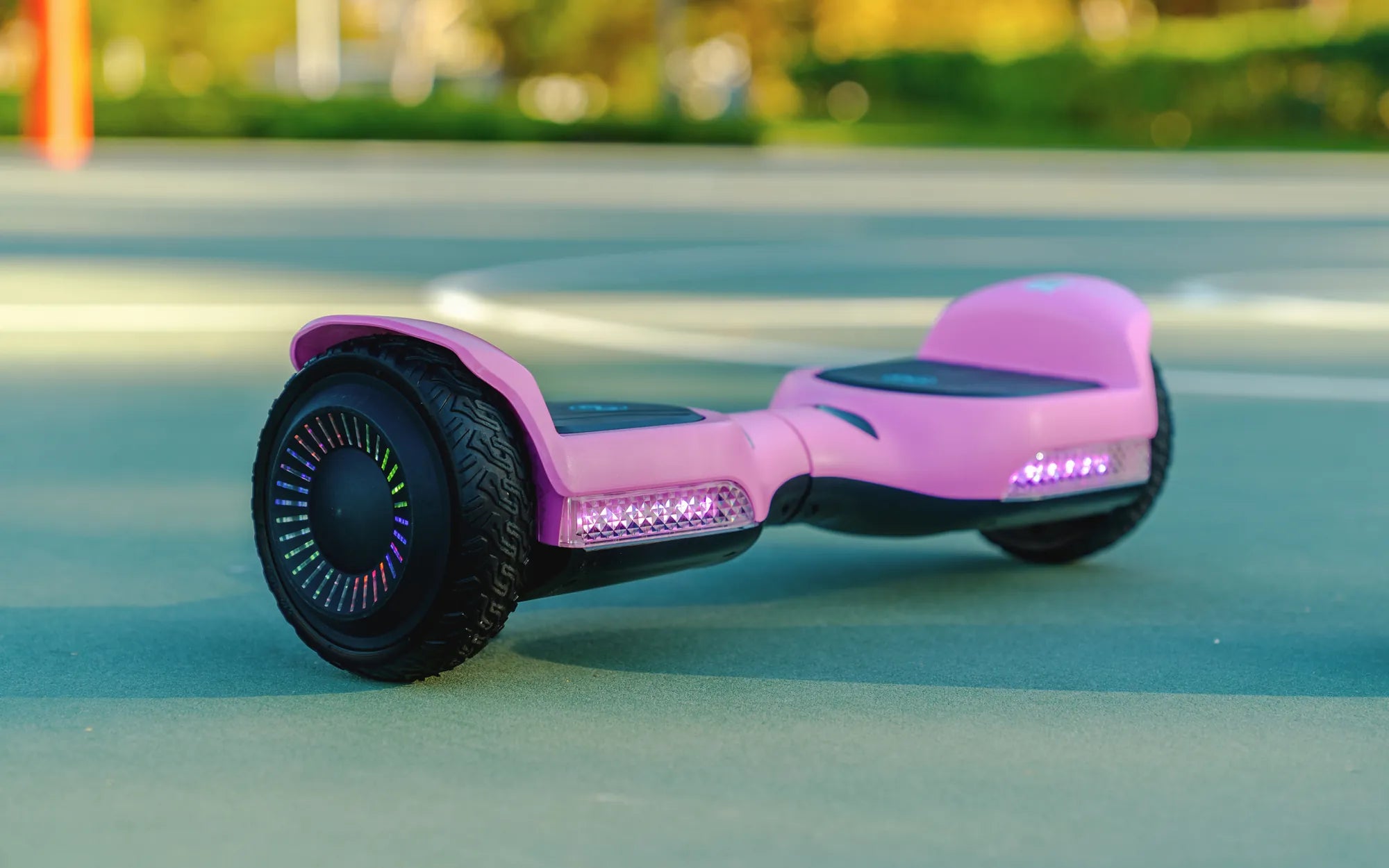
Is your 10 inch hoverboard acting up? Don't let a faulty part ruin your ride! Whether you're a seasoned hoverboard enthusiast or a beginner, knowing how to replace and maintain key components can save you time, money, and frustration. In this comprehensive guide, we'll walk you through everything you need to know about 10 inch hoverboard replacement parts, ensuring your device stays in peak condition.
Why 10 Inch Hoverboard Replacement Parts Matter
Hoverboards are fun and convenient, but like any electronic device, they require occasional maintenance. Over time, parts wear out, batteries degrade, and motors may need replacing. Investing in high-quality 10 inch hoverboard replacement parts ensures your ride remains safe, efficient, and enjoyable. Neglecting worn-out components can lead to accidents or permanent damage to your hoverboard.
Essential 10 Inch Hoverboard Replacement Parts
Here are the most common components you might need to replace:
- Tires: The 10 inch tires are crucial for a smooth ride. Worn-out treads or punctures can affect balance and performance.
- Battery: Over time, batteries lose their capacity. A fresh battery ensures longer ride times and consistent power delivery.
- Motherboard: The brain of your hoverboard, the motherboard controls balance and speed. Faulty boards can cause erratic behavior.
- Motors: If your hoverboard struggles to move or makes strange noises, the motors might need replacing.
- Charging Port: A damaged charging port can prevent your hoverboard from powering up.
- Gyroscope: This component helps maintain balance. If your hoverboard wobbles excessively, the gyroscope may be faulty.
How to Choose the Right Replacement Parts
Not all replacement parts are created equal. Here's what to look for:
- Compatibility: Ensure the parts are designed for 10 inch hoverboards.
- Quality: Opt for durable materials to avoid frequent replacements.
- Warranty: Reputable sellers often offer warranties on parts.
- Reviews: Check customer feedback to gauge reliability.
Step-by-Step Guide to Replacing Key Components
Replacing hoverboard parts can be straightforward if you follow these steps:
- Power Off: Always disconnect the battery before working on your hoverboard.
- Remove the Casing: Use a screwdriver to open the hoverboard's shell carefully.
- Identify the Faulty Part: Inspect components to determine which one needs replacement.
- Disconnect Wires: Gently unplug any connectors attached to the old part.
- Install the New Part: Secure the replacement component and reconnect all wires.
- Test: Power on the hoverboard to ensure everything works correctly.
Maintenance Tips to Extend the Life of Your Hoverboard
Preventive care can reduce the need for frequent replacements:
- Regular Cleaning: Dust and debris can damage internal components.
- Proper Storage: Keep your hoverboard in a dry, cool place.
- Avoid Overcharging: Unplug the charger once the battery is full.
- Check Tire Pressure: Maintain optimal pressure for better performance.
Where to Find Reliable 10 Inch Hoverboard Replacement Parts
You can source parts from:
- Online Retailers: Many platforms specialize in hoverboard components.
- Local Electronics Stores: Some stores carry compatible parts.
- Manufacturer Websites: Check if your hoverboard's maker sells replacements.
Don't let a broken part sideline your hoverboard adventures! With the right 10 inch hoverboard replacement parts and a bit of know-how, you can keep your ride running smoothly for years. Whether you're tackling a simple tire change or a more complex motherboard swap, this guide has you covered. Get back to gliding effortlessly with confidence!
Real Hoverboard Technology: The Future of Personal Transportation
Real Hoverboard Technology: The Future of Personal Transportation