

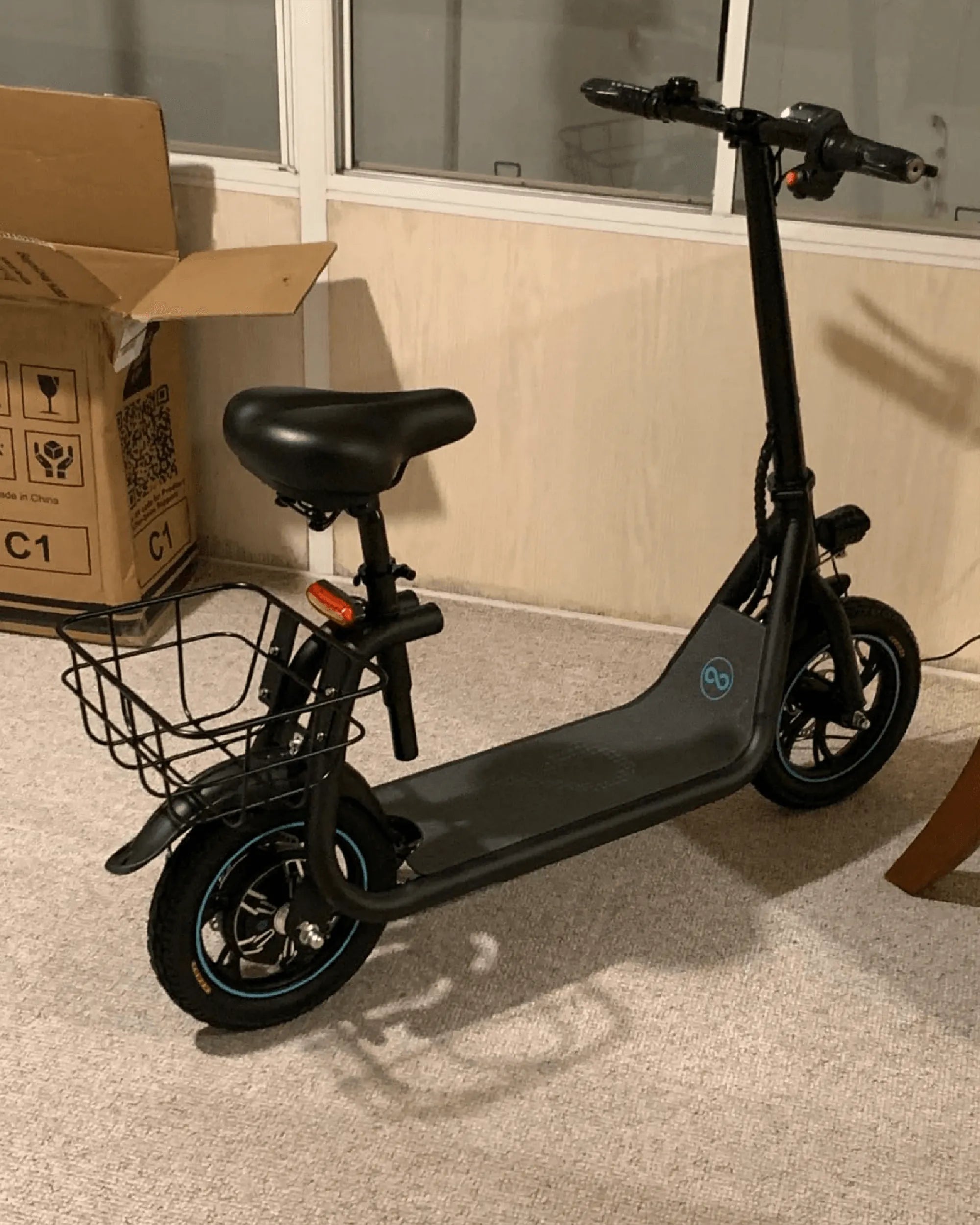
Few things are as frustrating as plugging in your e-scooter to charge, only to realize the charger light won't turn red. This small but crucial indicator is your first sign of whether your scooter is charging properly—or not at all. Before you panic, let's explore the possible reasons and solutions to get you back on the road quickly.
Why the Charger Light Matters
The charger light is a simple yet vital component of your e-scooter's charging system. When functioning correctly, it typically turns red to indicate active charging and switches to green once the battery is full. If it doesn't turn red at all, your scooter might not be charging, which could leave you stranded.
Common Reasons the Charger Light Won't Turn Red
1. Power Supply Issues
The first thing to check is whether your charger is receiving power. Try plugging it into a different outlet or using another device to confirm the socket works. A faulty power source is often the simplest explanation.
2. Damaged Charger or Cable
Inspect the charger and cable for visible damage. Frayed wires, bent connectors, or a cracked housing could prevent proper power delivery. If you spot any damage, replacing the charger may be necessary.
3. Battery Connection Problems
Sometimes, the issue isn't with the charger but with the scooter's charging port or battery connections. Dirt, corrosion, or loose wiring can disrupt the charging process. Carefully clean the port and check for secure connections.
4. Battery Overheating or Failure
If the battery overheats or fails, the charger may refuse to supply power as a safety measure. Let the scooter cool down for an hour and try again. If the problem persists, the battery may need replacement.
5. Software or Firmware Glitches
Some e-scooters have built-in battery management systems that can malfunction. A simple reset—turning the scooter off and on—might resolve the issue. For persistent problems, consult the manufacturer's support.
Step-by-Step Troubleshooting
Step 1: Verify the Power Source
Plug the charger into a known-working outlet and check for any signs of life (LED indicators, fan noise). If there’s no response, the charger itself may be faulty.
Step 2: Inspect the Charger and Cable
Look for physical damage, especially near the connectors. Gently wiggle the cable while plugged in to see if the light flickers, indicating a loose connection.
Step 3: Test with Another Charger
If possible, borrow a compatible charger to see if the issue persists. If the light turns red with another charger, yours may need replacement.
Step 4: Check the Scooter's Charging Port
Use a flashlight to inspect the port for debris or bent pins. A can of compressed air can help clear out dust without damaging internal components.
Step 5: Monitor Battery Temperature
After riding, let the scooter cool before charging. If the battery feels unusually hot, avoid charging until it stabilizes to prevent damage.
When to Seek Professional Help
If none of these steps resolve the issue, the problem may lie deeper—such as a failing battery, damaged charging circuit, or internal wiring fault. In such cases, professional repair is the safest option to avoid further damage or safety hazards.
Preventing Charging Issues in the Future
- Always use the correct charger for your scooter model.
- Avoid exposing the charger or battery to extreme temperatures.
- Store your scooter in a dry place to prevent moisture damage.
- Regularly inspect cables and connectors for wear and tear.
Don’t let a charger light that won’t turn red ruin your day. With these troubleshooting tips, you can diagnose the issue and take action—whether it’s a quick fix or a sign it’s time for professional help. Stay charged and keep rolling!
What Is the Best Electric Trike for Seniors? A Comprehensive Guide
Best Matte E-Scooter: The Ultimate Guide to Sleek and Stylish Rides