



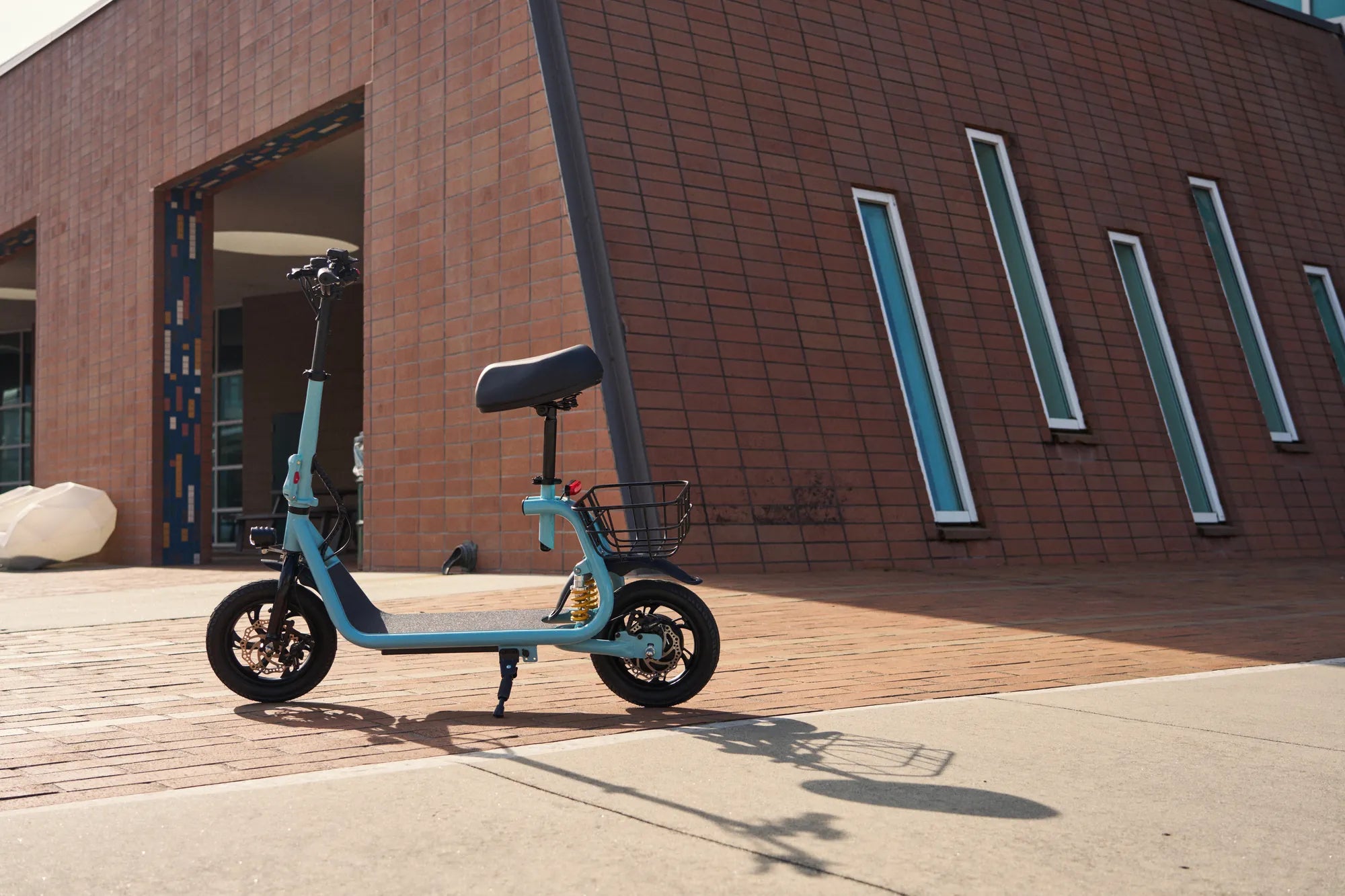
Is your e scooter refusing to charge? A faulty charging port could be the culprit, leaving you stranded and frustrated. Before you ditch your ride for a new one, discover how a simple e scooter charging port replacement can bring your wheels back to life—saving you time and money.
Why E Scooter Charging Ports Fail
Charging ports are one of the most vulnerable components on an e scooter. Constant plugging and unplugging, exposure to dust and moisture, and accidental tugs on the charging cable can all lead to wear and tear. Over time, the internal connections may loosen, the housing may crack, or corrosion may set in, preventing proper electrical contact.
Signs Your Charging Port Needs Replacement
How do you know if your e scooter's charging port is the problem? Look for these telltale signs:
- The charger doesn't click or lock into place securely
- Charging is intermittent—works only at certain angles
- Visible damage like bent pins, cracks, or burn marks
- No charging indicator light when plugged in
- Battery doesn't hold charge despite using a known-good charger
Tools You'll Need for the Replacement
Before starting your e scooter charging port replacement, gather these essential tools:
- Precision screwdriver set
- Soldering iron and solder
- Wire cutters/strippers
- Multimeter for testing
- Replacement charging port (compatible with your model)
- Heat shrink tubing or electrical tape
Step-by-Step Replacement Guide
Follow these steps to successfully replace your e scooter's charging port:
Step 1: Safety First
Disconnect the battery and ensure the scooter is powered off completely. This prevents short circuits and potential electric shocks during the repair process.
Step 2: Access the Charging Port
Remove any necessary panels or covers to access the charging port. This typically involves removing screws and carefully prying apart plastic housing components.
Step 3: Remove the Old Port
Document the wiring configuration with photos before disconnecting anything. Desolder or unplug the existing port, being careful not to damage surrounding components.
Step 4: Install the New Port
Solder or connect the new port following the same wiring pattern as the original. Double-check all connections before proceeding.
Step 5: Reassemble and Test
Carefully put all components back together, then test the charging function before fully reassembling the housing.
Preventing Future Charging Port Issues
Extend the life of your new charging port with these maintenance tips:
- Always insert/remove the charger straight in/out—no wiggling
- Keep the port clean and dry—use protective covers when not in use
- Avoid putting stress on the cable while charging
- Regularly inspect for early signs of wear
When to Seek Professional Help
While many e scooter charging port replacements are DIY-friendly, consider professional assistance if:
- The damage extends beyond just the port
- You're uncomfortable with soldering or electrical work
- The scooter has complex wiring or proprietary components
- You suspect battery or controller issues
Don't let a faulty charging port ground your e scooter adventures. With the right tools and this comprehensive guide, you can tackle the replacement yourself and get back to riding in no time. Remember—proper installation and care will keep your scooter charged and ready for miles of trouble-free travel.
Commuter Scooter Non Electric: The Ultimate Guide to Efficient and Eco-Friendly Travel
E Scooter Brands in India: A Comprehensive Guide to the Best Options