



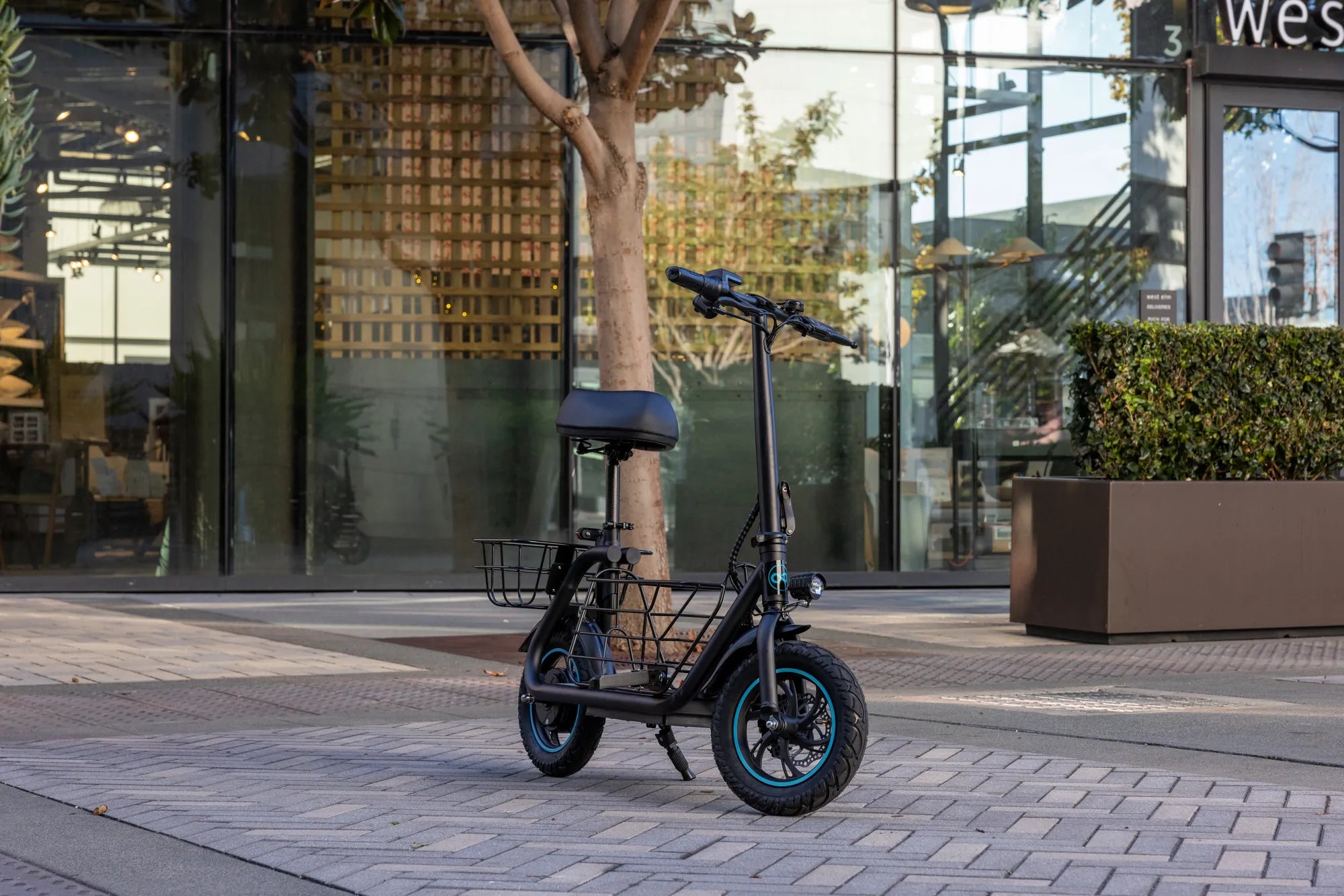
Your ebike's LCD display is the command center of your electric biking experience. Whether you're a seasoned rider or new to the world of electric bicycles, understanding how to use your LCD display can significantly enhance your ride. From tracking speed and battery life to adjusting power modes, this guide will walk you through everything you need to know about your ebike LCD display manual.
Understanding Your Ebike LCD Display
The LCD display on your ebike is more than just a screen—it's your gateway to controlling and monitoring your ride. Most displays feature a backlit screen with intuitive buttons or touch controls, allowing you to access various functions effortlessly. Common features include speedometers, odometers, battery level indicators, and assist level settings. Familiarizing yourself with these basics will help you make the most of your ebike.
Navigating the Display Menu
Your ebike LCD display manual will outline how to navigate the menu system. Typically, you'll use a combination of short and long presses on the control buttons to cycle through options. The primary menu often includes:
- Speed and Distance: Track your current speed, average speed, and total distance traveled.
- Battery Status: Monitor remaining charge and estimated range.
- Power Assist Levels: Adjust the level of motor assistance to suit your riding style.
- Trip Data: Reset individual trip metrics to track specific rides.
Customizing Your Ride Settings
Many ebike LCD displays allow for customization to match your preferences. You can often adjust:
- Units of Measurement: Switch between miles and kilometers.
- Backlight Brightness: Optimize visibility in different lighting conditions.
- Auto-Shutoff Timer: Conserve battery by setting the display to turn off after inactivity.
Refer to your ebike LCD display manual for specific instructions on accessing these settings.
Troubleshooting Common Issues
Even the most reliable displays can encounter issues. Here are some common problems and solutions:
- Blank Screen: Check the battery connection and ensure the display is securely attached.
- Unresponsive Buttons: Clean the buttons and avoid using the display in wet conditions.
- Incorrect Readings: Reset the display or recalibrate the sensors as per the manual.
Maximizing Battery Efficiency
Your LCD display can help you extend your ebike's battery life. By monitoring power usage and adjusting assist levels, you can ride longer between charges. Use the battery indicator to plan your trips and avoid draining the battery unexpectedly.
Safety Tips for Using Your Display
While your LCD display is a valuable tool, it's essential to use it safely:
- Avoid staring at the screen while riding—glance briefly when needed.
- Secure the display to prevent it from becoming a distraction or hazard.
- Keep the screen clean and free of obstructions for clear visibility.
Mastering your ebike LCD display manual unlocks a world of convenience and control. With these tips, you'll ride smarter, safer, and with greater confidence. Happy cycling!
Best 125cc Dirt Bike: Top Picks for Thrilling Off-Road Adventures
90 100-14 Dirt Bike Tire: The Ultimate Guide to Choosing the Right Off-Road Grip