



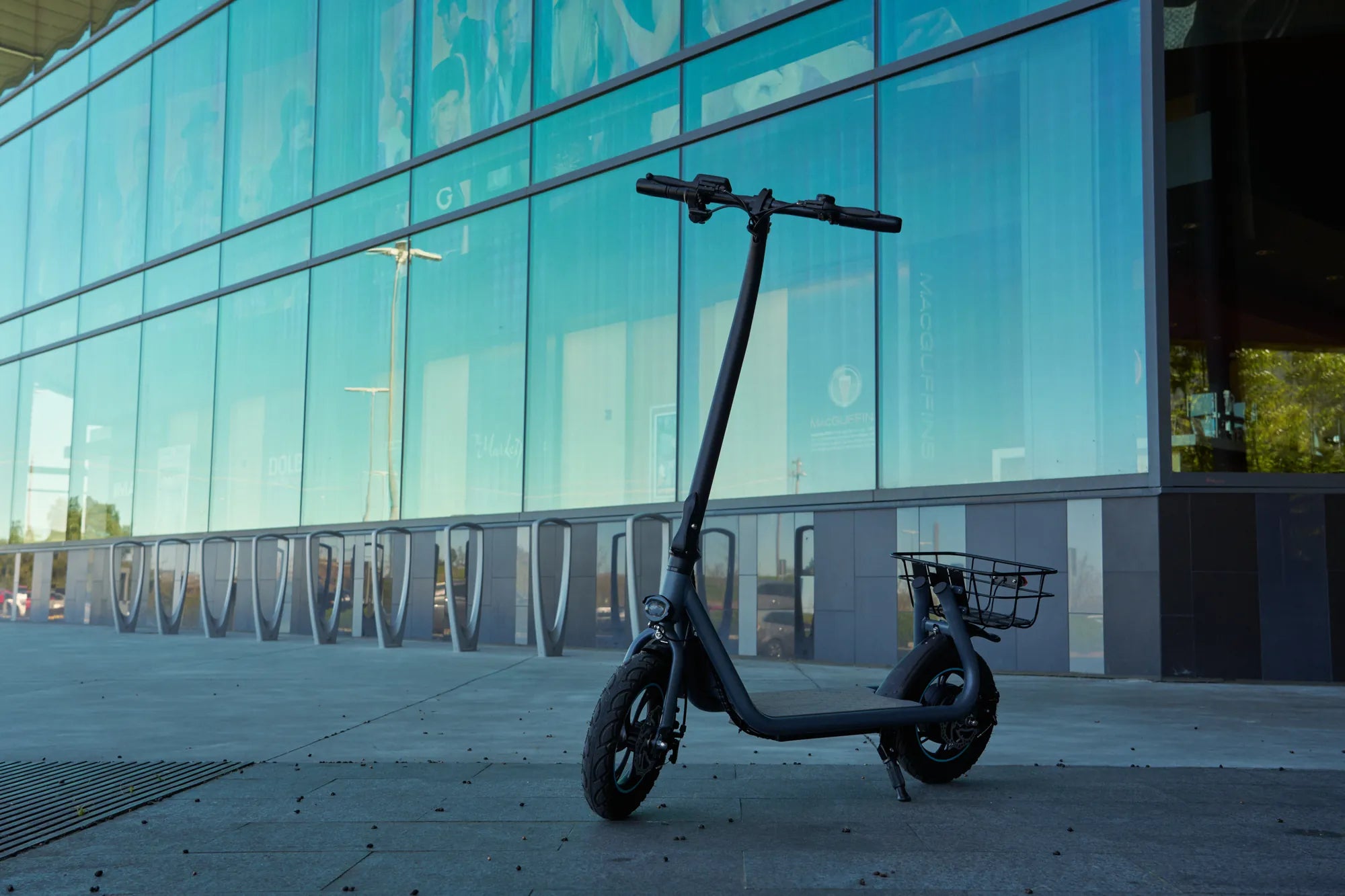
If you own an electric scooter, encountering an error code can be frustrating, especially when it disrupts your ride. One of the most common issues riders face is the E8 error code. Understanding what this code means, how to fix it, and how to prevent it from happening again can save you time and hassle. Let’s dive into the details of the E8 error and how to handle it like a pro.
What Does the E8 Error Code Mean?
The E8 error code on an electric scooter typically indicates a motor phase fault. This means there’s an issue with the communication between the motor and the controller. The scooter’s system detects an irregularity in the motor’s phase wires or connections, triggering the error to prevent further damage.
Common Causes of the E8 Error Code
Several factors can lead to the E8 error code appearing on your electric scooter. Here are the most common causes:
- Loose or Damaged Motor Wires: If the phase wires connecting the motor to the controller are loose, frayed, or damaged, the scooter may display the E8 error.
- Faulty Motor: A malfunctioning motor can disrupt the signal to the controller, triggering the error.
- Controller Issues: The controller manages the power flow to the motor. If it’s defective, it may misinterpret signals and display the E8 code.
- Water Damage: Exposure to moisture can corrode electrical connections, leading to communication errors.
- Software Glitches: Occasionally, a software bug in the scooter’s system can cause false error readings.
How to Troubleshoot the E8 Error Code
Before panicking, try these troubleshooting steps to resolve the E8 error:
Step 1: Check the Motor Wires
Inspect the phase wires connecting the motor to the controller. Ensure they are securely plugged in and free from damage. If you find any loose connections, reconnect them firmly. For damaged wires, consider replacing them.
Step 2: Test the Motor
If the wires seem fine, the motor itself might be the issue. Try spinning the wheel manually. If it feels stiff or makes unusual noises, the motor may need servicing or replacement.
Step 3: Inspect the Controller
Locate the controller (usually near the battery or under the deck) and check for visible damage, burnt components, or loose connections. If the controller appears faulty, it may need to be replaced.
Step 4: Dry Out the Scooter
If your scooter has been exposed to water, let it dry completely before attempting to power it on again. Use a dry cloth to wipe down electrical components and avoid using the scooter until you’re sure it’s dry.
Step 5: Reset the Scooter
Sometimes, a simple reset can clear the error. Turn off the scooter, wait a few minutes, and then turn it back on. If the error persists, proceed with further troubleshooting.
Preventing the E8 Error Code in the Future
To avoid encountering the E8 error again, follow these preventive measures:
- Regular Maintenance: Periodically inspect your scooter’s wiring and connections to ensure everything is in good condition.
- Avoid Water Exposure: Keep your scooter away from puddles and heavy rain. If you must ride in wet conditions, dry it thoroughly afterward.
- Use Quality Parts: If you need to replace any components, opt for high-quality parts to ensure longevity and reliability.
- Update Firmware: Check for software updates from the manufacturer to fix potential bugs that could cause errors.
When to Seek Professional Help
If you’ve tried all the troubleshooting steps and the E8 error persists, it’s time to consult a professional. A certified technician can diagnose the issue accurately and recommend the best course of action, whether it’s repairing or replacing components.
Dealing with the E8 error code doesn’t have to be a nightmare. By understanding its causes, knowing how to fix it, and taking steps to prevent it, you can keep your electric scooter running smoothly and enjoy hassle-free rides. Don’t let a simple error code slow you down—take action today and get back on the road!
Buy Foldable Electric Scooter for Adults: The Ultimate Guide to Convenient Urban Commuting
Electric Bike Los Angeles: The Ultimate Guide to Eco-Friendly Commuting