


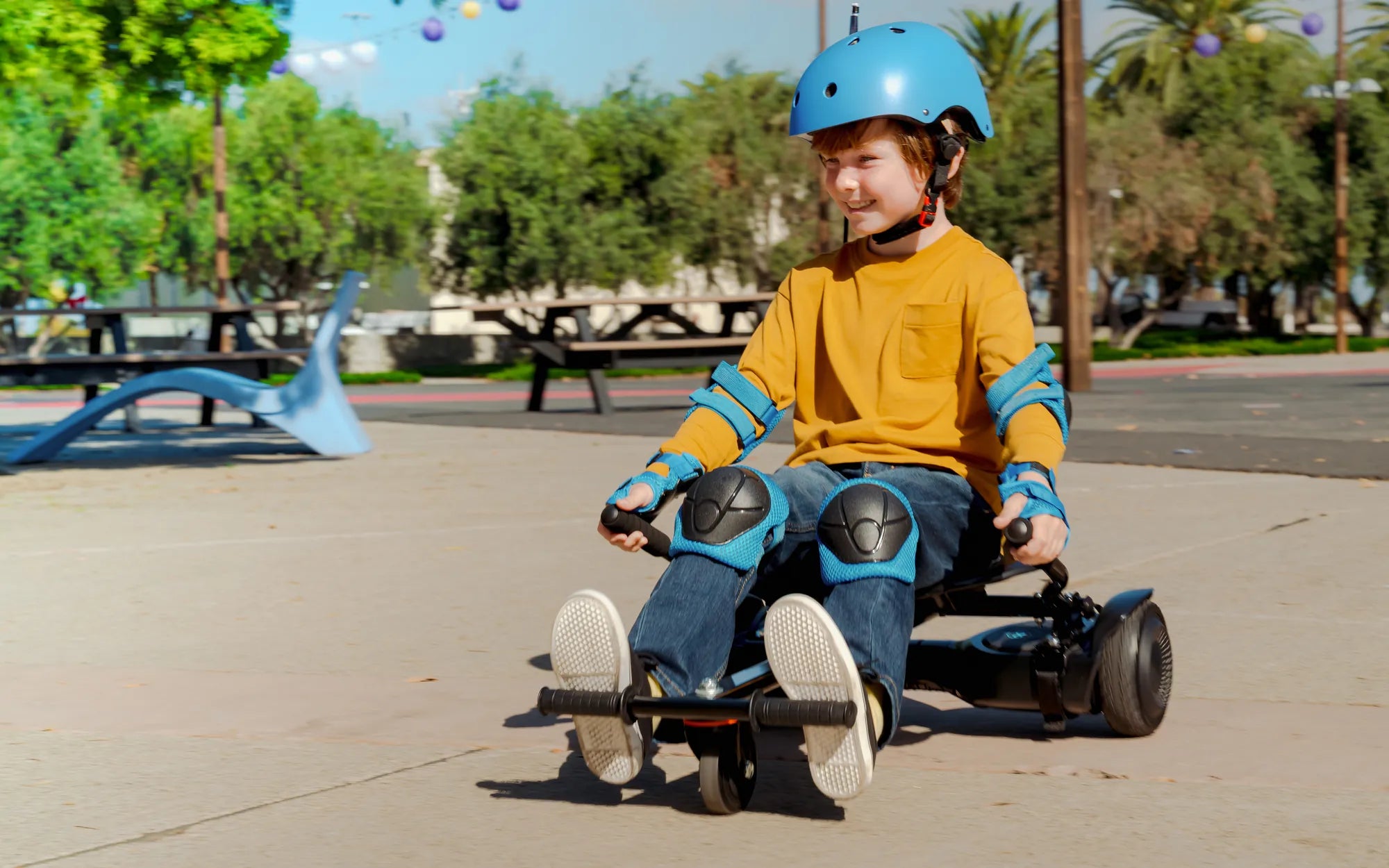
Few things are as frustrating as a hoverboard that beeps and won't move. One moment, you're gliding effortlessly, and the next, your ride is dead in its tracks. Before you panic, know that this issue is common—and often fixable. Let’s dive into the reasons behind this problem and how to resolve it.
Why Does My Hoverboard Beep and Refuse to Move?
When your hoverboard beeps and stops moving, it's usually signaling an error. These sounds are part of the device's self-diagnostic system, alerting you to potential issues. Common causes include:
- Low Battery: If the battery is critically low, the hoverboard may beep and shut down to prevent damage.
- Overheating: Extended use or exposure to heat can cause the motor or battery to overheat, triggering safety beeps.
- Uneven Surface Detection: Many hoverboards have sensors that detect unstable ground, causing them to beep and stop.
- Faulty Gyroscope or Sensors: If the internal sensors malfunction, the hoverboard may refuse to balance or move.
- Loose or Damaged Wiring: Internal connections can come loose over time, disrupting power flow.
Step-by-Step Troubleshooting Guide
Before assuming the worst, follow these steps to diagnose and potentially fix the issue:
1. Check the Battery
Plug in the hoverboard and let it charge for at least an hour. If the battery was drained, this should resolve the issue. If it still beeps, inspect the charger and charging port for damage.
2. Reset the Hoverboard
Most hoverboards have a reset button, usually located near the charging port. Press and hold it for 10-15 seconds, then power the device back on.
3. Inspect for Overheating
If the hoverboard feels hot, turn it off and let it cool for 30-60 minutes. Avoid using it in direct sunlight or on rough terrain.
4. Test on a Flat Surface
Uneven ground can trigger error beeps. Move to a smooth, level area and try again.
5. Examine the Wheels and Motors
Spin the wheels manually. If one feels stiff or makes noise, the motor or bearings may be damaged. Cleaning debris from the wheels can also help.
6. Look for Loose Wiring
If you're comfortable, open the hoverboard (while unplugged) and check for disconnected or frayed wires. Reconnect or replace as needed.
When to Seek Professional Help
If none of the above steps work, the issue may be more serious, such as a faulty motherboard or motor. In such cases, contact a certified repair service to avoid further damage.
Preventing Future Issues
To keep your hoverboard running smoothly:
- Charge it regularly and avoid draining the battery completely.
- Store it in a cool, dry place away from extreme temperatures.
- Avoid riding on wet or uneven surfaces.
- Clean the wheels and undercarriage periodically to prevent debris buildup.
Don’t let a beeping hoverboard ruin your fun. With these troubleshooting tips, you’ll likely have it back on the move in no time. If all else fails, professional help is just a call away—so you can get back to gliding effortlessly.
Will There Ever Be a Hoverboard? The Future of Levitating Transportation
Hoverboard Riding on Grass: The Ultimate Guide to Off-Road Fun