

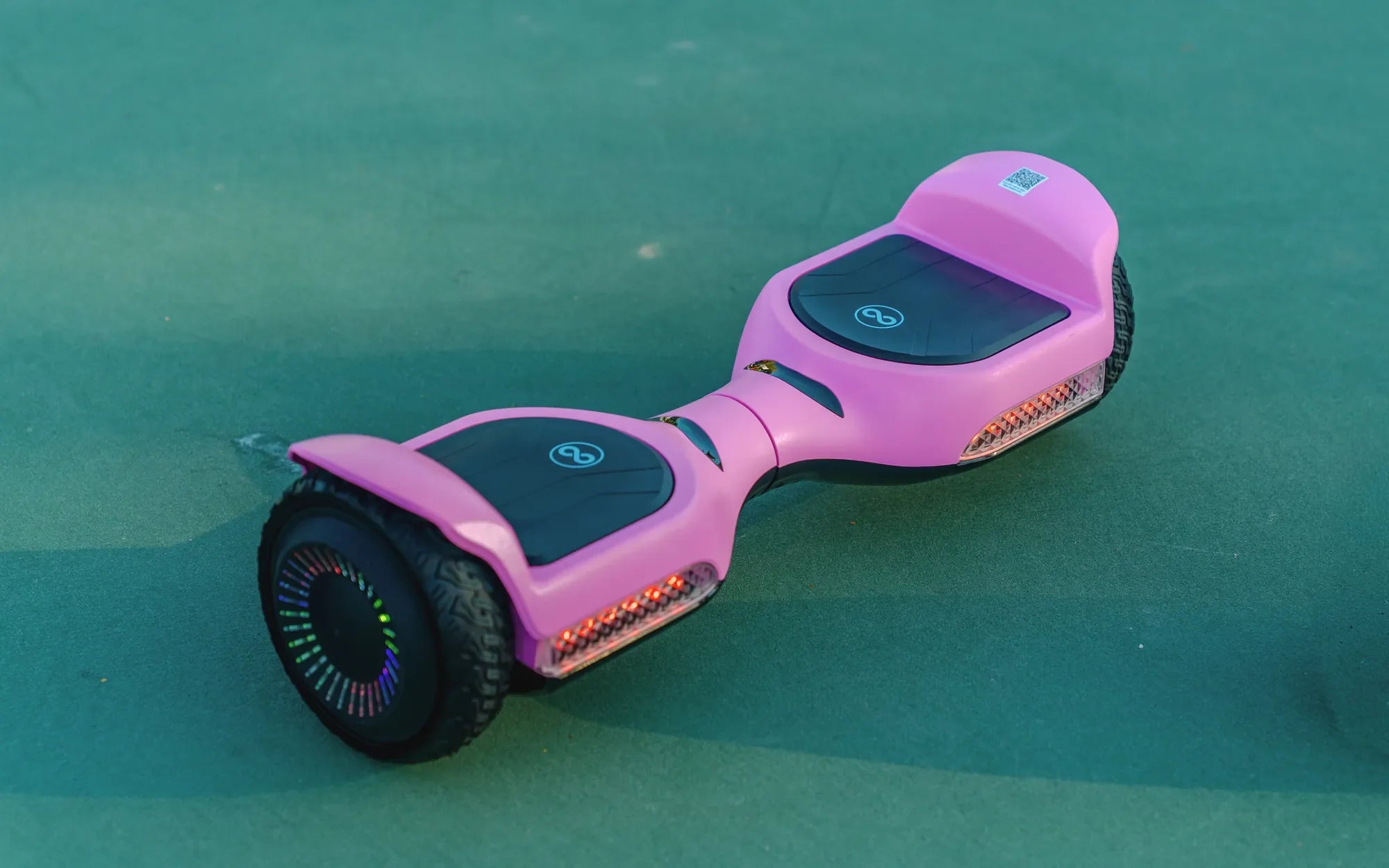
Is your hoverboard charger refusing to turn red, leaving you stranded with a dead battery? Don't panic—this common issue can often be resolved with a few simple troubleshooting steps. Let's dive into the reasons why your hoverboard charger won't turn red and how to fix it.
Understanding the Charger Light Indicators
Most hoverboard chargers use a simple light system to indicate charging status. A red light typically means the battery is charging, while a green light signals a full charge or no connection. If your charger won't turn red at all, it suggests a problem in the charging circuit.
Common Reasons Your Hoverboard Charger Won't Turn Red
1. Power Source Issues
Before blaming the charger or hoverboard, check your power source. Try plugging the charger into a different outlet or test the outlet with another device. Faulty wiring or tripped circuits could prevent power from reaching your charger.
2. Damaged Charger or Cable
Inspect the charger and cable for visible damage. Frayed wires, bent pins, or loose connections can interrupt power flow. Gently wiggle the cable while plugged in to check for intermittent connections.
3. Battery Problems
If the battery is completely drained or damaged, the charger might not recognize it. Try charging for 30 minutes even without the red light—sometimes deeply discharged batteries need time before showing charging signs.
4. Charging Port Issues
Examine the charging port on your hoverboard for debris or damage. Use compressed air to clean out dust and check for bent or broken pins that might prevent proper connection.
Step-by-Step Troubleshooting
Step 1: Verify Power Supply
Test the charger with another compatible device if possible, or try a different charger with your hoverboard. This helps determine whether the issue lies with the charger or the hoverboard itself.
Step 2: Check Charger Connections
Ensure all connections are secure—both at the wall outlet and the hoverboard. Some chargers have detachable cables—try reseating these connections.
Step 3: Inspect for Physical Damage
Look for swollen battery compartments, burnt smells, or other signs of damage that might indicate more serious electrical issues requiring professional repair.
Step 4: Try a Different Charging Cycle
Leave the hoverboard plugged in for several hours even without the red light. Some protection circuits require time to reset before normal charging resumes.
When to Seek Professional Help
If basic troubleshooting doesn't resolve the issue, or if you notice any signs of battery swelling, heat damage, or electrical burning smells, stop using the hoverboard immediately and consult a professional. Working with lithium-ion batteries can be dangerous without proper training.
Preventing Future Charging Issues
To avoid charging problems, always use the manufacturer-recommended charger, store your hoverboard in moderate temperatures, and avoid complete battery discharges. Regular maintenance of charging ports and cables can also prevent many common issues.
Don't let a non-red charging light ruin your hoverboard experience—most charging issues have simple solutions. With these troubleshooting tips, you'll be back to gliding smoothly in no time. Remember that proper charging habits can extend your hoverboard's lifespan and keep you rolling worry-free.
What Is the Best Battery for Electric Scooter: A Comprehensive Guide
What Is the Best Battery for Electric Scooter: A Comprehensive Guide