



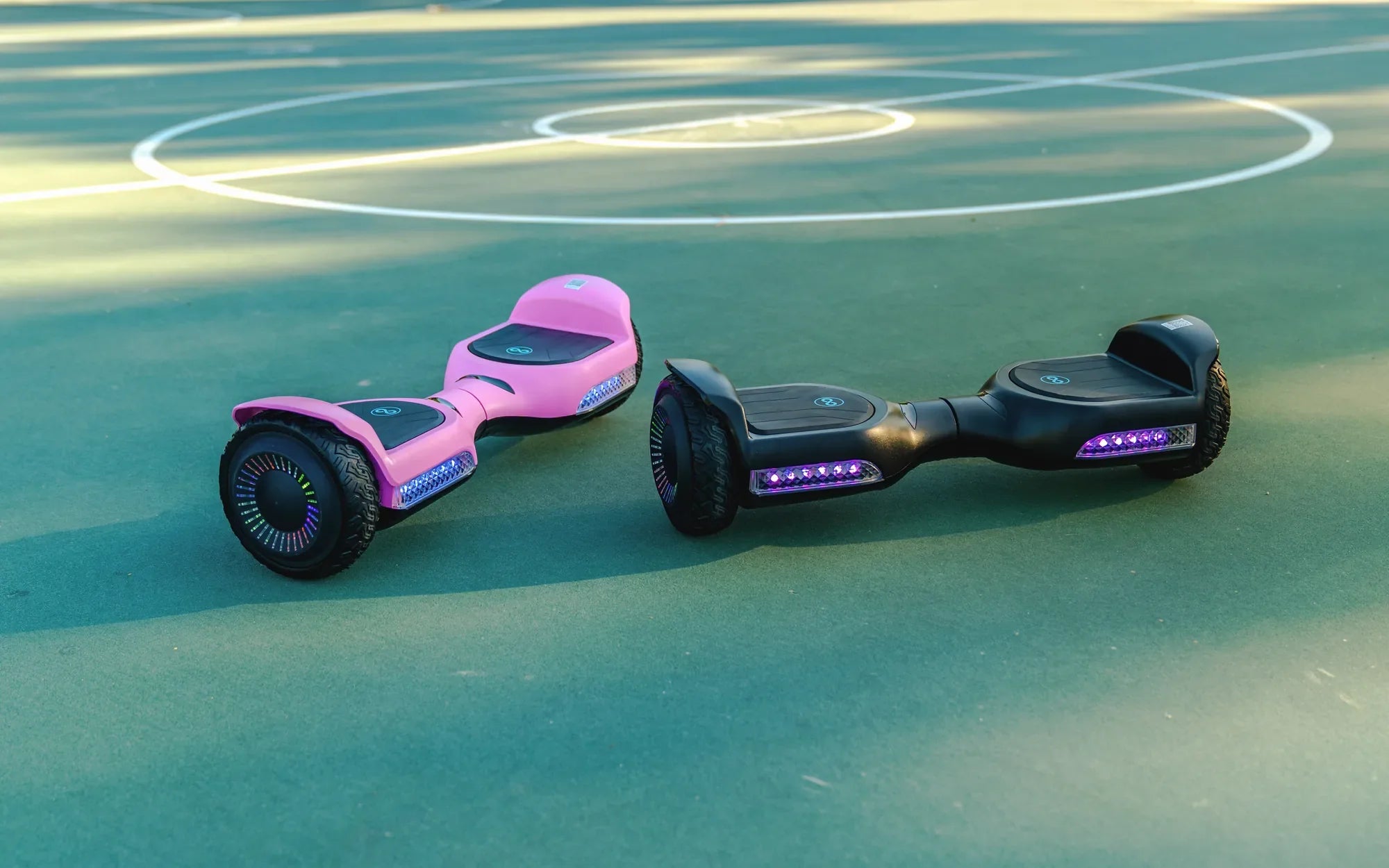
Imagine gliding down the street on your hoverboard, your favorite tunes streaming wirelessly through its built-in speakers. No tangled wires, no fuss—just pure, uninterrupted fun. Connecting your hoverboard to Bluetooth unlocks a world of convenience and entertainment, transforming your ride into a high-tech experience. But how do you make it happen? This guide will walk you through everything you need to know.
Why Connect Your Hoverboard to Bluetooth?
Bluetooth connectivity on a hoverboard isn't just a fancy add-on—it's a game-changer. Here's why:
- Wireless Music: Stream music directly from your smartphone or tablet without needing headphones.
- App Integration: Many hoverboards come with companion apps for speed control, battery monitoring, and more.
- Enhanced Safety: Some models use Bluetooth for firmware updates, ensuring optimal performance and safety features.
Step-by-Step Guide to Connecting Your Hoverboard to Bluetooth
Follow these simple steps to pair your hoverboard with your device:
- Power On: Turn on your hoverboard and ensure it's fully charged.
- Enable Bluetooth: Activate Bluetooth on your smartphone or tablet.
- Search for Devices: Look for your hoverboard's name in the list of available devices.
- Pair: Select the hoverboard and confirm the pairing request.
- Test the Connection: Play music or open the companion app to verify the connection.
Troubleshooting Common Bluetooth Connection Issues
Experiencing problems? Try these fixes:
- Restart Both Devices: Turn off your hoverboard and smartphone, then restart them.
- Check Distance: Ensure your device is within the recommended range (usually 10 meters).
- Update Firmware: Visit the manufacturer's website for any available updates.
- Reset Bluetooth Settings: Clear paired devices and start fresh.
The Future of Bluetooth-Enabled Hoverboards
As technology advances, Bluetooth integration in hoverboards is set to become even more sophisticated. Expect features like voice control, advanced app customization, and even integration with smart home systems. The possibilities are endless, and the ride is just beginning.
Ready to take your hoverboard experience to the next level? Pairing it with Bluetooth is the first step toward a smarter, more enjoyable ride. Whether you're cruising to your favorite playlist or fine-tuning performance settings, wireless connectivity puts you in control. Don't wait—unlock the full potential of your hoverboard today!
Can You Ride a Hoverboard in the House? Safety and Practical Tips
Hoverboard $79: The Ultimate Guide to Affordable and Fun Personal Transportation