

Have you ever hopped on your hoverboard, only to find it moving in the wrong direction? A hoverboard going backwards can be frustrating and even dangerous if not addressed properly. Whether you're a seasoned rider or a beginner, understanding the causes and solutions for this issue is crucial. In this comprehensive guide, we'll explore why your hoverboard might be reversing unexpectedly, how to fix it, and essential safety measures to keep you riding smoothly.
Why Is My Hoverboard Going Backwards?
A hoverboard moving in reverse when it shouldn't can stem from several underlying issues. Here are the most common causes:
- Calibration Problems: If your hoverboard isn't calibrated correctly, it may misinterpret your movements and go backwards.
- Faulty Sensors: The gyroscopic sensors responsible for detecting balance and direction can malfunction, causing erratic behavior.
- Low Battery: A weak or dying battery can lead to unpredictable performance, including reverse movement.
- Software Glitches: Outdated or corrupted firmware can cause the hoverboard to behave abnormally.
- Physical Damage: Dropping or mishandling the hoverboard can damage internal components, leading to reverse motion.
How to Fix a Hoverboard Going Backwards
Before panicking, try these troubleshooting steps to resolve the issue:
1. Recalibrate Your Hoverboard
Calibration is often the simplest fix. Follow these steps:
- Turn off the hoverboard and place it on a flat surface.
- Press and hold the power button for 5-10 seconds until you hear a beep or see a flashing light.
- Wait for the hoverboard to reset, then turn it back on and test it.
2. Check the Battery
Ensure the battery is fully charged. If the hoverboard continues to malfunction, the battery might need replacement.
3. Inspect the Sensors
Clean the foot pads and check for visible damage. If the sensors are faulty, professional repair may be necessary.
4. Update the Firmware
Check the manufacturer's website for firmware updates. Outdated software can cause performance issues.
5. Examine for Physical Damage
Look for cracks, loose wires, or damaged wheels. If you spot any, consult a technician for repairs.
Safety Tips When Your Hoverboard Goes Backwards
A malfunctioning hoverboard can be hazardous. Follow these safety precautions:
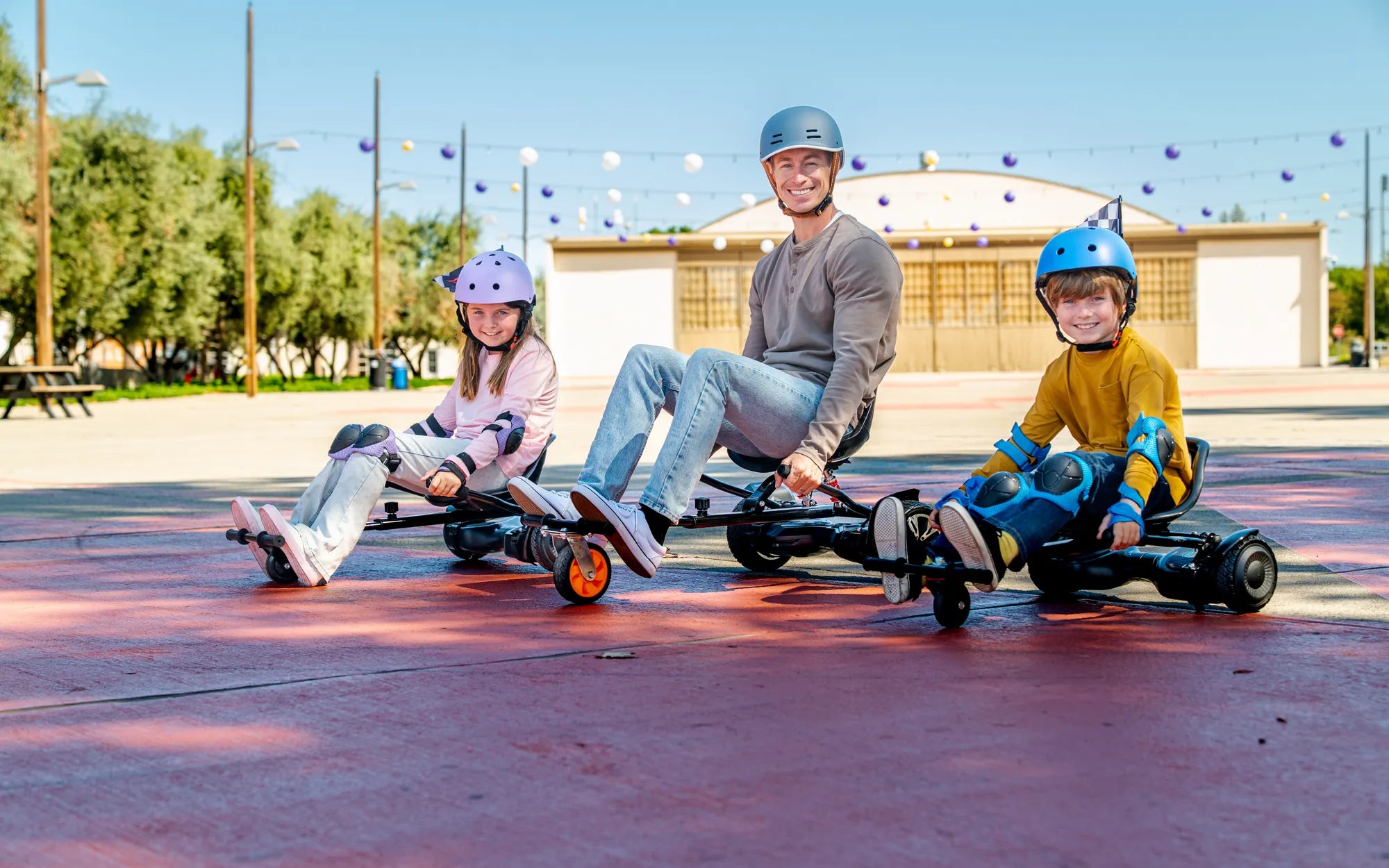
- Always wear protective gear, including a helmet, knee pads, and elbow pads.
- Avoid riding on uneven or slippery surfaces until the issue is resolved.
- Test the hoverboard in a safe, open area before using it in crowded spaces.
- Never ignore persistent problems—address them immediately to prevent accidents.
Preventing Future Issues
To keep your hoverboard functioning smoothly:
- Regularly calibrate the device.
- Charge the battery properly and avoid overcharging.
- Store the hoverboard in a dry, cool place.
- Avoid rough handling or excessive weight on the device.
Dealing with a hoverboard going backwards doesn't have to ruin your ride. By understanding the causes and applying the right fixes, you can get back to gliding effortlessly. Remember, safety comes first—always prioritize proper maintenance and cautious riding to enjoy your hoverboard to the fullest!
Cost of Hoverboard in India: A Comprehensive Price Guide and Buying Tips
50 Cent Hoverboard: The Future of Affordable Personal Transportation