


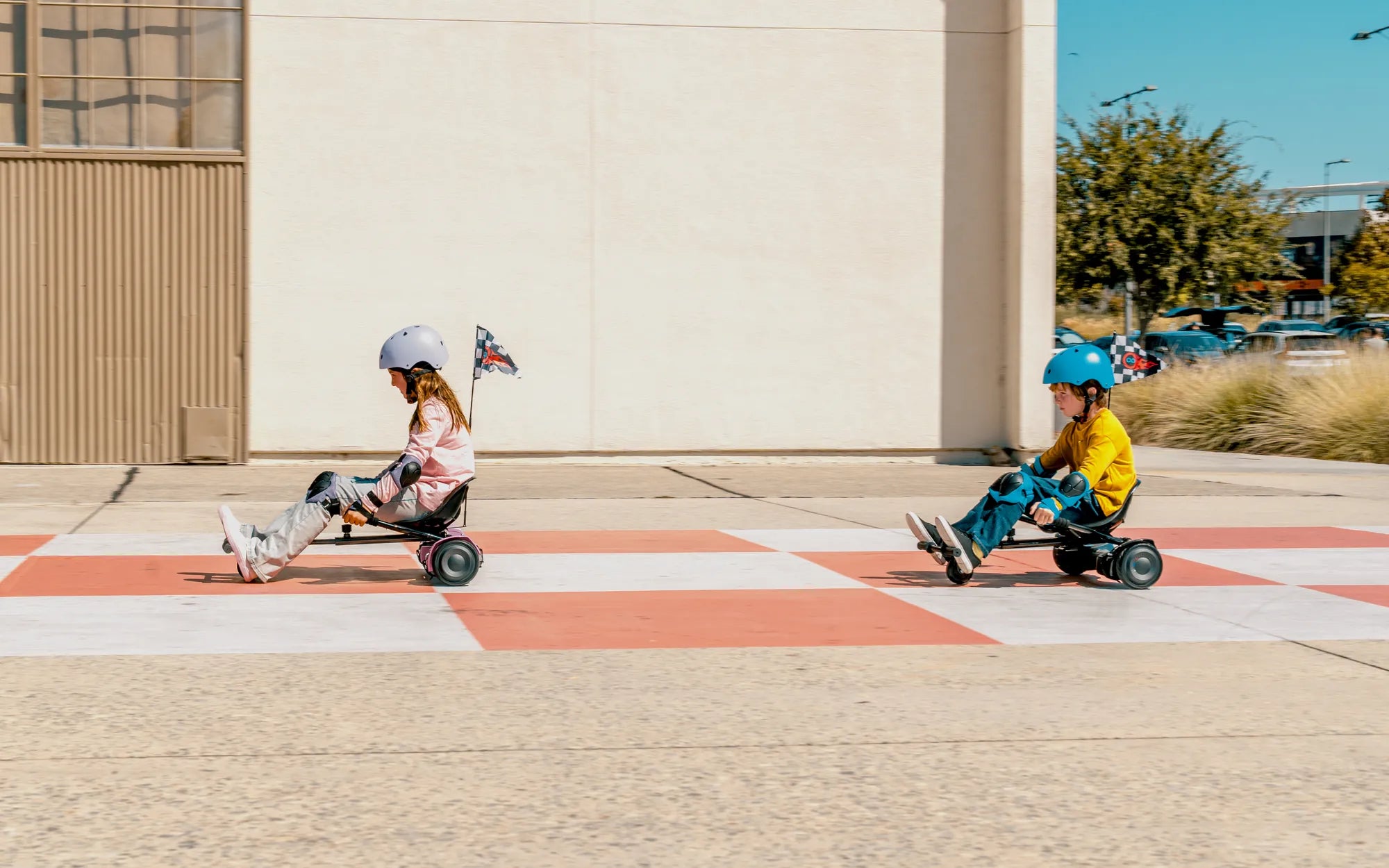
Ever wondered how to unlock the full potential of your hoverboard? Whether you're a beginner or a seasoned rider, mastering the basics and beyond is key to a smooth and safe experience. This hoverboard instruction manual covers everything from first-time setup to advanced riding techniques, ensuring you get the most out of your device.
Getting Started with Your Hoverboard
Before you step onto your hoverboard, it's crucial to familiarize yourself with its components. Most hoverboards consist of a central platform, two motorized wheels, LED lights, a power button, and a charging port. Always start by reading the manufacturer's guidelines to understand your specific model's features.
Charging Your Hoverboard
To ensure optimal performance, charge your hoverboard fully before the first use. Plug the charger into a standard wall outlet and connect it to the hoverboard's charging port. The LED indicator will typically turn green when charging is complete. Avoid overcharging, as it can reduce battery life.
Powering On and Off
Press and hold the power button for a few seconds to turn on the hoverboard. You'll hear a beep, and the LED lights will illuminate. To power off, press and hold the button again until the lights turn off. Always turn off the hoverboard when not in use to conserve battery.
Basic Riding Techniques
Riding a hoverboard may seem intimidating at first, but with practice, it becomes second nature. Start by placing one foot on the platform, ensuring it's centered. Once balanced, gently place your other foot on the board. Keep your knees slightly bent and your weight evenly distributed.
Moving Forward and Backward
To move forward, lean your body slightly forward. The more you lean, the faster you'll go. To slow down or move backward, lean backward. Always start with small movements to get comfortable before attempting higher speeds.
Turning Left and Right
Turning is achieved by applying pressure to one foot more than the other. To turn right, press down with your left foot. Conversely, press down with your right foot to turn left. Practice these movements in a safe, open area until you feel confident.
Safety Tips for Hoverboard Riders
Safety should always be your top priority when riding a hoverboard. Wear protective gear, including a helmet, knee pads, and elbow pads. Avoid riding on uneven or slippery surfaces, and always be aware of your surroundings.
Weight Limits and Terrain
Check the manufacturer's recommended weight limit to prevent damage to the hoverboard. Stick to smooth, flat surfaces for the best riding experience. Rough terrain can cause instability and increase the risk of accidents.
Battery and Speed Management
Most hoverboards have a speed limit to prevent accidents. Avoid pushing the device beyond its limits, and monitor the battery level to prevent sudden shutdowns during use. If the hoverboard beeps or flashes a warning light, stop riding immediately.
Maintenance and Care
Proper maintenance extends the lifespan of your hoverboard. Regularly clean the wheels and platform with a damp cloth to remove dirt and debris. Store the hoverboard in a cool, dry place away from direct sunlight.
Troubleshooting Common Issues
If your hoverboard isn't turning on, ensure it's fully charged. For connectivity issues, check the Bluetooth or app settings. If problems persist, consult the manufacturer's support team for assistance.
Advanced Riding Techniques
Once you've mastered the basics, try advanced maneuvers like spinning or riding backward. Always practice in a controlled environment and wear protective gear. These techniques require patience and precision, so don't rush the process.
Ready to take your hoverboard skills to the next level? With this hoverboard instruction manual, you're equipped with the knowledge to ride safely and confidently. Whether you're cruising through the park or perfecting advanced tricks, the key is practice and patience. Happy riding!
Hoverboard Red Battery Light and Beeping: What It Means and How to Fix It
How Do You Calibrate Your Hoverboard: A Step-by-Step Guide