

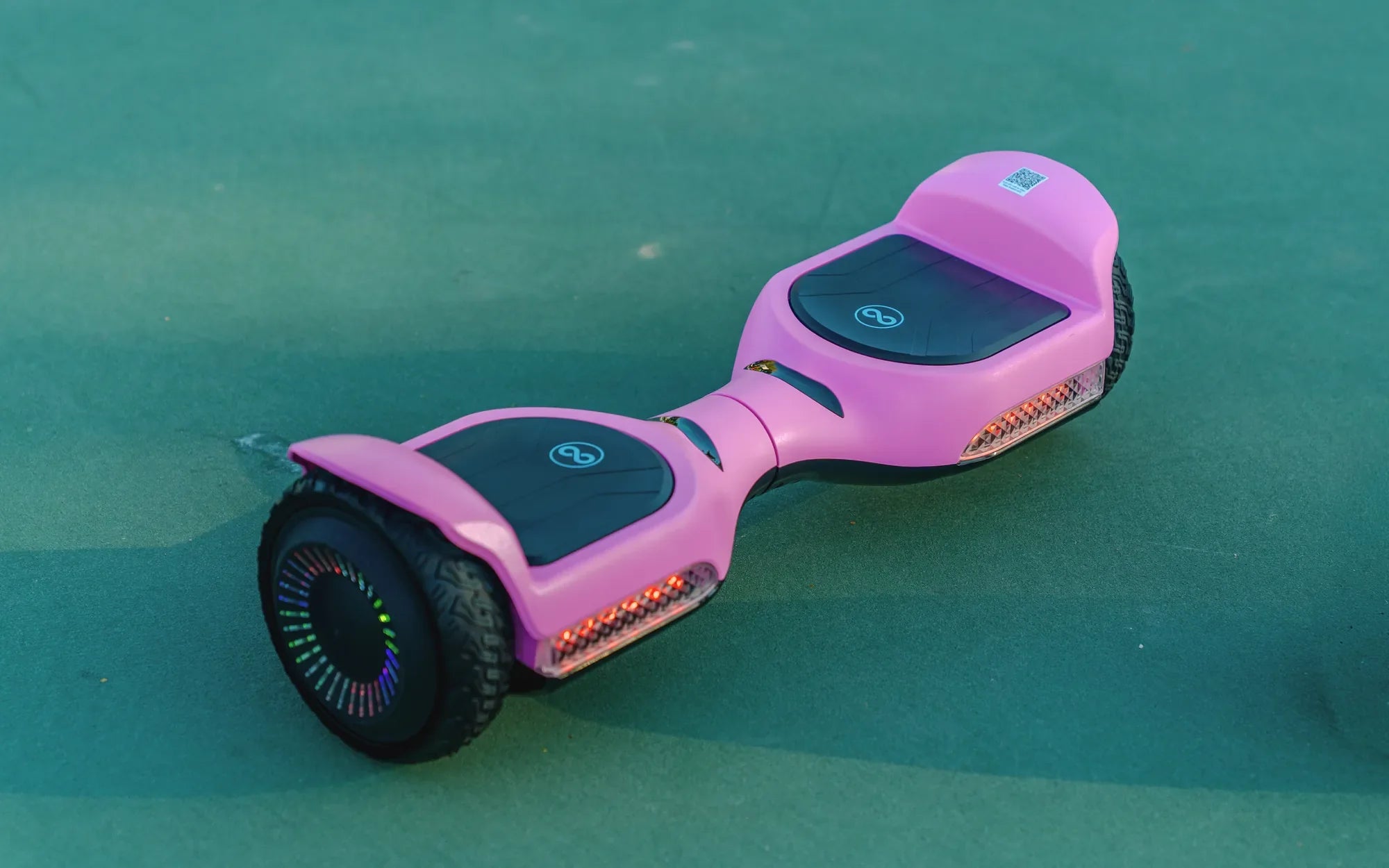
Is your hoverboard beeping non-stop, leaving you puzzled and frustrated? Don't worry—you're not alone. A beeping hoverboard is often a warning sign, signaling everything from minor glitches to serious malfunctions. Understanding what those beeps mean can save you time, money, and even prevent accidents. Let's dive into the reasons behind the noise and how to silence it for good.
Why Is My Hoverboard Beeping?
Hoverboards are designed with built-in safety features, and beeping is one way they communicate problems. Here are the most common reasons your hoverboard might be beeping:
- Low Battery: A continuous or intermittent beep often means the battery is running low and needs charging.
- Overheating: If the hoverboard's motor or battery gets too hot, it may beep to prevent damage.
- Uneven Surface Detection: Some models beep when they detect an unstable or uneven surface to avoid accidents.
- Faulty Sensors: Malfunctioning gyroscopic or tilt sensors can trigger false alarms.
- Overload: Exceeding the weight limit can cause the hoverboard to beep as a warning.
- Software Glitches: Outdated firmware or corrupted software may cause erratic beeping.
How to Troubleshoot a Beeping Hoverboard
Before panicking, try these simple fixes to stop the beeping and get your hoverboard back in working order.
1. Charge the Battery
If the beeping is due to a low battery, plug in the charger and wait until the indicator light turns green. Avoid using the hoverboard while charging.
2. Let It Cool Down
If overheating is the issue, turn off the hoverboard and let it rest in a cool, shaded area for at least 30 minutes before using it again.
3. Check for Obstructions
Inspect the wheels and underside for debris or dirt that might interfere with the sensors. Clean the hoverboard thoroughly and test it again.
4. Reset the Hoverboard
Many hoverboards have a reset button. Press and hold it for 10-15 seconds to reboot the system. This can resolve minor software issues.
5. Update the Firmware
If your hoverboard supports firmware updates, check the manufacturer's website for the latest version and follow the instructions to install it.
When to Seek Professional Help
If none of the above solutions work, the problem might be more serious, such as a damaged battery, faulty motor, or wiring issues. In such cases, it's best to consult a professional technician to avoid further damage or safety hazards.
Preventive Measures to Avoid Future Beeping
To keep your hoverboard running smoothly and prevent future beeping episodes, follow these tips:
- Charge the battery regularly and avoid letting it drain completely.
- Store the hoverboard in a dry, temperature-controlled environment.
- Avoid riding on rough or uneven surfaces.
- Clean and maintain the hoverboard periodically.
- Follow the manufacturer's weight and usage guidelines.
A beeping hoverboard doesn't have to ruin your ride. By identifying the cause and applying the right fix, you can silence the noise and get back to gliding effortlessly. Whether it's a simple battery recharge or a deeper technical issue, taking action now can extend your hoverboard's lifespan and keep you rolling safely.
Best Place to Purchase a Hoverboard: A Comprehensive Guide
Best Place to Purchase a Hoverboard: A Comprehensive Guide