



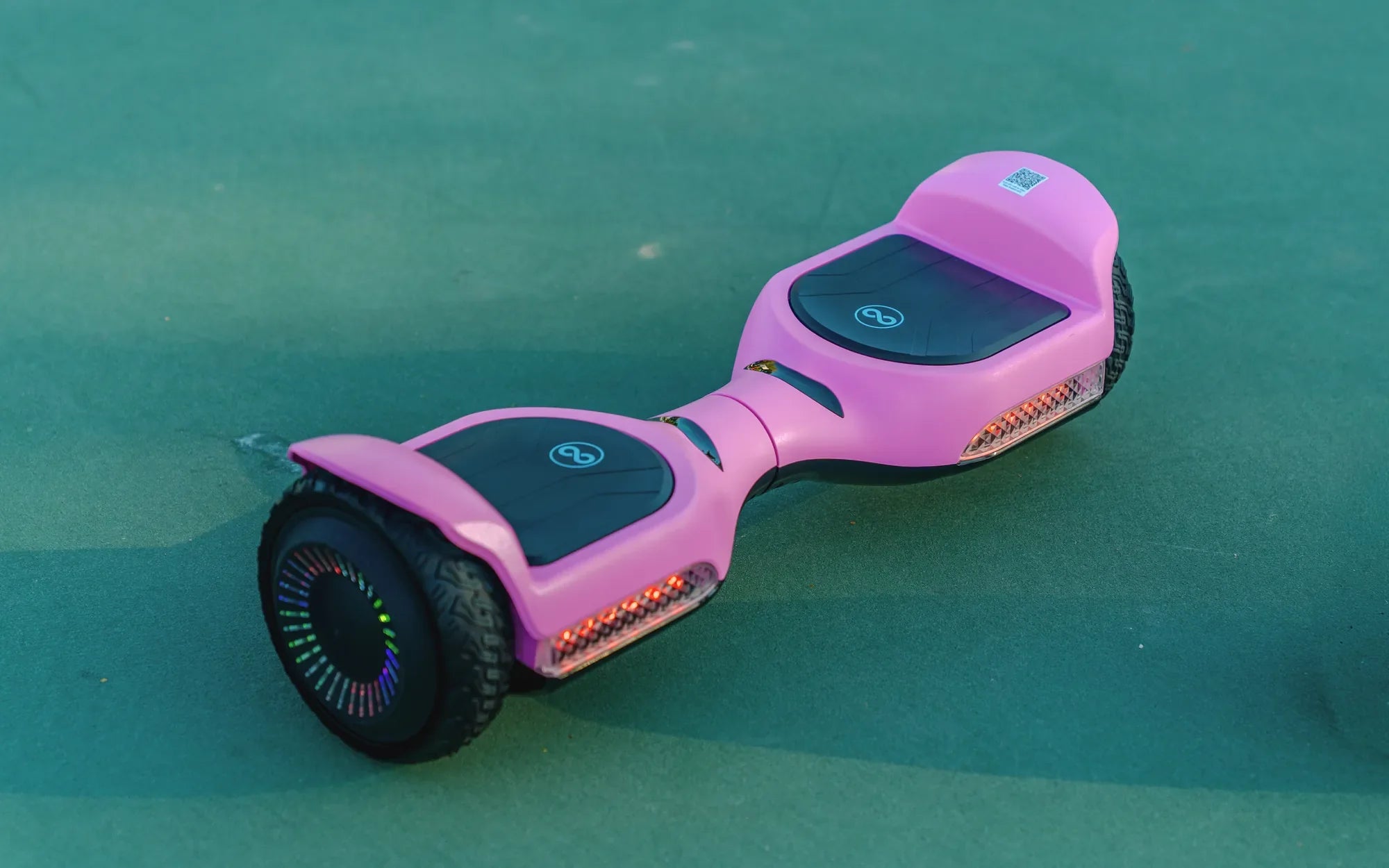
Is your hoverboard acting up? Whether it's wobbling, refusing to balance, or shutting off unexpectedly, a hoverboard sensor reset might be the solution you need. These self-balancing scooters rely on precise sensors to function correctly, and when they malfunction, your ride can become frustrating—or even dangerous. Before you consider replacing your hoverboard, try these simple steps to reset the sensors and restore smooth operation.
Why a Hoverboard Sensor Reset Might Be Necessary
Hoverboards use gyroscopic sensors to detect movement and maintain balance. Over time, these sensors can become misaligned or overloaded due to rough handling, software glitches, or even minor impacts. Common symptoms that indicate a sensor issue include:
- Uneven balancing or tilting to one side
- Frequent beeping or error messages
- Sudden shutdowns during use
- Difficulty calibrating the hoverboard
Resetting the sensors can often resolve these problems without the need for professional repairs.
Step-by-Step Guide to Resetting Hoverboard Sensors
Follow these steps to perform a hoverboard sensor reset safely and effectively:
- Power Off the Hoverboard: Turn off the device and place it on a flat, stable surface.
- Wait for a Full Reset: Leave the hoverboard powered off for at least 30 seconds to allow the sensors to reset.
- Power On and Calibrate: Turn the hoverboard back on and follow the manufacturer's calibration instructions (usually involving pressing a button or tilting the board in a specific pattern).
- Test the Balance: Step onto the hoverboard carefully to check if the sensors are responding correctly.
Additional Troubleshooting Tips
If a basic reset doesn't solve the problem, try these additional steps:
- Check for Firmware Updates: Some hoverboards require software updates to fix sensor-related bugs.
- Inspect for Physical Damage: Look for loose wires, cracked sensor casings, or other visible issues.
- Consult the User Manual: Some models have unique reset procedures that differ from standard methods.
Preventing Future Sensor Issues
To minimize the need for frequent hoverboard sensor resets, follow these maintenance tips:
- Avoid riding on uneven or excessively rough surfaces.
- Store the hoverboard in a dry, temperature-controlled environment.
- Clean the sensors periodically to remove dust and debris.
- Charge the battery properly to prevent power-related sensor errors.
Don't let a malfunctioning hoverboard ruin your ride! With a simple sensor reset and proper care, you can keep your device gliding smoothly for years. Whether you're a casual rider or a daily commuter, mastering these troubleshooting steps ensures you'll never be stuck with an unresponsive hoverboard again.
Electric Hoverboard Black Friday: The Ultimate Guide to Scoring the Best Deals
Safest Hoverboard for 8 Year Old: A Parent’s Guide to Smart Choices