


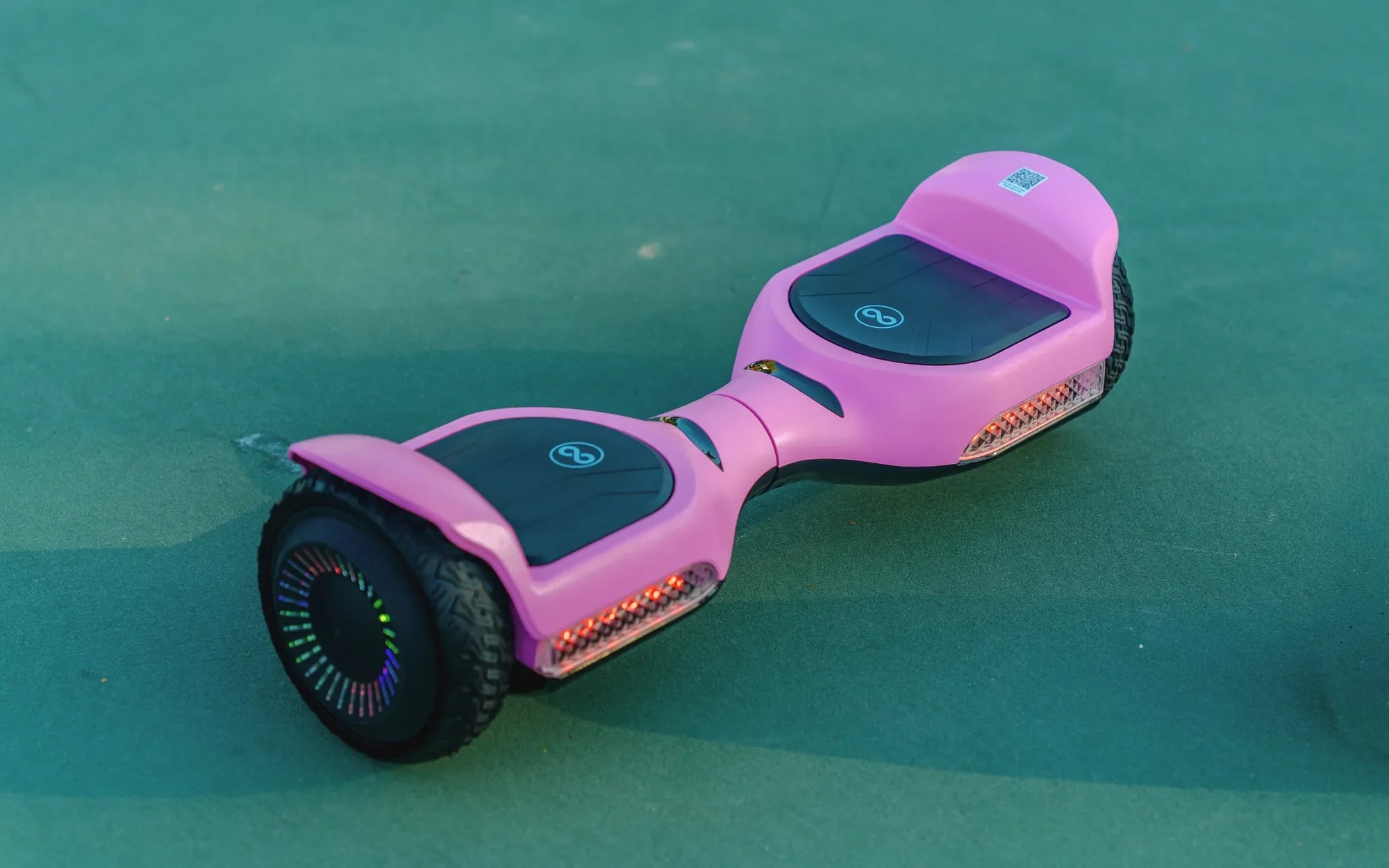
Hoverboards with training mode are revolutionizing the way people learn to ride these futuristic gadgets. Whether you're a complete beginner or an experienced rider looking to refine your skills, a hoverboard with training mode offers a safer, more controlled way to master the art of gliding. In this comprehensive guide, we’ll explore the ins and outs of these innovative devices, their benefits, and how they can help you ride with confidence.
What Are Hoverboards with Training Mode?
Hoverboards with training mode are designed to make learning easier and safer. Unlike traditional hoverboards, these models come with a feature that limits speed, adjusts sensitivity, and provides stability for new riders. This mode allows beginners to get comfortable with balancing and maneuvering before transitioning to full-speed riding.
How Does Training Mode Work?
Training mode typically involves a combination of software and hardware adjustments. The hoverboard’s sensors detect the rider’s movements and respond with reduced sensitivity, making it less likely to accelerate suddenly. Some models also include LED indicators or voice prompts to guide the rider through the learning process.
Key Features of Training Mode
- Speed Limitation: Caps the maximum speed to prevent accidents.
- Balancing Assistance: Helps riders maintain stability while learning.
- Gradual Progression: Allows users to increase difficulty as they gain confidence.
Benefits of Hoverboards with Training Mode
For beginners, the primary advantage is safety. Training mode reduces the risk of falls and injuries by providing a controlled environment. Even experienced riders can benefit from practicing tricks or refining their technique without the pressure of full-speed performance.
Who Should Use Training Mode?
- First-Time Riders: Ideal for those who have never ridden a hoverboard before.
- Younger Users: Parents can rest easy knowing their kids are learning safely.
- Skill Development: Great for riders looking to master advanced maneuvers.
Tips for Using Training Mode Effectively
To get the most out of your hoverboard’s training mode, start on a flat, open surface. Wear protective gear, such as a helmet and knee pads, and practice basic movements like starting, stopping, and turning. As you gain confidence, gradually increase the speed and difficulty settings.
Common Mistakes to Avoid
- Skipping Protective Gear: Always wear safety equipment, even in training mode.
- Rushing the Process: Take your time to build skills before switching to full mode.
- Ignoring the Manual: Familiarize yourself with the hoverboard’s specific features.
Choosing the Right Hoverboard with Training Mode
When shopping for a hoverboard with training mode, consider factors like weight capacity, battery life, and build quality. Look for models with durable tires and reliable safety certifications. Reading reviews and comparing features can help you find the perfect fit for your needs.
What to Look For
- Safety Certifications: Ensure the hoverboard meets industry standards.
- User-Friendly Controls: Intuitive interfaces make learning easier.
- Battery Life: Longer battery life means more practice time.
Ready to take your riding skills to the next level? Hoverboards with training mode are the perfect tool to build confidence and master the art of gliding. Whether you’re a newbie or a seasoned pro, these innovative devices offer a fun, safe, and effective way to enjoy the thrill of hoverboarding. Don’t wait—start your journey today!
Hoverboards That Don't Catch on Fire: The Ultimate Guide to Safe Riding
Questions About Hoverboards: Everything You Need to Know Before Riding