



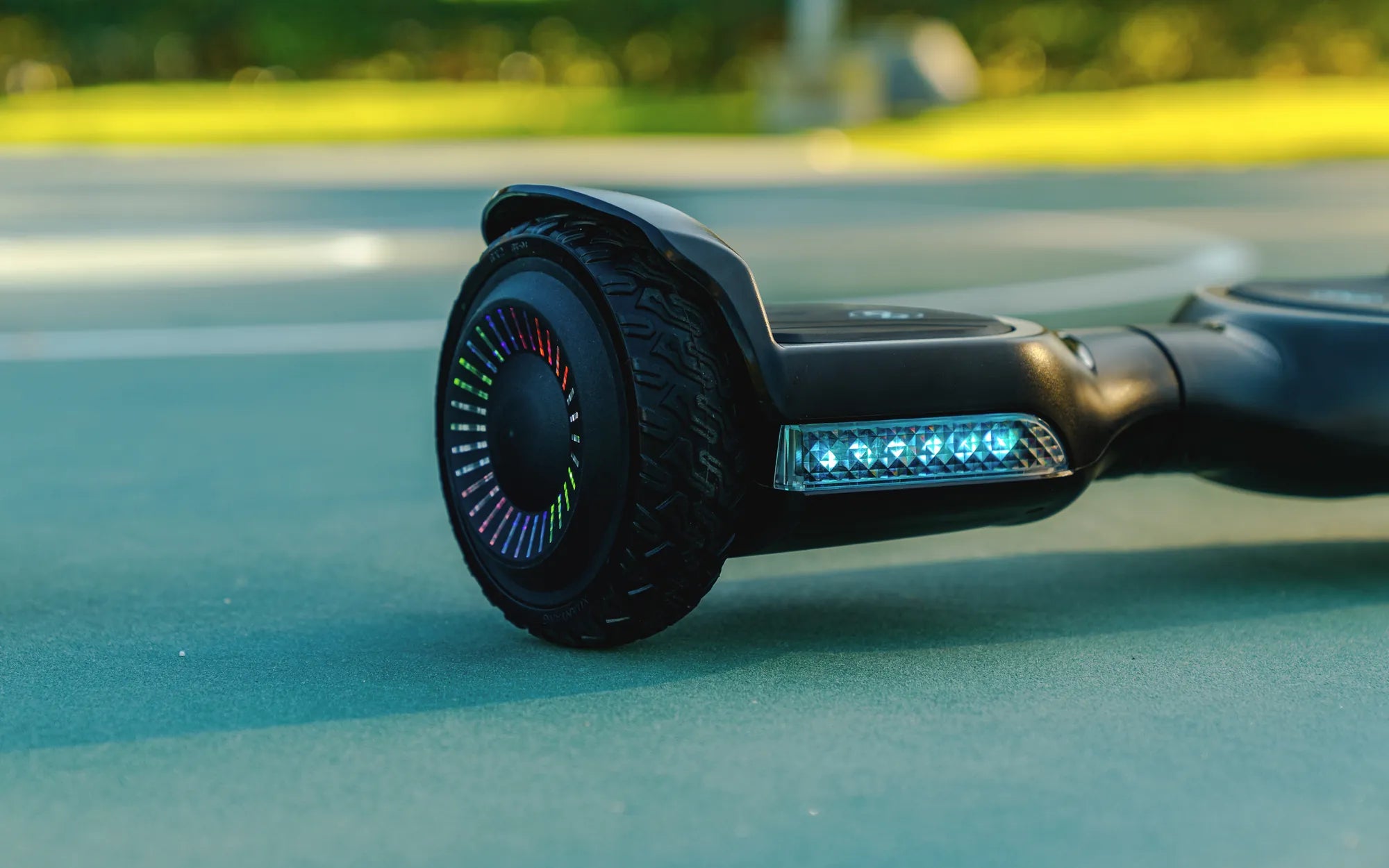
Ever felt your hoverboard wobbling or veering to one side? It might be time to rebalance it. Hoverboards are fun and convenient, but they require occasional maintenance to stay in optimal condition. Rebalancing ensures your ride remains smooth, safe, and enjoyable. Let’s dive into the process and get your hoverboard back on track.
Why Rebalancing Your Hoverboard Matters
Rebalancing a hoverboard is crucial for several reasons. An unbalanced hoverboard can cause uneven weight distribution, leading to instability, jerky movements, or even sudden shutdowns. This not only affects performance but also poses safety risks. Regular rebalancing ensures the sensors and gyroscopes work correctly, providing a seamless riding experience.
Signs Your Hoverboard Needs Rebalancing
Before diving into the rebalancing process, it’s important to recognize the signs that your hoverboard needs attention:
- The hoverboard tilts to one side when stationary.
- It vibrates excessively or makes unusual noises.
- The ride feels uneven or unstable.
- One wheel spins faster than the other.
Step-by-Step Guide to Rebalancing a Hoverboard
Follow these steps to rebalance your hoverboard effectively:
Step 1: Turn Off the Hoverboard
Ensure the hoverboard is powered off before starting. This prevents accidental movements or injuries during the process.
Step 2: Place It on a Flat Surface
Find a level, hard surface to place the hoverboard. A flat floor ensures accurate calibration.
Step 3: Enter Calibration Mode
Most hoverboards enter calibration mode by pressing and holding the power button for 5-10 seconds until you hear a beep or see flashing lights. Refer to your user manual for specific instructions.
Step 4: Wait for the Lights to Stabilize
Once in calibration mode, the hoverboard will adjust its sensors. Wait until the lights stop flashing or turn solid, indicating the process is complete.
Step 5: Test the Hoverboard
Turn the hoverboard off and on again, then take it for a test ride. If it still feels unbalanced, repeat the process or check for other issues.
Troubleshooting Common Rebalancing Issues
If rebalancing doesn’t resolve the problem, consider these troubleshooting tips:
- Check the Wheels: Uneven tire pressure or wear can cause imbalance. Inflate or replace tires if necessary.
- Inspect the Sensors: Dirty or damaged sensors may affect calibration. Clean them gently with a soft cloth.
- Update Firmware: Some hoverboards require firmware updates for optimal performance. Check the manufacturer’s website for updates.
Maintenance Tips to Prevent Imbalance
Regular maintenance can minimize the need for frequent rebalancing:
- Keep the hoverboard clean and free of debris.
- Avoid riding on uneven or rough surfaces.
- Store the hoverboard in a dry, cool place.
- Charge the battery properly to ensure consistent performance.
When to Seek Professional Help
If rebalancing and troubleshooting don’t fix the issue, it might be time to consult a professional. Persistent problems could indicate internal damage to the motors, gyroscopes, or circuitry, which require expert attention.
Rebalancing your hoverboard is a simple yet vital task to keep it running smoothly. By following these steps and maintaining your device, you’ll enjoy a safer, more stable ride every time. Don’t let imbalance ruin your fun—take action today and get back to gliding effortlessly!
Just Cause 4 Hoverboard Courses Location: The Ultimate Guide to Thrilling Rides
Hoverboard Target Cheap: How to Find the Best Budget-Friendly Options