

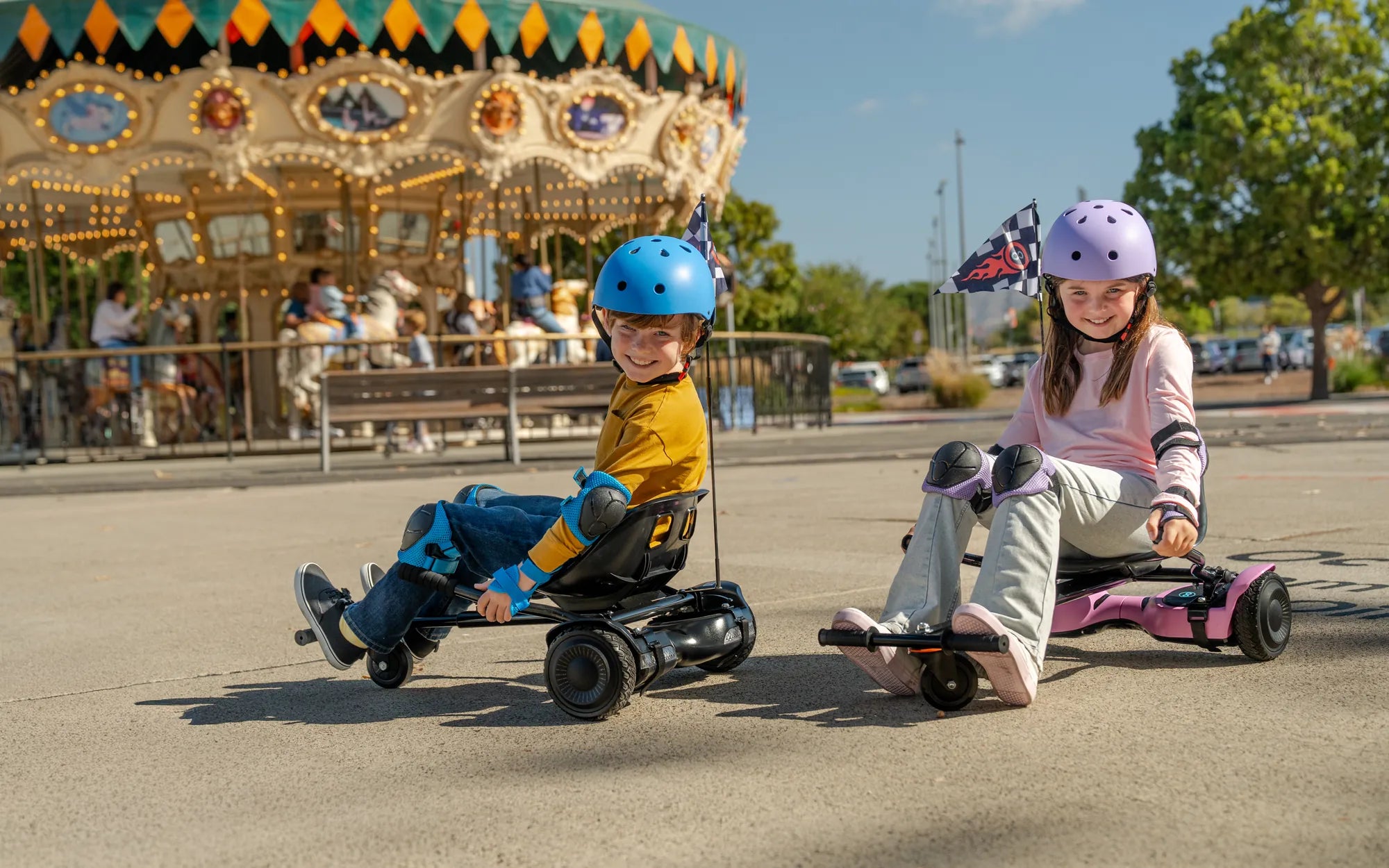
Ever felt your hoverboard wobbling or not responding correctly? The solution might be simpler than you think—recalibration. Whether you're a beginner or a seasoned rider, knowing how to recalibrate a hoverboard ensures a smooth and safe ride. Let's dive into the step-by-step process to get your device back in top shape.
Why Recalibrate Your Hoverboard?
Recalibration is crucial for maintaining your hoverboard's balance and responsiveness. Over time, the internal gyroscopes can lose accuracy due to bumps, drops, or even regular use. Recalibrating resets these sensors, ensuring your hoverboard operates as intended.
Signs Your Hoverboard Needs Recalibration
Before jumping into the process, check if your hoverboard exhibits these common symptoms:
- Uneven or shaky movement
- One side tilting more than the other
- Delayed response to foot pressure
- Error lights or beeping sounds
Step-by-Step Guide to Recalibrating Your Hoverboard
Step 1: Turn Off the Hoverboard
Ensure your hoverboard is powered off before starting. This prevents accidental movements during recalibration.
Step 2: Place It on a Flat Surface
Find a level, stable surface to place your hoverboard. This ensures the gyroscopes calibrate accurately.
Step 3: Enter Calibration Mode
Most hoverboards enter calibration mode by holding the power button for 5-10 seconds until you hear a beep or see flashing lights.
Step 4: Wait for the Calibration to Complete
Keep the hoverboard still during this process. Avoid touching it until the lights stop flashing, indicating calibration is complete.
Step 5: Test the Hoverboard
Turn it on and take a short ride to ensure the recalibration was successful. If issues persist, repeat the process.
Tips for Successful Recalibration
- Avoid recalibrating on uneven or soft surfaces.
- Ensure the hoverboard is fully charged.
- Consult your user manual for model-specific instructions.
Common Mistakes to Avoid
Recalibration is straightforward, but these mistakes can hinder the process:
- Moving the hoverboard during calibration
- Using incorrect button combinations
- Skipping the flat surface requirement
When to Seek Professional Help
If recalibration doesn't resolve the issues, your hoverboard might have deeper mechanical or electrical problems. Contact a certified technician for further inspection.
Ready to enjoy a smoother ride? Recalibrating your hoverboard takes just minutes but makes a world of difference. Follow these steps, and you'll be gliding effortlessly in no time!
Batterie Hoverboard 24V: The Ultimate Guide to Powering Your Ride
Chic Hoverboard Bluetooth: The Ultimate Guide to Stylish and Smart Riding