



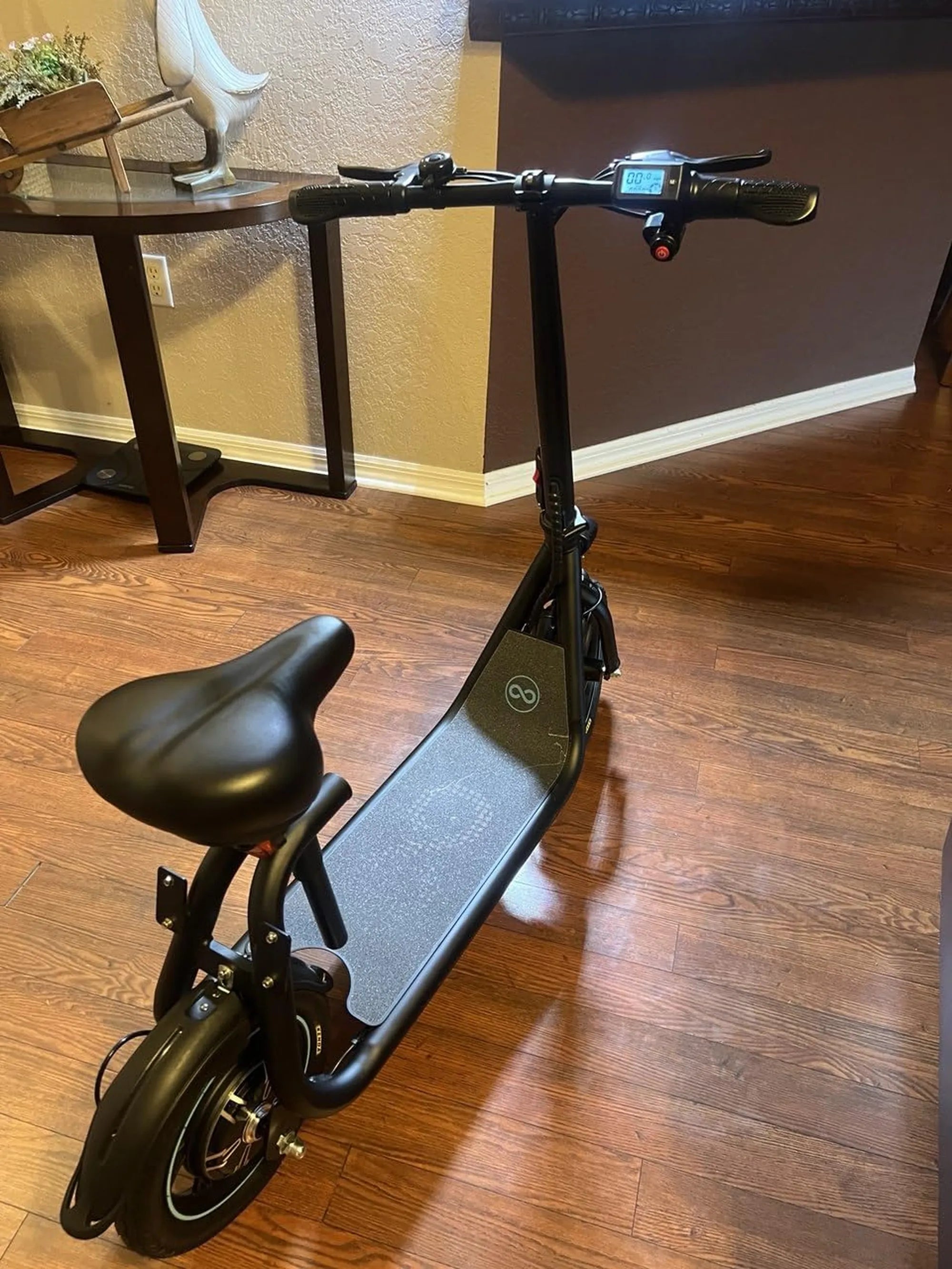
If you've ever wondered how to change KMH to MPH on your electric scooter, you're not alone. Many riders prefer seeing their speed displayed in miles per hour, especially in regions where MPH is the standard unit of measurement. Fortunately, switching between these units is often a straightforward process, and this guide will walk you through it step by step.
Why Change from KMH to MPH?
Electric scooters are manufactured for global markets, and many default to displaying speed in kilometers per hour (KMH). However, if you live in a country like the United States or the United Kingdom, where miles per hour (MPH) is the norm, you might find KMH confusing or inconvenient. Switching to MPH can make it easier to gauge your speed and comply with local traffic laws.
Step 1: Locate Your Scooter's Display Settings
Most electric scooters have a digital display that shows speed, battery life, and other metrics. To change the speed unit, you'll need to access the settings menu. This is usually done by pressing and holding a specific button or combination of buttons on the handlebar controls. Refer to your scooter's manual if you're unsure which buttons to press.
Step 2: Navigate to the Speed Unit Option
Once you're in the settings menu, look for an option labeled "Speed Unit," "Unit," or something similar. This is where you can toggle between KMH and MPH. Use the buttons to highlight the option and select it.
Step 3: Switch from KMH to MPH
After selecting the speed unit option, you'll typically see a choice between KMH and MPH. Highlight MPH and confirm your selection. Your scooter's display should now show speed in miles per hour.
Step 4: Test the Change
Take your scooter for a short ride to ensure the change has taken effect. Check the display to confirm that your speed is now being shown in MPH. If not, repeat the steps or consult your manual for further guidance.
Troubleshooting Tips
If you're unable to change the speed unit, double-check that you're following the correct button sequence. Some scooters require a long press or a specific combination of buttons to access advanced settings. If all else fails, contacting customer support may be necessary.
Final Thoughts
Switching your electric scooter's speed display from KMH to MPH is a simple process that can make your rides more intuitive and enjoyable. With just a few button presses, you'll have your speed displayed in the unit you're most comfortable with. Now, hit the road and enjoy your ride with confidence!
Fastest Off Road Electric Scooter: The Ultimate Guide to High-Speed Adventure
How to Store Electric Scooter in Apartment: Space-Saving Tips and Tricks