

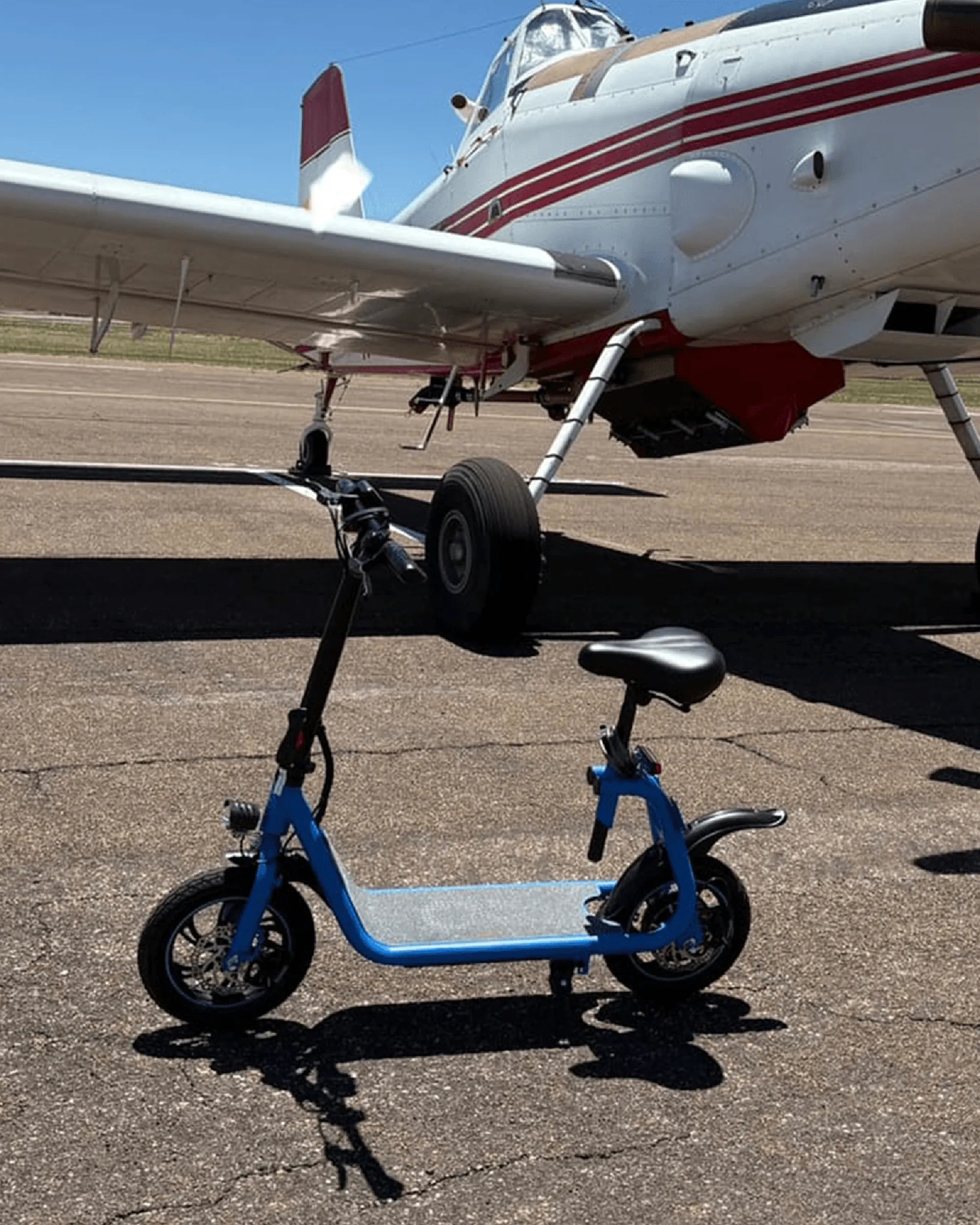
Electric scooters are a convenient and eco-friendly way to get around, but like any vehicle, they require regular maintenance to stay in top condition. One of the most important aspects of upkeep is cleaning. However, cleaning an electric scooter isn't as simple as hosing it down. Improper cleaning can damage sensitive components, leading to costly repairs. Here's a comprehensive guide on how to clean your electric scooter safely and effectively.
Why Cleaning Your Electric Scooter Matters
Regular cleaning isn't just about keeping your scooter looking good—it's essential for its performance and longevity. Dirt, dust, and grime can accumulate on the wheels, brakes, and electrical components, causing wear and tear over time. Proper cleaning prevents corrosion, ensures smooth operation, and helps you spot potential issues before they become serious problems.
What You'll Need
Before you start, gather the right tools and materials to avoid damaging your scooter. Here's what you'll need:
- A soft microfiber cloth or sponge
- Mild soap or a specialized bike/scooter cleaner
- A bucket of warm water
- A soft-bristle brush (for tough grime)
- Isopropyl alcohol (for disinfecting handles)
- A dry towel for drying
- Compressed air (optional, for hard-to-reach areas)
Step-by-Step Cleaning Process
1. Power Off and Disconnect the Battery
Safety first! Always turn off your scooter and disconnect the battery if possible. This prevents accidental activation and protects electrical components from water damage.
2. Remove Loose Dirt and Debris
Use a dry cloth or soft brush to wipe away loose dirt, leaves, or debris from the scooter's frame, wheels, and undercarriage. This prevents scratching during the wet cleaning process.
3. Wipe Down with a Damp Cloth
Dip a microfiber cloth in warm, soapy water and gently wipe the scooter's surfaces. Avoid soaking the cloth—excess water can seep into electrical parts. Focus on the frame, handlebars, and deck.
4. Clean the Wheels and Brakes
Wheels and brakes collect the most grime. Use a soft-bristle brush to scrub away dirt from the tires and brake pads. For stubborn grime, a mild degreaser can help, but rinse thoroughly afterward.
5. Dry Thoroughly
After cleaning, use a dry towel to wipe down all surfaces. Pay special attention to crevices where water might pool. Let the scooter air-dry completely before reassembling or using it.
6. Disinfect Handlebars and Grips
Handlebars and grips can harbor bacteria. Dampen a cloth with isopropyl alcohol and wipe them down to disinfect. This step is especially important if you share your scooter with others.
7. Check for Damage
While cleaning, inspect your scooter for signs of wear, such as loose bolts, worn brake pads, or frayed wires. Addressing these issues early can prevent accidents and extend your scooter's lifespan.
What Not to Do
Avoid these common mistakes to prevent damage:
- Don't use a pressure washer: High-pressure water can force moisture into electrical components.
- Don't submerge the scooter: Even water-resistant models aren't designed to be fully submerged.
- Don't use harsh chemicals: Bleach or abrasive cleaners can damage the finish and electronics.
- Don't clean while charging: This poses a risk of electric shock.
How Often Should You Clean Your Scooter?
The frequency depends on usage. For daily riders, a quick wipe-down every few days and a thorough clean once a week is ideal. Occasional riders can clean their scooters every few weeks. Always clean after riding in rain or muddy conditions.
Final Tips for Long-Term Care
Beyond cleaning, store your scooter in a dry place, avoid extreme temperatures, and follow the manufacturer's maintenance guidelines. Regular check-ups and timely repairs will keep your scooter running smoothly for years.
Keeping your electric scooter clean doesn't just preserve its appearance—it ensures a safer, more reliable ride every time. With these simple steps, you can enjoy your scooter for miles to come without worrying about hidden dirt or damage. Happy riding!
Kids Electric Bike for 8 Year Old: The Ultimate Guide to Safe and Fun Riding
Best Electric Scooter for Delivery Purpose: Top Picks for Efficiency and Reliability