



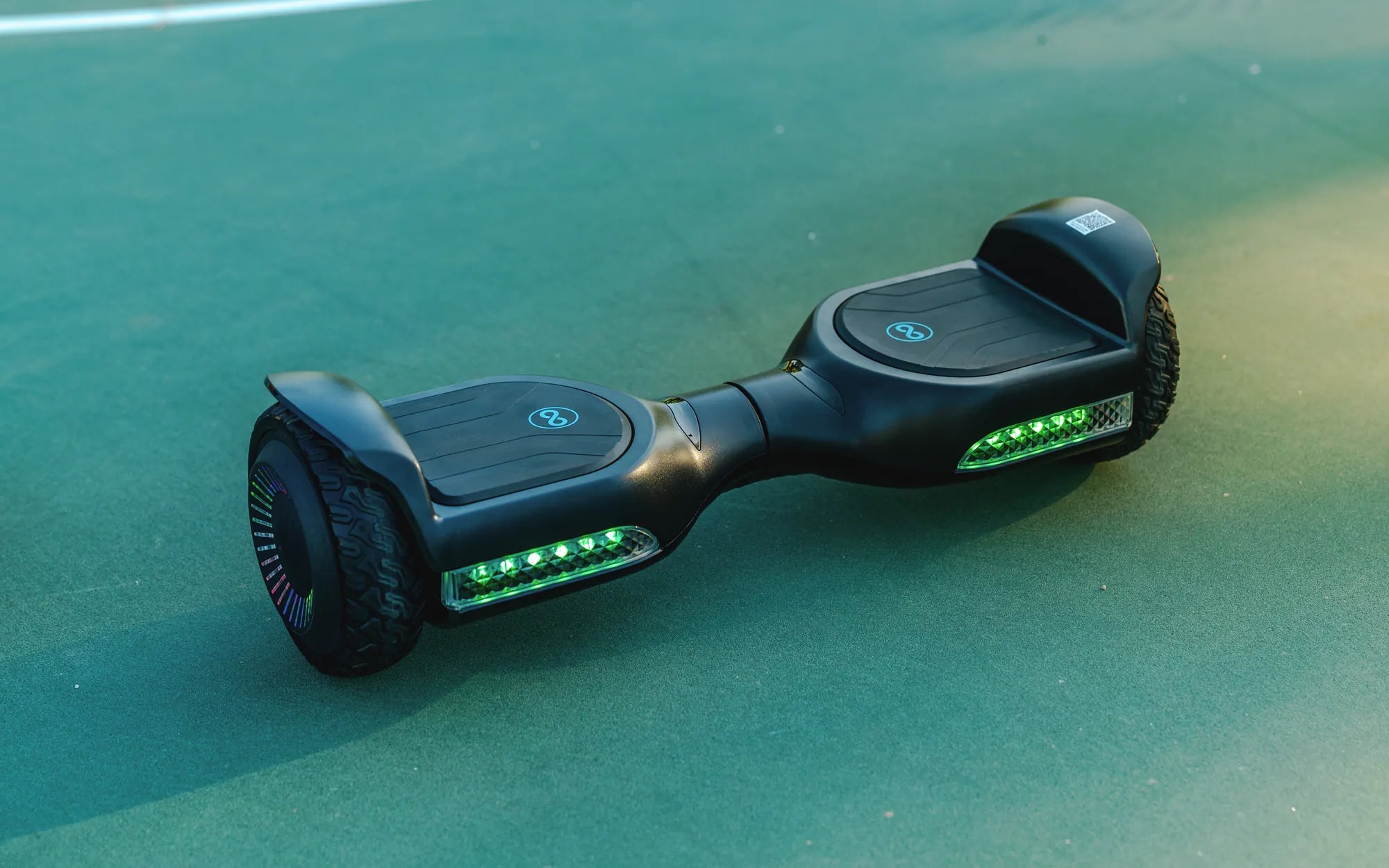
Few things are as frustrating as hopping on your hoverboard, only to find it won't budge forward. Whether you're a seasoned rider or a beginner, a malfunctioning hoverboard can put a damper on your fun. But before you consider tossing it out or spending money on repairs, there are several troubleshooting steps you can take to diagnose and fix the issue yourself. Let's dive into the most common reasons why a hoverboard won't go forward and how to resolve them.
Check the Battery and Charging System
One of the most common culprits behind a hoverboard that won't move forward is a depleted or faulty battery. Start by ensuring your hoverboard is fully charged. Plug it into the charger and wait for the indicator light to confirm a full charge. If the battery doesn't hold a charge or the hoverboard powers off unexpectedly, you may need to replace the battery.
Inspect the Wheels and Motors
Dirt, debris, or mechanical issues with the wheels or motors can prevent forward movement. Lift the hoverboard and spin each wheel manually. If one wheel is harder to turn or makes unusual noises, there may be an obstruction or motor problem. Clean the wheels and check for any visible damage. If the motor is faulty, it may need replacement.
Examine the Foot Pads and Sensors
Hoverboards rely on pressure sensors in the foot pads to detect movement. If one sensor is malfunctioning, the hoverboard may not respond when you lean forward. Test each foot pad by pressing down firmly to see if the hoverboard reacts. If a sensor is unresponsive, it may need recalibration or replacement.
Calibrate the Hoverboard
Calibration issues can cause erratic behavior, including failure to move forward. To recalibrate, turn off the hoverboard, place it on a flat surface, and hold the power button for 10-15 seconds until you hear a beep. Release the button, then turn it back on. This resets the internal gyroscope and sensors, often resolving movement issues.
Look for Loose or Damaged Wiring
Internal wiring problems can disrupt power flow to the motors. Carefully open the hoverboard's casing (if possible) and inspect for loose, frayed, or disconnected wires. Reconnect any loose connections or replace damaged wires. Be cautious and consult a professional if you're unsure.
Test the Gyroscope
The gyroscope ensures balance and directional control. If it's faulty, the hoverboard may not move forward. Tilt the hoverboard slightly forward while powered on—if it doesn't respond, the gyroscope may need replacement. Some models allow gyroscope recalibration through a specific button sequence.
Check for Firmware Updates
Outdated firmware can cause performance issues. Check the manufacturer's website or app for updates. Follow the instructions to install the latest firmware, which may include bug fixes for movement-related problems.
Assess the Terrain and Surface
Hoverboards struggle on uneven or slippery surfaces. Ensure you're riding on a flat, dry area. Avoid carpets, gravel, or inclines, as these can interfere with the sensors and motors.
Reset the Hoverboard
If all else fails, perform a factory reset. Refer to your user manual for the correct procedure, as it varies by model. This clears all settings and often resolves persistent issues.
Don't let a stubborn hoverboard ruin your ride! With these troubleshooting steps, you'll likely pinpoint the issue and get back to gliding smoothly in no time. Remember, regular maintenance and proper handling can prevent many of these problems from occurring in the first place. Happy riding!
6 Minutes on a Hoverboard: The Ultimate Guide to Mastering the Ride
Why Is One Side of My Hoverboard Not Working? Troubleshooting Guide