



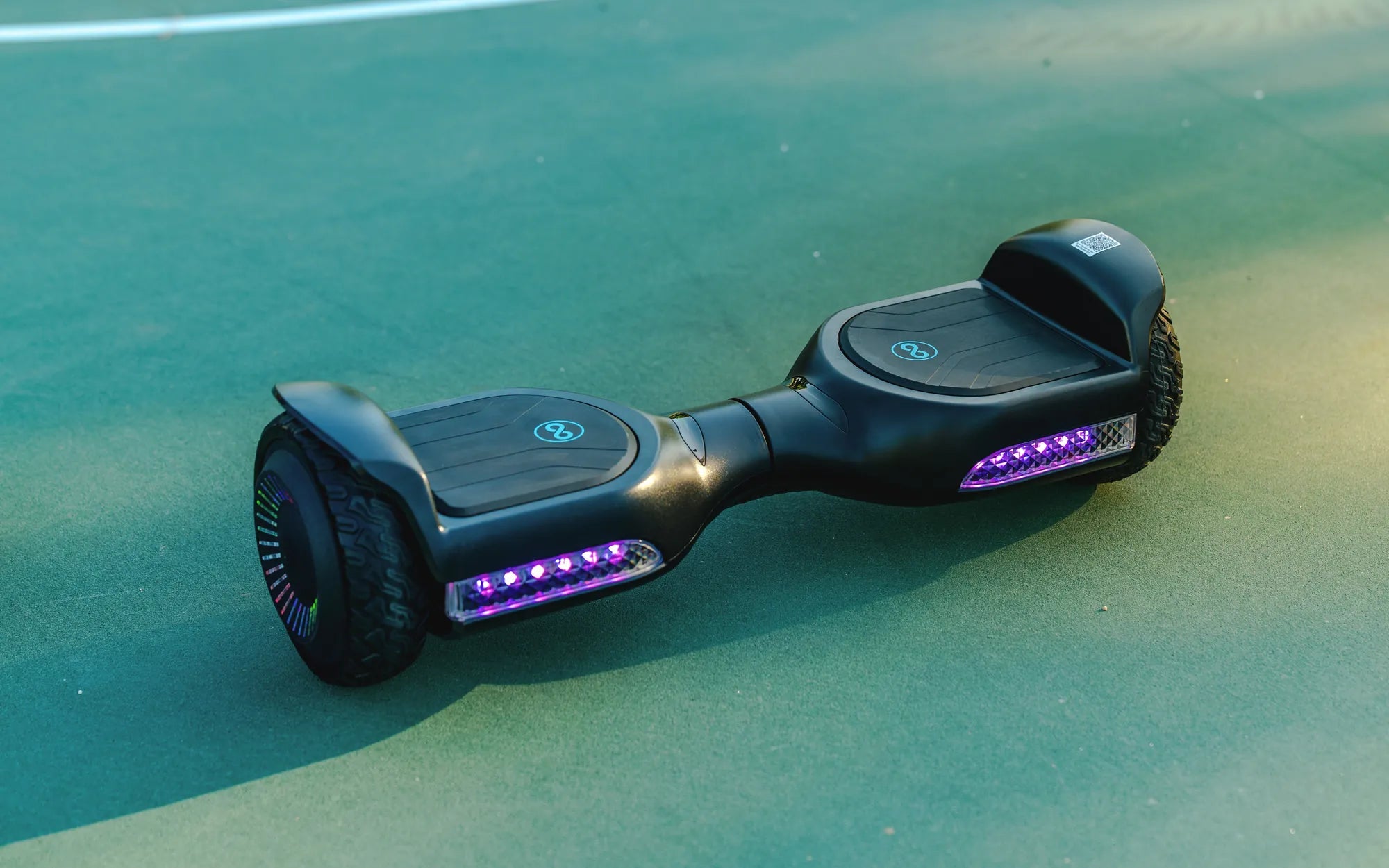
Seeing an orange light on your hoverboard can be frustrating, especially when you're ready to ride. But don't worry—this issue is often easy to fix with the right approach. Whether it's a battery problem, a loose connection, or a software glitch, we'll guide you through the steps to resolve it and get you back on the move.
Understanding the Orange Light Indicator
The orange light on your hoverboard is a warning signal that something isn't functioning correctly. It could indicate low battery, overheating, or a malfunction in the system. Identifying the root cause is the first step toward fixing the problem.
Common Causes of the Orange Light
Several factors can trigger the orange light on your hoverboard. Here are the most common ones:
- Low Battery: If the battery is critically low, the hoverboard may display an orange light to alert you.
- Overheating: Extended use or exposure to high temperatures can cause the hoverboard to overheat.
- Loose Wiring: Poor connections or damaged wires can disrupt the hoverboard's functionality.
- Software Issues: Outdated or corrupted firmware may cause the orange light to appear.
Step-by-Step Troubleshooting Guide
Follow these steps to diagnose and fix the orange light issue on your hoverboard:
Step 1: Check the Battery
Plug your hoverboard into the charger and let it charge for at least 2 hours. If the orange light persists, the battery might be faulty or not holding a charge.
Step 2: Inspect for Overheating
Turn off the hoverboard and let it cool down for 30 minutes. If the orange light disappears after cooling, avoid prolonged use in hot conditions.
Step 3: Examine the Wiring
Open the hoverboard casing carefully and check for loose or damaged wires. Reconnect any loose connections and replace frayed wires if necessary.
Step 4: Update the Firmware
Visit the manufacturer's website to download the latest firmware for your hoverboard model. Follow the instructions to update the software.
Step 5: Reset the Hoverboard
Some hoverboards have a reset button. Press and hold it for 10 seconds to restore the device to factory settings.
Preventive Measures
To avoid future issues with the orange light, follow these tips:
- Charge your hoverboard regularly and avoid draining the battery completely.
- Store the hoverboard in a cool, dry place away from direct sunlight.
- Perform routine maintenance checks on wiring and connections.
When to Seek Professional Help
If none of the above steps resolve the orange light issue, it may indicate a more serious problem, such as a damaged motherboard or faulty sensors. In such cases, consult a professional technician for repairs.
Don't let the orange light stop you from enjoying your hoverboard. With these troubleshooting steps, you can quickly identify and fix the issue, ensuring smooth rides every time. Get back on track and ride with confidence!
Hoverboard 8 Pouces: The Ultimate Guide to Compact and Powerful Personal Transportation
Solid Orange Battery Light on Hoverboard: Causes and Solutions