


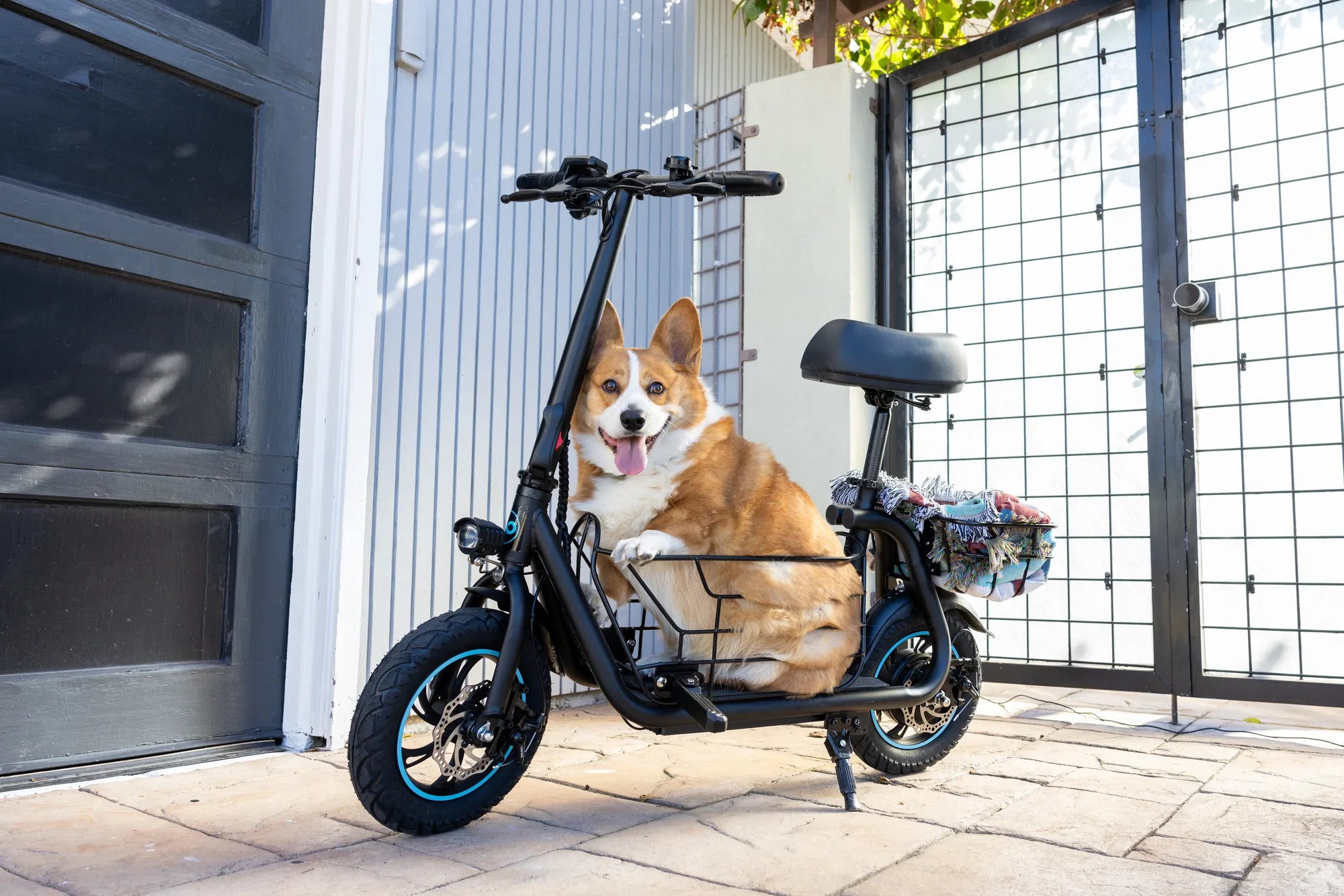
Ever wished your electric scooter could connect to your phone or play your favorite tunes while you ride? Adding Bluetooth to your electric scooter is easier than you think, and it opens up a world of convenience and entertainment. Whether you want to listen to music, track your rides, or simply enjoy hands-free calls, this guide will walk you through the entire process.
Why Add Bluetooth to Your Electric Scooter?
Bluetooth technology can enhance your riding experience in several ways. You can connect your scooter to your smartphone for navigation, play music through built-in speakers, or even monitor battery levels remotely. Some riders also use Bluetooth to customize their scooter's performance settings via dedicated apps.
What You'll Need
Before diving into the installation, gather these essential tools and components:
- A Bluetooth module compatible with your scooter's voltage
- Basic wiring tools (screwdrivers, wire strippers, etc.)
- Electrical tape or heat shrink tubing
- A power source (usually your scooter's battery)
- Optional: Speakers or a display unit if not included with the module
Step 1: Choose the Right Bluetooth Module
Not all Bluetooth modules are created equal. Look for one that matches your scooter's voltage (typically 12V, 24V, or 36V) and offers the features you need, such as audio streaming or data connectivity. Waterproof or weather-resistant modules are ideal for outdoor use.
Step 2: Locate the Power Source
Most electric scooters have accessible wiring near the handlebars or under the deck. Identify a suitable power source, such as the battery terminals or an existing accessory port. Ensure the voltage matches your Bluetooth module's requirements.
Step 3: Install the Bluetooth Module
Mount the module in a secure, dry location—often inside the scooter's deck or near the handlebars. Connect the power wires to your chosen source, ensuring proper polarity (positive to positive, negative to negative). Use electrical tape or heat shrink tubing to insulate the connections.
Step 4: Connect Accessories (Optional)
If your setup includes speakers or a display, wire them to the Bluetooth module according to the manufacturer's instructions. Test the connections before securing everything in place.
Step 5: Pair and Test
Turn on your scooter and activate the Bluetooth module. Open your smartphone's Bluetooth settings and pair with the module. Test audio playback, call functionality, or any other features to ensure everything works correctly.
Troubleshooting Common Issues
If your Bluetooth isn't working, check these potential fixes:
- Ensure the module is receiving power (test with a multimeter if needed).
- Verify that your smartphone is within range (usually up to 30 feet).
- Reset the module by disconnecting and reconnecting the power.
- Update the module's firmware if applicable.
Safety Tips
Always prioritize safety when modifying your electric scooter:
- Disconnect the battery before working on wiring.
- Avoid exposing the Bluetooth module to moisture unless it's waterproof.
- Keep volume levels low to stay aware of your surroundings while riding.
Ready to hit the road with your newly upgraded electric scooter? With Bluetooth onboard, your rides will be smarter, more entertaining, and far more connected. Whether you're cruising through the city or exploring new trails, this simple upgrade can transform your scooter into a high-tech companion.
Electric Scooter 25 kmh Price: What You Need to Know Before Buying
Best Balancing Scooter to Buy: Top Picks for Smooth Rides