



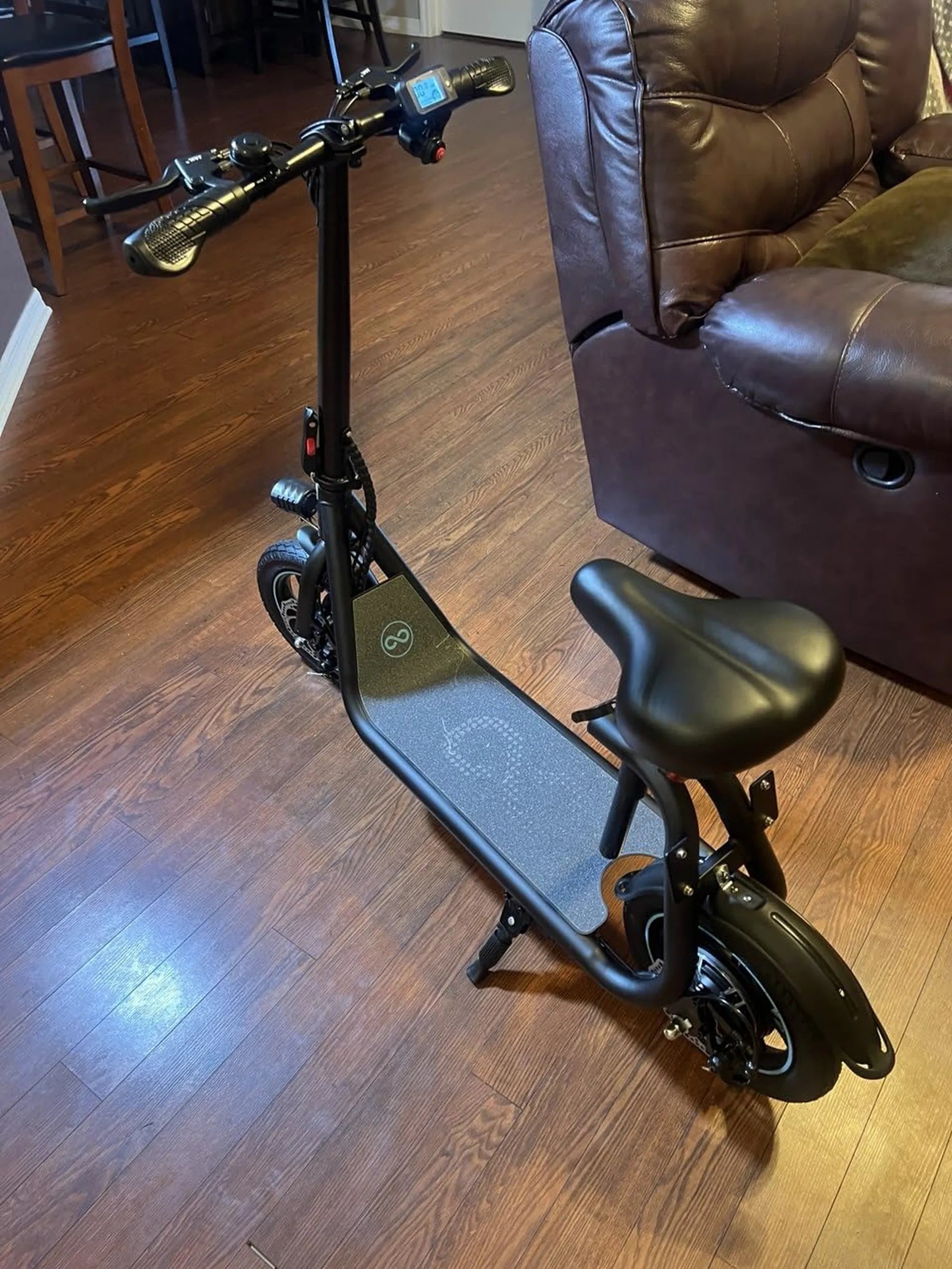
Is your mobility scooter losing power faster than usual? Replacing the battery might be the solution you need. Whether you're a first-timer or looking for a refresher, this guide will walk you through the process step by step. Let's get started!
Why Replace Your Mobility Scooter Battery?
Mobility scooter batteries degrade over time, leading to reduced performance and shorter ride durations. If your scooter struggles to hold a charge or takes longer to recharge, it's likely time for a replacement. A fresh battery ensures reliable operation and extends the lifespan of your scooter.
Tools and Materials You'll Need
Before starting, gather the following items:
- A new compatible battery (check your scooter's manual for specifications)
- Adjustable wrench or socket set
- Screwdrivers (Phillips and flathead)
- Protective gloves and safety glasses
- Cleaning cloth
- Battery terminal cleaner (optional)
Step 1: Turn Off and Disconnect the Scooter
Safety first! Ensure your scooter is turned off and the key is removed. Unplug the charger if it's connected. This prevents accidental shocks or short circuits during the replacement process.
Step 2: Locate the Battery Compartment
Most mobility scooters house the battery under the seat or in a compartment near the rear wheels. Refer to your scooter's manual if you're unsure where to find it. Remove any covers or panels securing the battery in place.
Step 3: Disconnect the Old Battery
Carefully disconnect the battery terminals, starting with the negative (black) cable followed by the positive (red) cable. Use your wrench or pliers to loosen the terminal nuts. Avoid touching both terminals simultaneously to prevent shocks.
Step 4: Remove the Old Battery
Lift the old battery out of its compartment. Batteries can be heavy, so use proper lifting techniques or ask for assistance if needed. Place the old battery on a stable, non-conductive surface.
Step 5: Clean the Battery Compartment
While the compartment is empty, take the opportunity to clean it. Wipe away any dirt, dust, or corrosion with a dry cloth. If there's significant corrosion, use a battery terminal cleaner to remove it.
Step 6: Install the New Battery
Place the new battery in the compartment, ensuring it's positioned correctly. Reconnect the terminals in reverse order: positive (red) first, then negative (black). Tighten the terminal nuts securely to ensure a good connection.
Step 7: Secure the Battery and Reassemble
Replace any covers or panels you removed earlier. Double-check that all connections are tight and the battery is firmly in place. This prevents movement during operation, which could damage the terminals.
Step 8: Charge the New Battery
Before using your scooter, fully charge the new battery. Follow the manufacturer's charging instructions to avoid overcharging or undercharging. A proper initial charge ensures optimal performance and longevity.
Step 9: Test Your Scooter
Turn on your scooter and take a short test ride. Check for smooth operation and ensure the battery indicator shows a full charge. If everything works as expected, you're good to go!
Tips for Maintaining Your New Battery
To extend the life of your new battery:
- Avoid completely draining the battery before recharging.
- Store your scooter in a cool, dry place when not in use.
- Charge the battery regularly, even if you don't use the scooter often.
- Keep the terminals clean and free of corrosion.
Now that you've replaced your mobility scooter battery, enjoy the renewed power and reliability of your ride. With proper care, your new battery will keep you moving smoothly for years to come!
What Is a Trike Motorcycle: The Ultimate Guide to Three-Wheeled Riding
Big Wheel Dirt Bike: The Ultimate Off-Road Adventure Machine