


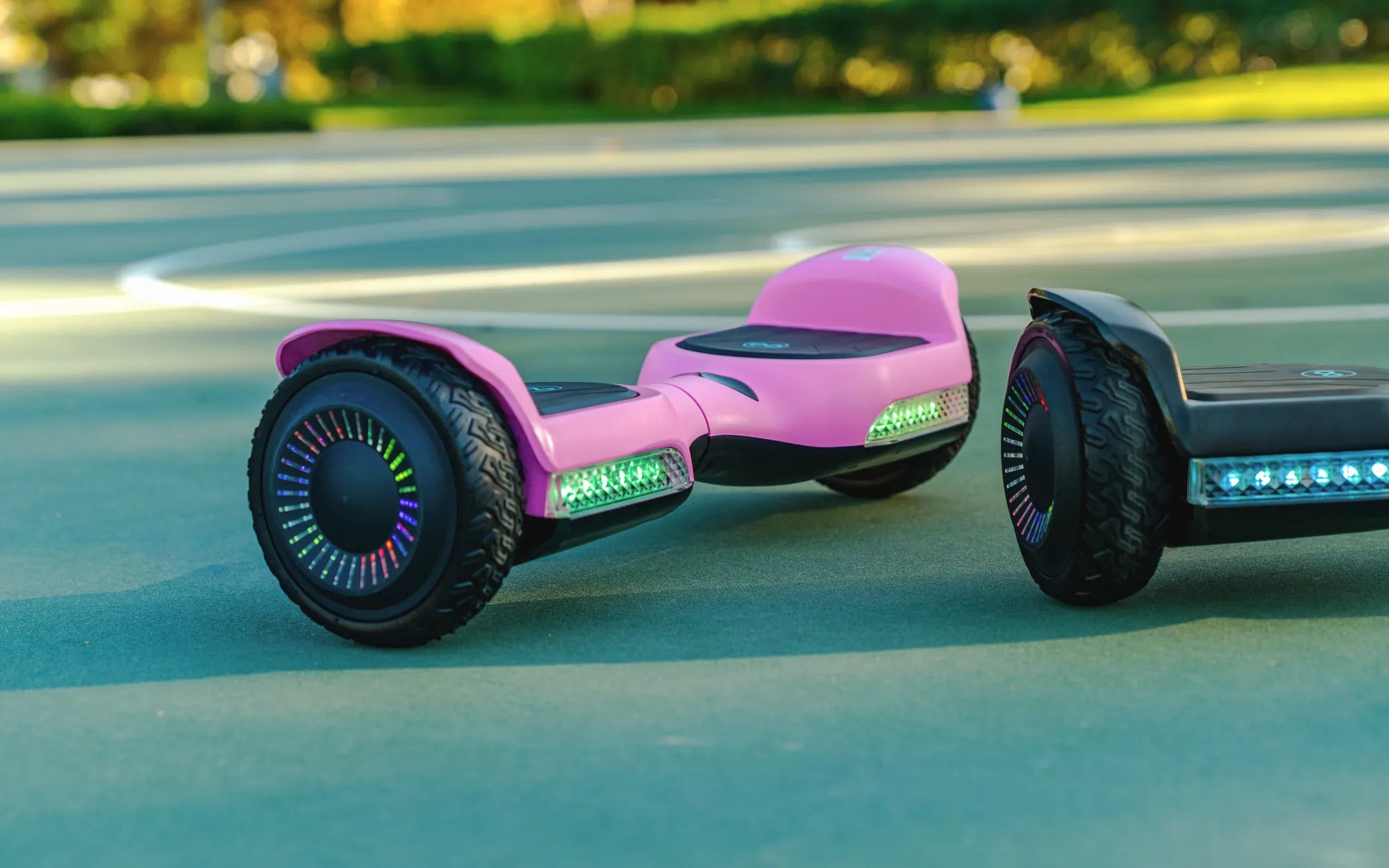
Hoverboards are a fun and convenient way to get around, but like any electronic device, they can sometimes act up. If your hoverboard isn't responding or behaving strangely, a simple restart might be all it needs. Whether you're dealing with unresponsive controls, a frozen display, or unexpected shutdowns, this guide will walk you through how to restart a hoverboard safely and efficiently.
Why Restarting a Hoverboard Can Help
Restarting a hoverboard is often the first step in troubleshooting common issues. Just like a smartphone or computer, hoverboards rely on internal software that can occasionally glitch. A restart clears temporary errors, resets the system, and can resolve minor malfunctions without the need for professional repairs.
Step-by-Step Guide to Restarting a Hoverboard
Step 1: Power Off the Hoverboard
Locate the power button, usually found near the charging port or under the footpad. Press and hold the button until the hoverboard turns off completely. Wait at least 10 seconds before proceeding to the next step.
Step 2: Check the Battery Level
Before restarting, ensure the hoverboard has sufficient battery. A low battery can cause unexpected shutdowns or unresponsiveness. If the battery is critically low, charge the device for at least 30 minutes before attempting to restart.
Step 3: Perform a Hard Reset
If a standard power cycle doesn't work, try a hard reset. Turn off the hoverboard, then press and hold the power button for 15-20 seconds. Release the button and wait another 10 seconds before turning it back on.
Step 4: Recalibrate the Hoverboard
After restarting, recalibration may be necessary. Place the hoverboard on a flat surface, turn it on, and press the calibration button (if available). Follow any on-screen or audio prompts to complete the process.
Common Issues and Troubleshooting Tips
Unresponsive Controls
If the hoverboard turns on but doesn't respond to movement commands, check for loose connections or debris around the sensors. A restart often resolves this issue.
Frozen Display
A frozen screen can indicate a software glitch. Restarting the hoverboard usually fixes this problem. If the issue persists, consult the user manual for advanced troubleshooting.
Unexpected Shutdowns
Frequent shutdowns may signal a battery or overheating issue. Ensure the hoverboard is charged and not exposed to extreme temperatures. A restart can help reset the system and prevent further shutdowns.
Preventive Measures to Avoid Future Problems
To minimize the need for frequent restarts, keep your hoverboard clean, store it in a cool, dry place, and avoid overcharging the battery. Regular maintenance and software updates (if applicable) can also improve performance.
Don't let a glitchy hoverboard ruin your ride! With these simple steps, you can quickly restart your device and get back to cruising smoothly. Whether it's a minor hiccup or a persistent issue, knowing how to restart a hoverboard ensures you're always ready to roll.
Self-Balancing Scooter Bike: The Future of Personal Transportation
Self-Balancing Scooter Bike: The Future of Personal Transportation