



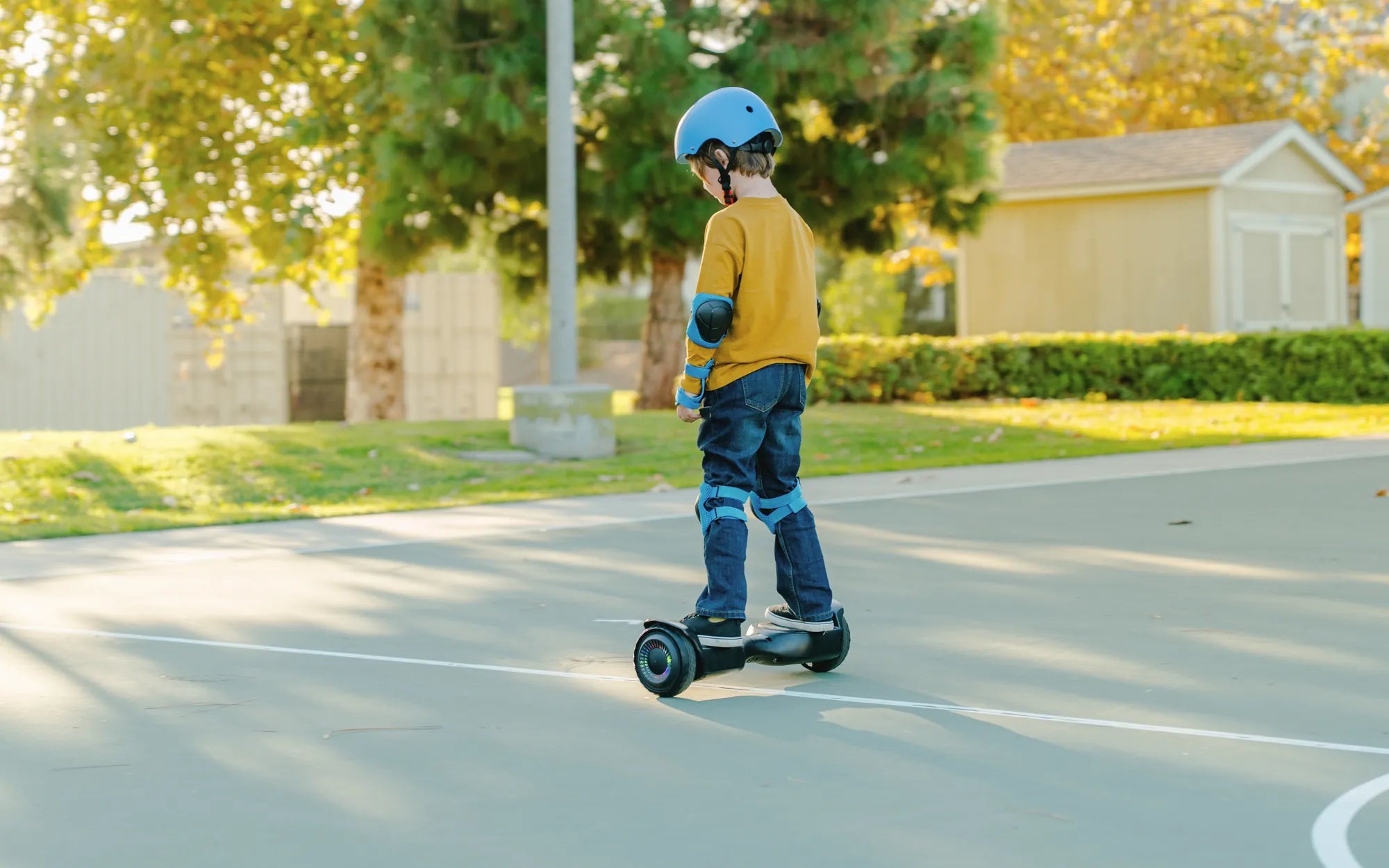
Few things are more frustrating than a hoverboard that won't stop beeping. Whether you're trying to enjoy a peaceful ride or avoid disturbing others, constant beeping can ruin the experience. But don't worry—most beeping issues are easy to fix once you understand the cause. This guide will walk you through the most common reasons for hoverboard beeping and how to stop it for good.
Why Is Your Hoverboard Beeping?
Before attempting to stop the beeping, it's important to understand why it's happening. Hoverboards beep as a warning signal for various issues, including:
- Low Battery: A common cause of beeping is a low or unstable battery charge.
- Overload or Weight Limit Exceeded: If the rider is too heavy, the hoverboard may beep to indicate strain.
- Uneven Surface or Calibration Issues: An improperly calibrated hoverboard may beep due to instability.
- Firmware or Software Glitches: Outdated or corrupted software can trigger false alarms.
- Motor or Sensor Problems: Mechanical or sensor malfunctions may lead to continuous beeping.
Step-by-Step Solutions to Stop the Beeping
1. Check the Battery Level
If your hoverboard is beeping intermittently, the first thing to check is the battery. Plug it into the charger and wait until it reaches a full charge. Some models beep when the battery is critically low or when there's a charging error. If the beeping persists after charging, try a different power outlet or inspect the charger for damage.
2. Ensure Proper Weight Distribution
Exceeding the weight limit can cause the hoverboard to beep as a safety precaution. Check the manufacturer's recommended weight capacity and ensure you're within the limit. If the issue persists, recalibrate the hoverboard (see next step).
3. Recalibrate the Hoverboard
Misaligned sensors often cause unnecessary beeping. To recalibrate:
- Turn off the hoverboard and place it on a flat, level surface.
- Press and hold the power button for 10-15 seconds until you hear a beep or see a flashing light.
- Release the button and wait for the hoverboard to reset.
- Turn it back on and test if the beeping has stopped.
4. Update the Firmware
Outdated firmware can cause glitches, including random beeping. Check the manufacturer's website for firmware updates and follow the instructions to install them. Some hoverboards update via a mobile app, while others require a USB connection.
5. Inspect for Physical Damage
If none of the above steps work, inspect the hoverboard for physical damage. Loose wires, cracked sensors, or motor issues can trigger beeping. If you're not comfortable opening the device, consult a professional technician.
Preventive Measures to Avoid Future Beeping
To minimize beeping issues in the future, follow these best practices:
- Charge the hoverboard after every use and avoid overcharging.
- Store it in a dry, temperature-controlled environment.
- Regularly clean the wheels and sensors to prevent dust buildup.
- Avoid riding on extremely uneven or wet surfaces.
By following these steps, you can silence that annoying beep and enjoy a smooth, uninterrupted ride. No more frustrating interruptions—just pure hoverboarding fun!
How Would a Hoverboard Work: The Science Behind Floating Skateboards
How Would a Hoverboard Work: The Science Behind Floating Skateboards