



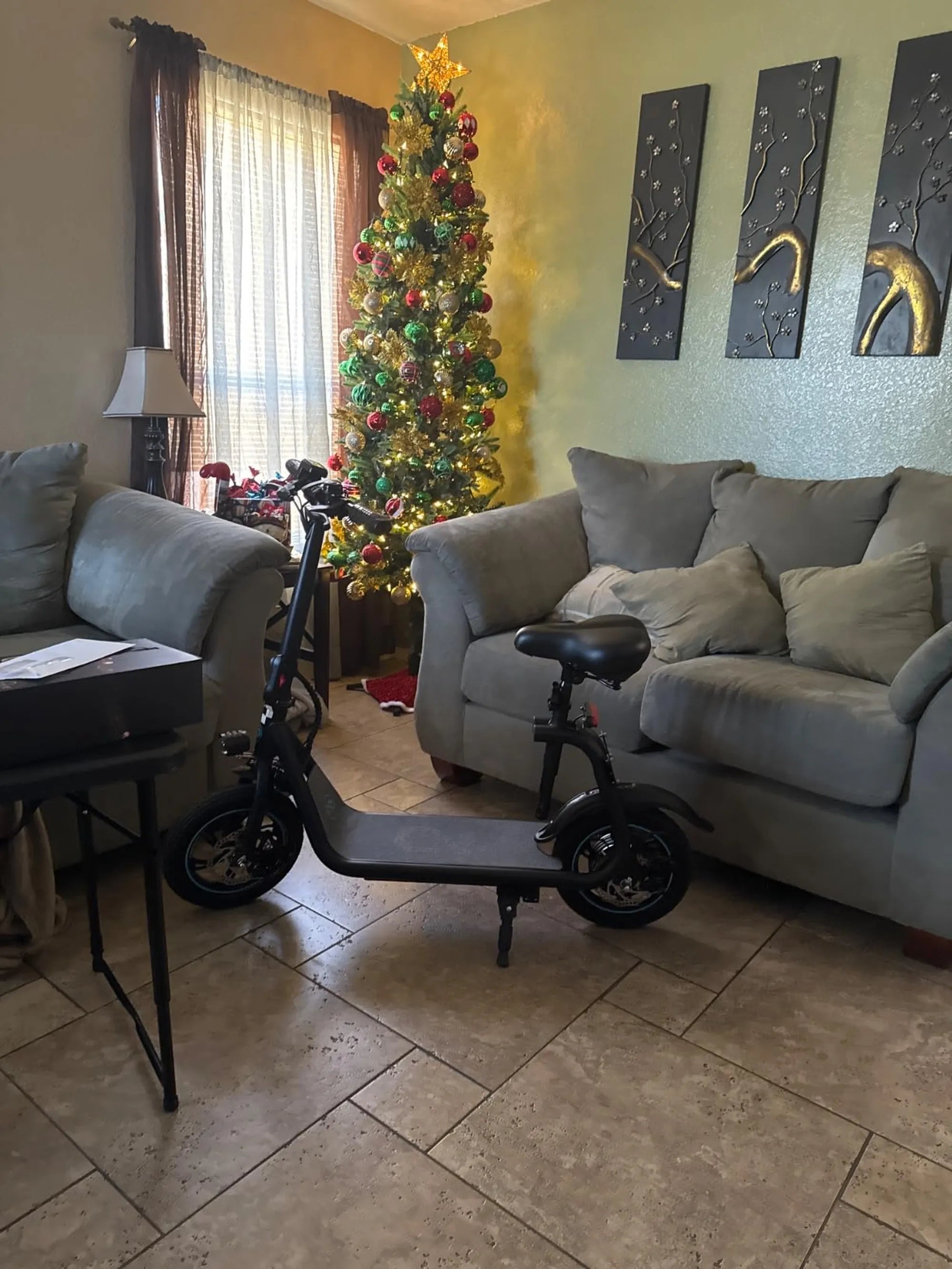
Ever found yourself staring at your electric scooter, wondering if there's a magical reset button to fix its sudden glitches? You're not alone. Many riders face unexpected hiccups with their scooters, from unresponsive controls to mysterious power failures. The good news is that some models do have a reset function—but it's not always as straightforward as pressing a button. Let's dive into the world of electric scooter troubleshooting and uncover the truth behind reset mechanisms.
Understanding Electric Scooter Reset Functions
Electric scooters vary widely in design, and so do their reset options. While some models feature a physical reset button, others rely on software-based resets or manual troubleshooting steps. Here's what you need to know:
- Physical Reset Buttons: Rare but present on some models, usually small recessed buttons requiring a paperclip to press
- Power Cycle Resets: Turning the scooter off and on again can sometimes resolve minor electronic glitches
- Battery Disconnect Resets: Physically disconnecting and reconnecting the battery can serve as a hard reset
- App-Based Resets: Some smart scooters offer reset functions through their companion mobile applications
Common Scenarios When a Reset Might Help
Before attempting any reset procedure, it's important to identify whether your issue actually requires a reset. These are some typical situations where a reset could potentially help:
| Issue | Possible Reset Solution |
|---|---|
| Scooter won't power on | Power cycle or battery disconnect |
| Display frozen or glitching | Physical reset button or power cycle |
| Throttle unresponsive | Power cycle or app-based reset |
| Error codes displayed | Consult manual for specific reset procedure |
Step-by-Step Reset Procedures
If you've determined that a reset might solve your problem, follow these general steps (always consult your specific model's manual first):
- Turn off the scooter completely and wait 30 seconds
- If available, locate the reset button (often near the charging port or under a small cover)
- Use a paperclip or similar tool to press and hold the button for 5-10 seconds
- For battery resets, carefully disconnect and reconnect the main battery connector
- Power the scooter back on and test functionality
When a Reset Isn't Enough
Sometimes, resetting won't solve deeper mechanical or electrical issues. If you've attempted multiple resets without success, consider these potential underlying problems:
- Faulty wiring or loose connections
- Battery degradation or failure
- Motor controller issues
- Water damage or corrosion
- Physical damage to components
Preventive Maintenance to Avoid Frequent Resets
Regular maintenance can significantly reduce the need for resets. Implement these practices to keep your scooter running smoothly:
- Keep the scooter clean and dry
- Store in a temperature-controlled environment
- Regularly check and tighten all connections
- Follow proper charging practices
- Update firmware when available
While not all electric scooters have a dedicated reset button, understanding your model's specific troubleshooting methods can save you time and frustration. Whether it's a simple power cycle or a more involved battery disconnect, knowing how to properly reset your scooter is an essential skill for any rider. Remember that persistent issues may require professional attention—don't hesitate to consult a technician if problems continue after attempted resets. Your next smooth ride might be just one proper reset away!
Electric Scooter Available in Kolkata: The Future of Urban Commuting
Electric Scooter Price in Hardoi: What You Need to Know Before Buying