



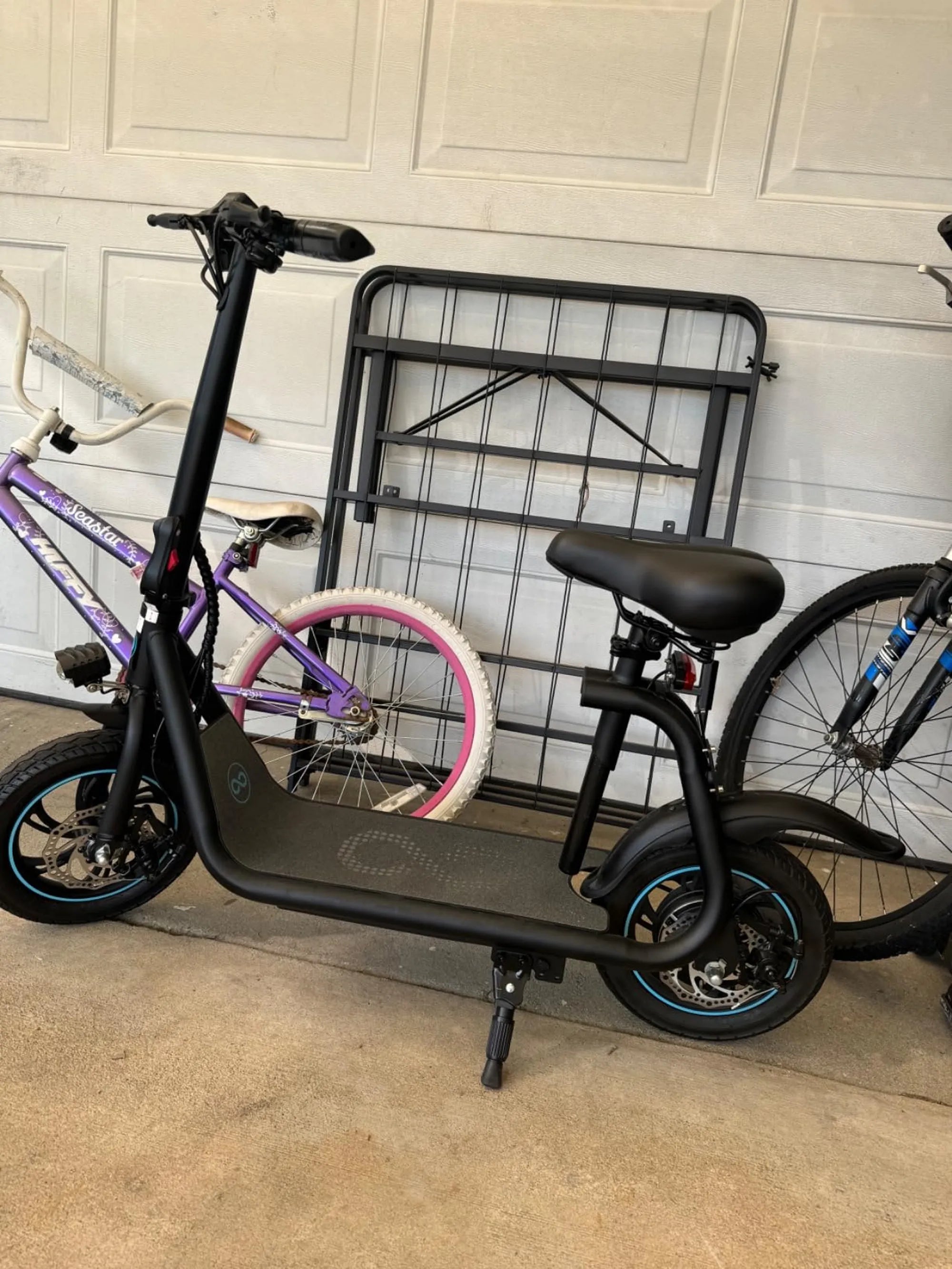
There's nothing more annoying than an electric scooter that won't stop beeping. Whether you're commuting to work or enjoying a leisurely ride, the constant noise can ruin the experience. Worse yet, it might indicate a deeper issue with your scooter. But don't worry—this guide will help you diagnose and fix the problem so you can get back to smooth, silent rides.
Why Is My Electric Scooter Beeping Nonstop?
Electric scooters beep for various reasons, and understanding the cause is the first step toward fixing it. Here are the most common culprits:
1. Low Battery Warning
Many scooters emit a beeping sound when the battery is running low. If your scooter won't stop beeping, check the battery indicator. A flashing light or low charge percentage usually confirms this issue. Charge your scooter fully to see if the beeping stops.
2. Overheating Motor
Continuous use, especially on steep inclines, can cause the motor to overheat. Some scooters beep to alert you of this. If the motor feels excessively hot, turn off the scooter and let it cool down before riding again.
3. Loose or Faulty Wiring
Loose connections or damaged wires can trigger false alarms. Inspect the wiring around the battery, motor, and control panel. If you find any frayed or disconnected wires, secure or replace them carefully.
4. Brake System Issues
If the scooter thinks the brakes are engaged when they're not, it may beep continuously. Check the brake sensors and ensure they're properly aligned. Clean any debris that might interfere with their function.
5. Software Glitches
Sometimes, a firmware bug can cause the scooter to beep unnecessarily. Check for updates from the manufacturer and install them if available. A reset might also help—consult your user manual for instructions.
How to Fix a Beeping Electric Scooter
Now that you know the likely causes, here's how to silence that annoying beep for good.
1. Charge the Battery Fully
If the beeping is due to a low battery, plug in the charger and wait until the battery is fully replenished. Avoid using the scooter while charging to prevent damage.
2. Let the Motor Cool Down
If overheating is the issue, turn off the scooter and let it rest for at least 30 minutes. Avoid pushing the motor too hard in the future, especially on hills.
3. Check and Tighten Wiring
Open the scooter's housing (if possible) and inspect the wiring. Look for loose connections, corrosion, or exposed wires. Reconnect or replace damaged parts as needed.
4. Adjust or Clean the Brake Sensors
Use a soft cloth to clean the brake sensors. If they're misaligned, gently adjust them so they make proper contact with the brake lever.
5. Reset or Update the Firmware
Refer to your manual for reset instructions. If an update is available, follow the manufacturer's steps to install it. This often resolves software-related beeping.
Preventive Measures to Avoid Future Beeping
To keep your scooter from beeping unnecessarily, follow these maintenance tips:
- Charge the battery before it gets too low.
- Avoid riding in extreme temperatures.
- Regularly inspect wiring and connections.
- Keep the scooter clean, especially around sensors.
- Update firmware as soon as new versions are released.
When to Seek Professional Help
If you've tried all the fixes above and your scooter still won’t stop beeping, it might be time to visit a repair shop. Persistent beeping could indicate a serious electrical or mechanical problem that requires expert attention.
Don't let a beeping scooter ruin your ride. With the right troubleshooting steps, you can silence the noise and enjoy smooth, uninterrupted journeys. Whether it's a simple battery recharge or a deeper wiring issue, addressing the problem early will keep your scooter running smoothly for miles to come.
Where Can I Use Electric Scooter: A Complete Guide to Riding Safely and Legally
Folding Electric Tricycle Scooter for Sale: The Ultimate Urban Commuting Solution